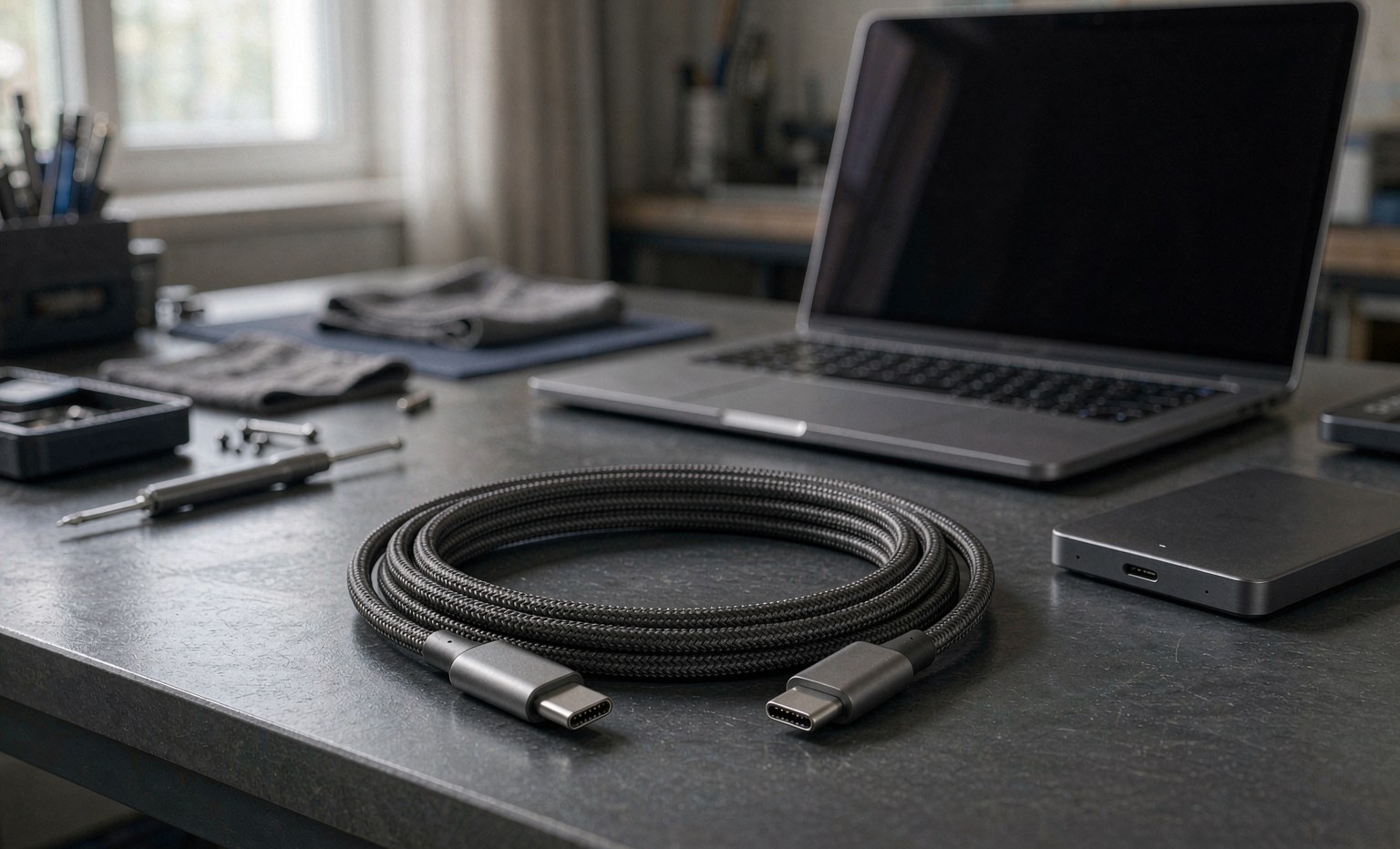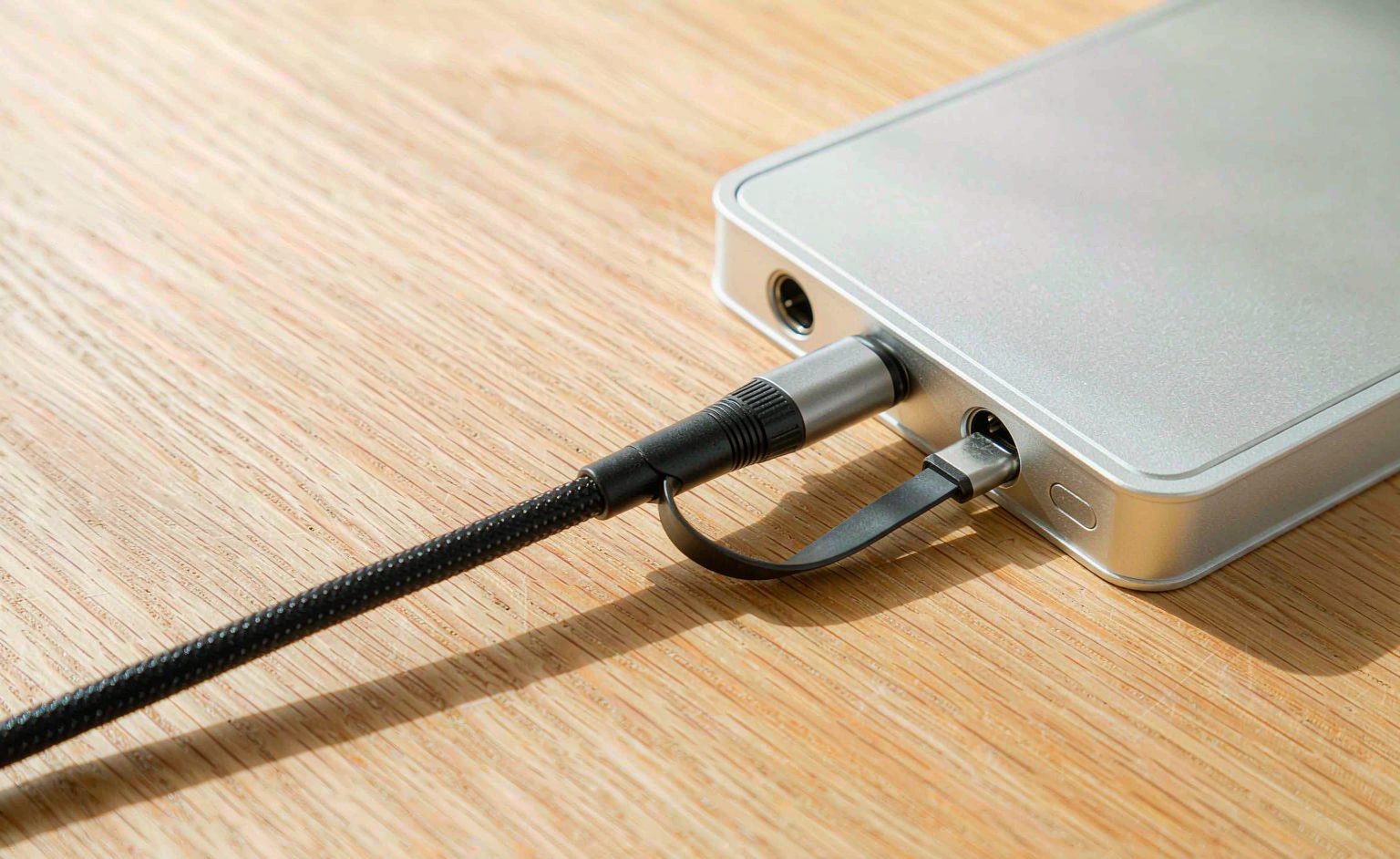
The 80 Gbps generation — USB4 Version 2.0 and Thunderbolt 5 — doubles the bandwidth of the previous cycle and changes what a cable has to be. The increase is not free: it demands better channel performance, tighter length limits, and a certification regime that buyers can no longer skip. For OEM and procurement teams, the practical questions are which assemblies genuinely support the new speeds, what the reach limits mean for a product design, and how to avoid buying a cable that carries the logo and not the performance. This guide covers the specification essentials.
What Changed in the 80 Gbps Generation
USB4 v2 keeps the USB-C connector and the USB4 protocol architecture while doubling the signalling rate: two lanes at 40 Gbps each in each direction, or asymmetric configurations up to 120 Gbps in one direction. Thunderbolt 5, which shares the underlying technology, offers the same bandwidth with its own certification and branding. The consequences for cables are direct: at these signalling rates, the cable’s channel loss budget shrinks, and the passive copper assemblies that comfortably ran the previous generation face much shorter reach limits.
| Generation | Signalling | Cable consequence |
|---|---|---|
| USB4 Gen 2 (40 Gbps) | 20 Gbps per lane | Passive copper to ~2 m typical; mature ecosystem |
| USB4 v2 / Thunderbolt 5 (80 Gbps) | 40 Gbps per lane | Passive copper reach roughly halves; active cables extend it |
The reach halving is the single most important procurement fact of this generation. A 2 m passive cable that ran 40 Gbps flawlessly will not run 80 Gbps at the same length — the channel loss simply exceeds the budget. The options are shorter passive assemblies, active cables that amplify and recondition the signal, or optical for longer reaches, and each is a different product with a different cost structure. The previous generation’s context and the ecosystem it created is covered in our USB4 revolution analysis.
Active, Passive, Optical: Choosing the Construction
At 80 Gbps, the construction choice decides the achievable length more than any other decision. Passive assemblies are cheapest and most reliable but reach-limited. Active assemblies integrate retimers or amplifiers that extend reach at higher cost and power draw. Optical assemblies reach the furthest and suit the longest runs, at a price and a connector-power requirement that keeps them out of most peripherals.
| Construction | Typical 80 Gbps reach | Trade-offs |
|---|---|---|
| Passive copper | Short — well under a metre class | Cheapest, no power draw; verify the rated length at 80 Gbps, not 40 |
| Active copper | Moderate — metre-plus class | Retimers extend reach; cost and power draw rise |
| Optical | Longest | Best reach; premium price, power at the connector end |
The critical specification discipline: length ratings are per-generation. A cable certified at 40 Gbps for 2 m is not thereby certified at 80 Gbps for 2 m, and the box may not make the distinction clear. The certification and marking regime is the buyer’s protection, which is why it deserves its own section. The power-delivery layer that rides alongside the data — the 240 W requirements — is covered in our e-marker and 240 W guide, and the enterprise context in our enterprise versus prosumer connectivity comparison.
Certification: What the Marks Mean
USB4 v2 and Thunderbolt 5 both carry certification programmes, and the marks are the buyer’s primary assurance that an assembly performs at the speed on the box. The certification regime exists precisely because the connector is universal and the performance is not: any USB-C plug fits, but only a certified assembly delivers the generation’s speeds at the rated length. For procurement, the rule is simple — buy certified assemblies with the generation and length stated together, and treat uncertified claims of compatibility with the scepticism they have earned.
The specification language for an order should name: the generation (USB4 v2 or Thunderbolt 5), the certified length and construction, the power-delivery rating required alongside it, and the connector locking or securing requirements where the application is industrial. The selection framework for the previous generation, which still covers most of the market, is in our USB4 cable buyer’s guide — and its discipline of specifying speed and length together carries directly into this generation.
Frequently Asked Questions
Will an 80 Gbps cable work at 40 Gbps?Yes — certification is backward-compatible by design. The reverse is the dangerous direction: a 40 Gbps cable at 80 Gbps simply negotiates down or fails, depending on the implementation.
Why are 80 Gbps passive cables so short?Channel loss at 40 Gbps per lane consumes the budget quickly over copper; beyond a short length, passive construction cannot recover the signal, which is what active retimers exist to solve.
How do I verify a supplier’s claim?Ask for the certification number and check it against the certifying body’s database. A supplier who cannot produce the number is describing an aspiration, not a product.
Technical background: {{OUT:https://en.wikipedia.org/wiki/USB4|USB4 and its generations}}, {{OUT:https://en.wikipedia.org/wiki/Thunderbolt_(interface)|Thunderbolt interface}} and {{OUT:https://en.wikipedia.org/wiki/Signal_integrity|signal integrity and channel loss}} cover the technologies referenced above.