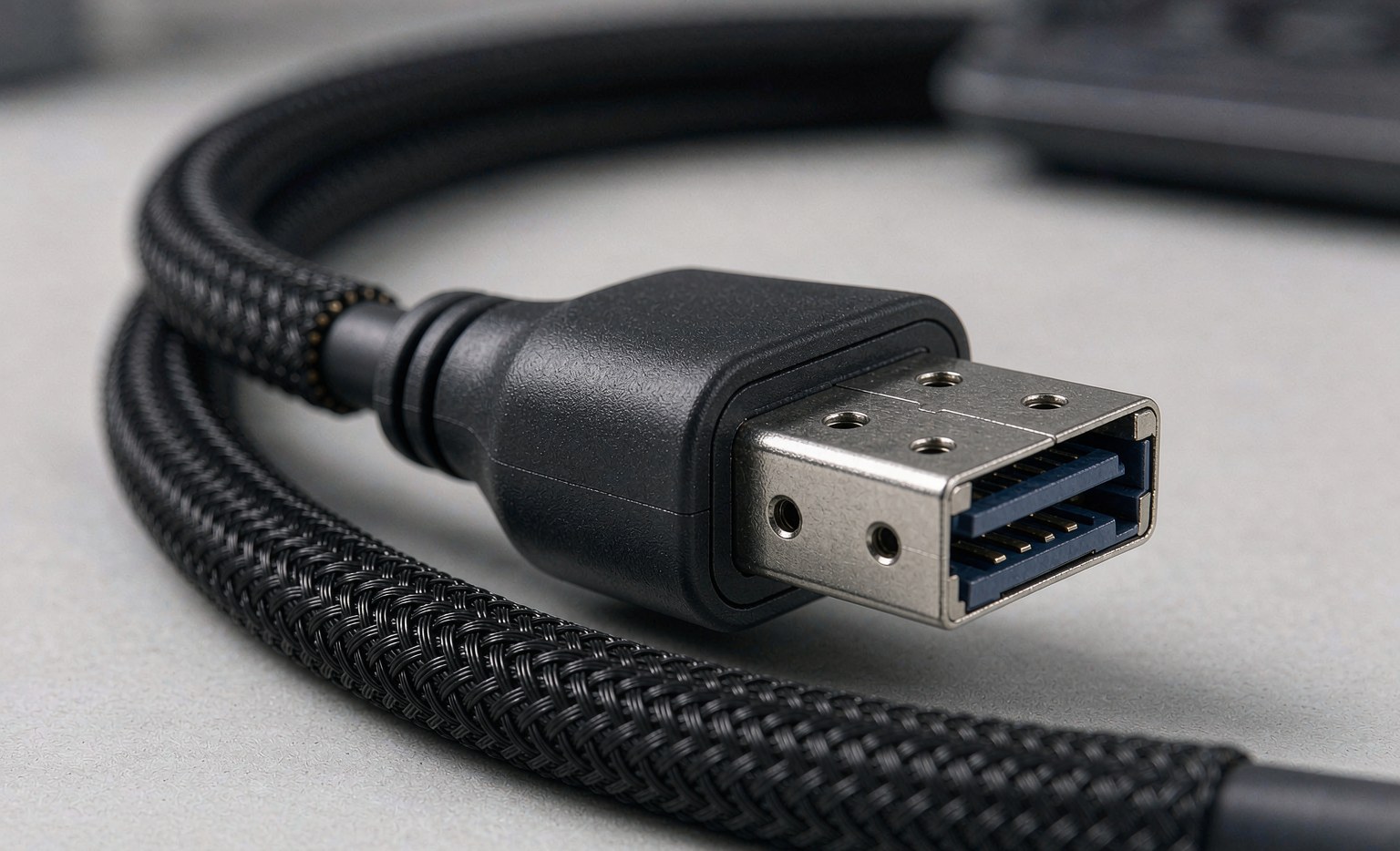
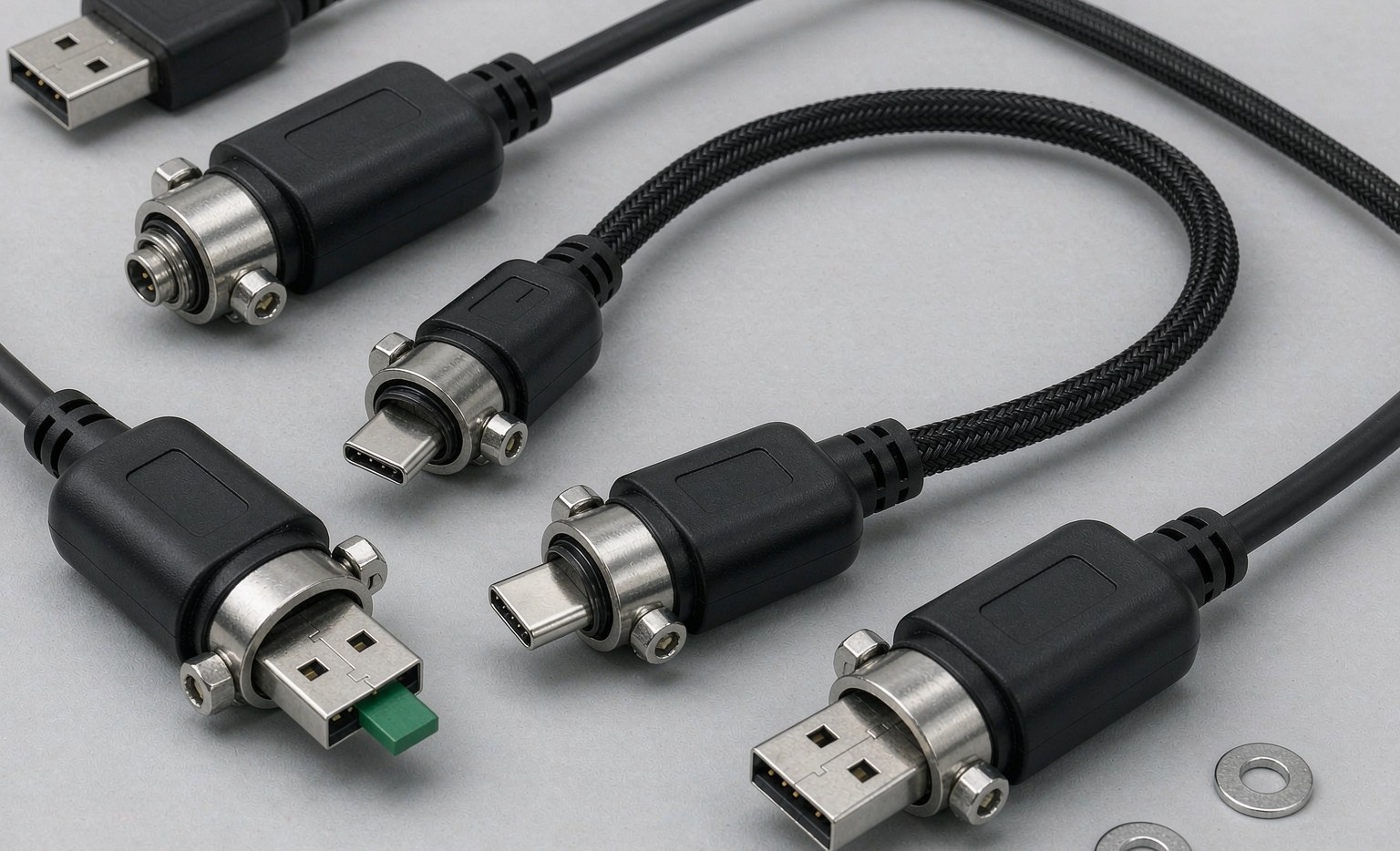
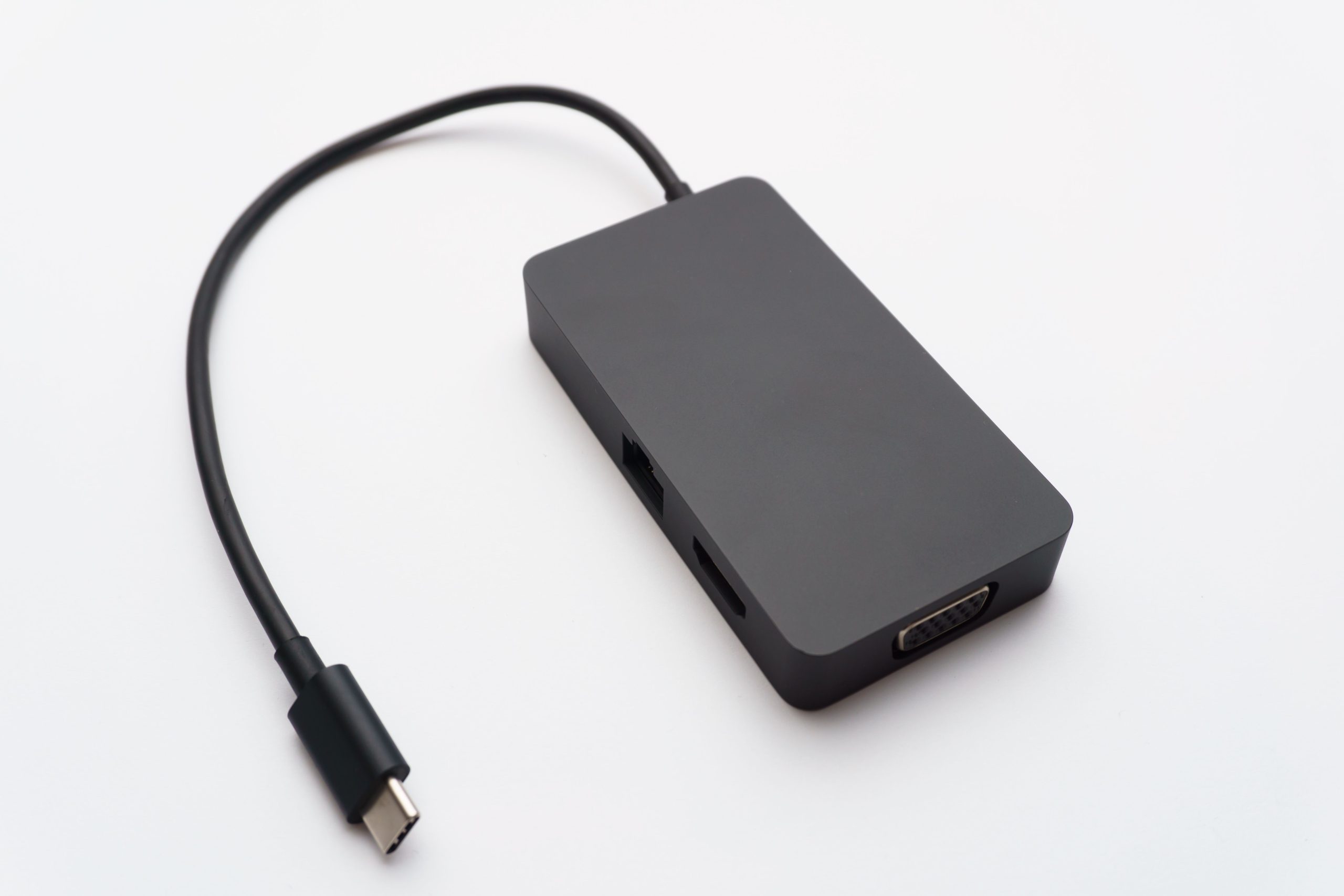
USB4 is the first USB generation that looks nothing like the ones before it: one small Type-C connector now tunnels 40 Gbps of data, an 8K video stream and up to 240 W of charging over the same cable, while remaining compatible with Thunderbolt 4 and Thunderbolt 3 gear. For buyers — distributors building a cable programme, OEMs specifying an accessory, IT departments standardising on one lead per desk — that consolidation is exactly the opportunity. It is also the trap: USB4 performance is only as good as the cable carrying it, and a USB4-branded port with an under-specified cable silently drops to a fraction of the speed and power.
This guide explains what USB4 actually delivers, which specifications separate a true USB4 cable from a re-labelled USB-C lead, and what to put on your RFQ. The power side of that specification — e-marker chips and 240 W ratings — has its own deep-dive in our e-marker chip guide; here we focus on the cable decision as a whole.
What USB4 actually delivers
USB4 (formally USB4 Gen 3×2) provides a 40 Gbps data path over a Type-C cable. It is built on the Thunderbolt protocol that Intel opened up, so it tunnels DisplayPort and PCIe traffic alongside USB data — one cable can drive a monitor, an external NVMe enclosure and peripherals simultaneously. Displays up to 8K 60Hz, 5K 60Hz or 4K 144Hz are practical, and because the protocol is backward compatible, the same cable serves Thunderbolt 4/3 docks and ordinary USB-C devices. A second generation (USB4 v2, 80 Gbps) exists, but 40 Gbps USB4 is what the current accessory market ships and what this guide covers.
The second half of the promise is power. Current USB4 cables in LUNGKAY’s range are rated for 240 W PD fast charging (48 V / 5 A), backward compatible with 180 W, 140 W, 100 W and 60 W chargers. One cable now covers a phone, a tablet, a monitor and a gaming laptop — and that is precisely why cable quality has become a safety-relevant specification rather than a convenience detail.
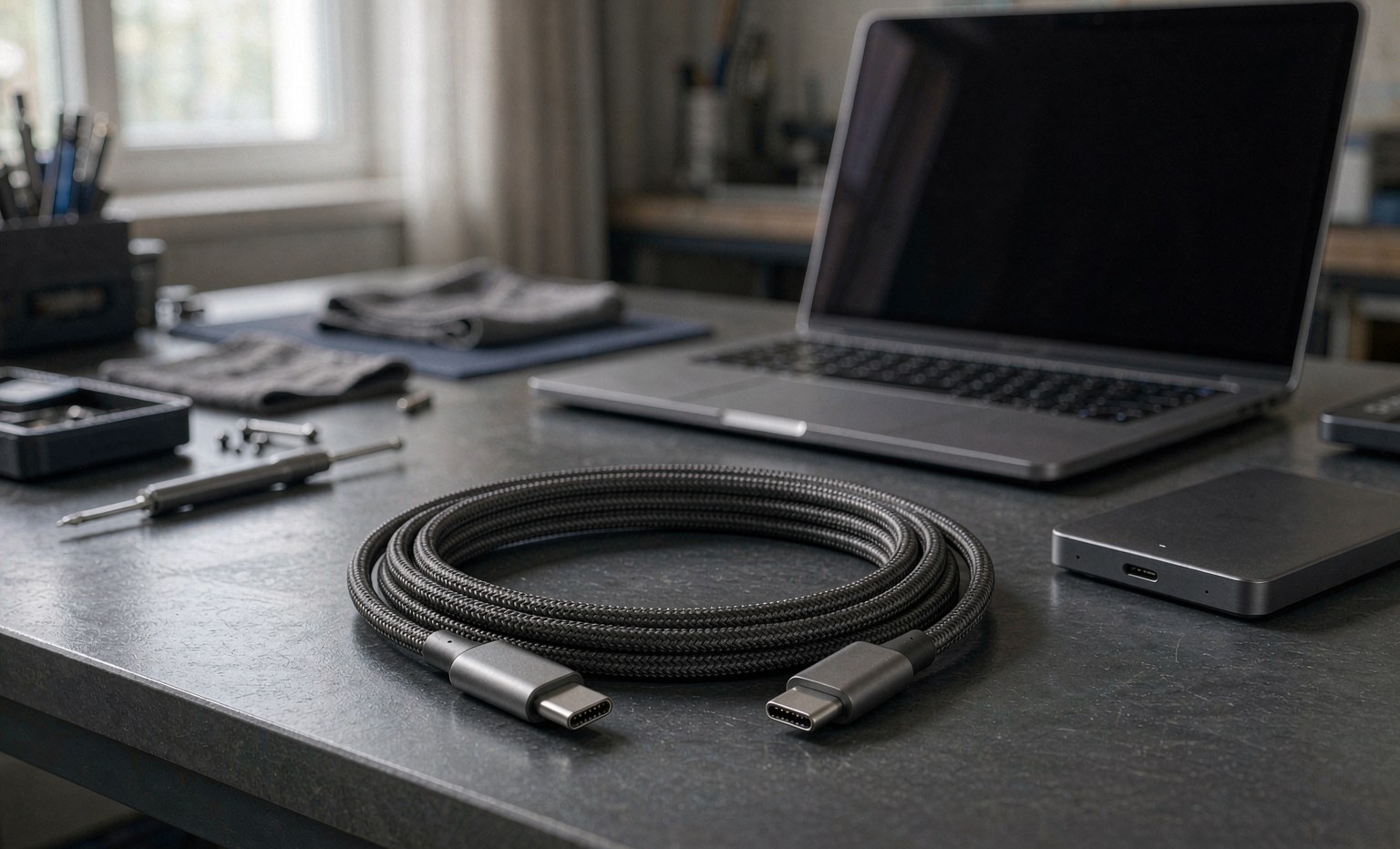
What separates a real USB4 cable from a re-labelled one
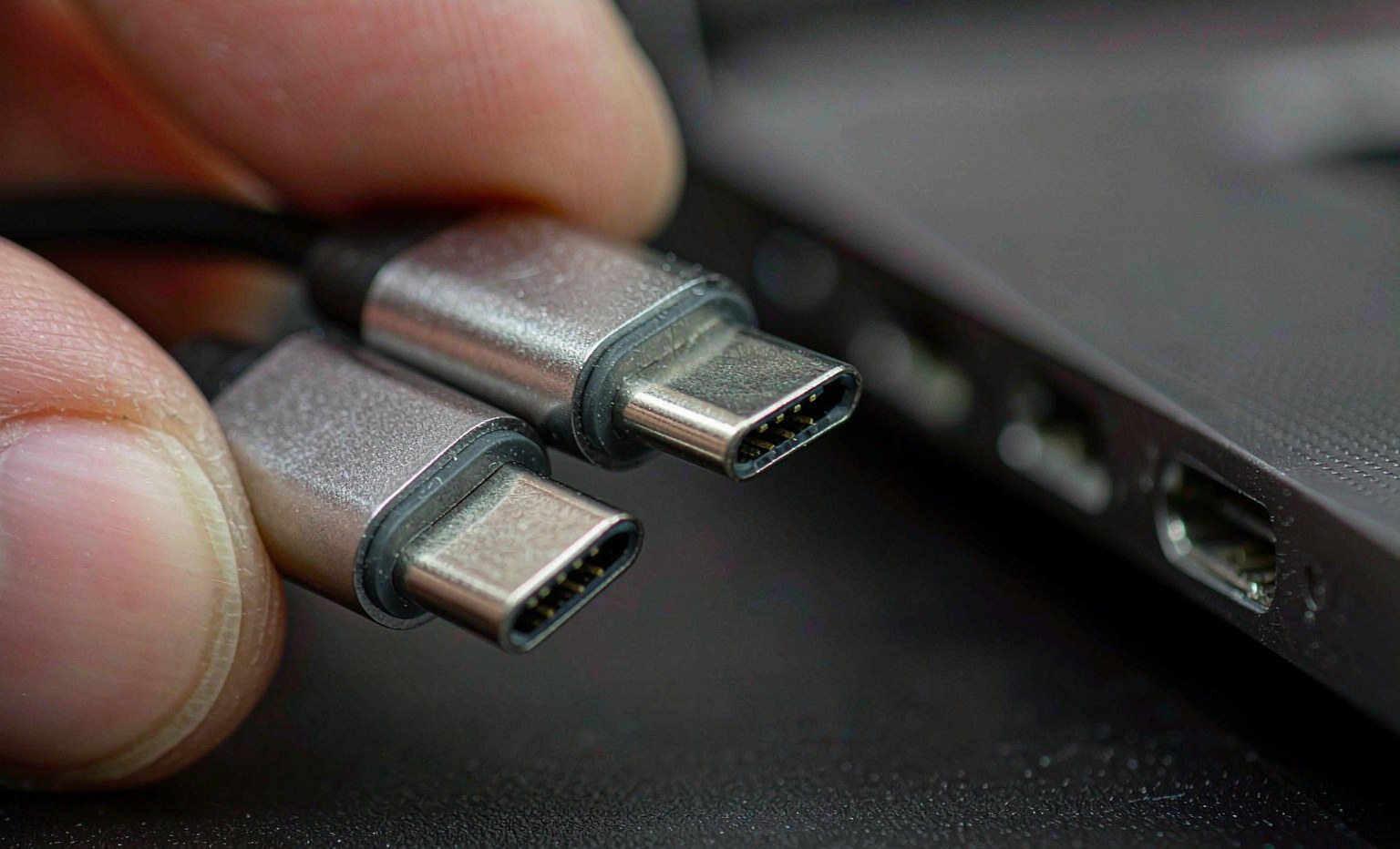
Because USB4 uses the same reversible Type-C plug as a ¥20 phone cable, the physical connector tells you nothing. The performance lives in the cable’s electronics, and four specifications do the sorting:
- Data rating: 40 Gbps. A genuine USB4 cable carries the full Gen 3×2 path; legacy USB 3.2 cables top out at 5–20 Gbps and will negotiate down silently. LUNGKAY’s USB4 Type-C cable line is specified and tested at the full 40 Gbps.
- E-marker chip for 5 A. Any cable rated above 60 W must contain an e-marker chip that advertises its 5 A capability to the charger. No chip, no 240 W — the charger throttles to protect itself. The chip types, tagging and verification methods are covered in the e-marker guide.
- Conductor gauge. 5 A at 48 V demands heavier power conductors than a charging-only lead. Wire gauge, and how it interacts with length and voltage drop, is set out in the USB-C wire gauge guide.
- DisplayPort tunneling support. 8K 60 / 5K 60 / 4K 144 output requires the cable to carry the DP tunnel correctly; a data-rated cable without full-mode support will mirror at reduced resolution or refresh.
The LUNGKAY USB4 range at a glance
| Product | Form factor | Data | Power | Notes |
|---|---|---|---|---|
| USB4 Type-C cable (charging) | C-to-C cable | 40 Gbps | 240 W (48 V/5 A) | 8K60 / 5K60 / 4K144 display; Thunderbolt 4/3 compatible |
| USB4 Type-C data cable | C-to-C cable | 40 Gbps | 240 W (48 V/5 A) | Backward compatible 180/140/100/60 W |
| USB4 Type-C | C-to-C cable | 40 Gbps | 240 W (48 V/5 A) | Same platform, packaging/channel variant |
| USB4 right-angle adapter | Right-angle C adapter | USB4 / TB4/3 path | 100 W | Aluminium shell, concealed internal wiring, pocket-size |
| Type-C extension (OEM/ODM) | M-to-F extension, 0.2–2 m | 20 Gbps | 240 W / 5 A | Custom lengths, shell colours; charging + video + data |
Note the deliberate split in the table: the cable line runs the full 40 Gbps, while the extension and right-angle adapter products trade some bandwidth for geometry — the extension is rated 20 Gbps at up to 2 m, and the right-angle adapter relieves connector stress on laptop ports at 100 W. Geometry, strain relief and the straight-versus-right-angle decision are treated in depth in our cable geometry guide; the short version is that adapters and extensions change what the assembly should be rated for, and honest ratings are what keep returns low.
What to put in the RFQ
- Rating set, stated together: 40 Gbps data, 240 W (48 V/5 A) PD, DP alt-mode to your target resolution (8K60, 5K60 or 4K144), Thunderbolt 4/3 compatibility. A quote that answers only one of the four is not a USB4 quote.
- Length. USB4 40 Gbps is specified for shorter passive runs; as length grows, gauge and shielding decide whether the rating holds. Match length to the real desk, not the maximum.
- Jacket and connector finish. Braided jackets and well-grounded aluminium shells survive commercial use; shell colour and logo printing are free OEM variables on the extension line.
- Compliance and test reports. Ask for the cable’s certified rating evidence — e-marker programming, PD handshake tests and data-rate test reports — not just a datasheet claim.
- Sample verification. Before the PO, verify a sample at full load: a 240 W laptop charge session plus an 8K display chain is the fastest way to expose a mis-rated cable.
For industrial deployments — machine vision, factory floor, edge enclosures — the consumer USB4 line is the wrong tool; the requirements diverge in shielding, locking and temperature class, as explained in our industrial USB cable guide.
Frequently asked questions
Is USB4 the same as Thunderbolt 4?
They overlap heavily but are not identical. USB4 is the open standard built on the Thunderbolt 3 protocol; Thunderbolt 4 is Intel’s stricter certification on top of it. In practice a 40 Gbps USB4 cable rated at 240 W carries Thunderbolt 4/3 traffic — which is exactly how LUNGKAY’s cable line is specified — but a Thunderbolt-branded dock may demand features (like dual 4K display support) that only certified TB4 accessories guarantee.
Can I use a USB4 cable with an older USB-C device?
Yes — USB4 is backward compatible down the USB stack, and the 240 W rating degrades gracefully too: the cables negotiate 180 W, 140 W, 100 W or 60 W with whatever charger and device are attached. The cable never forces power or speed onto a device; it only advertises what it can carry.
Why does my USB4 connection run slower than 40 Gbps?
The usual suspects, in order: the cable is not a true 40 Gbps part (re-labelled USB 3.2), the link settled at 20 Gbps because one end is a 20 Gbps device, or an extension/adapter in the chain is rated below the cable — which is why LUNGKAY rates its extension line at 20 Gbps honestly rather than 40. Verify with the cable alone between two USB4 hosts before blaming the port.
Summary
USB4 consolidates data, display and power into one Type-C lead — 40 Gbps, 8K display and 240 W PD — but the cable, not the port, decides whether a user ever sees those numbers. Specify the full rating set (data, power, DP mode, TB compatibility), demand e-marker and wire-gauge evidence for the 5 A path, and match length and geometry to the real use. For stock programmes, start with the USB4 Type-C cable line as the core SKU, add the right-angle adapter for laptop-port protection, and use the OEM/ODM Type-C extension where custom lengths and colours win the listing.