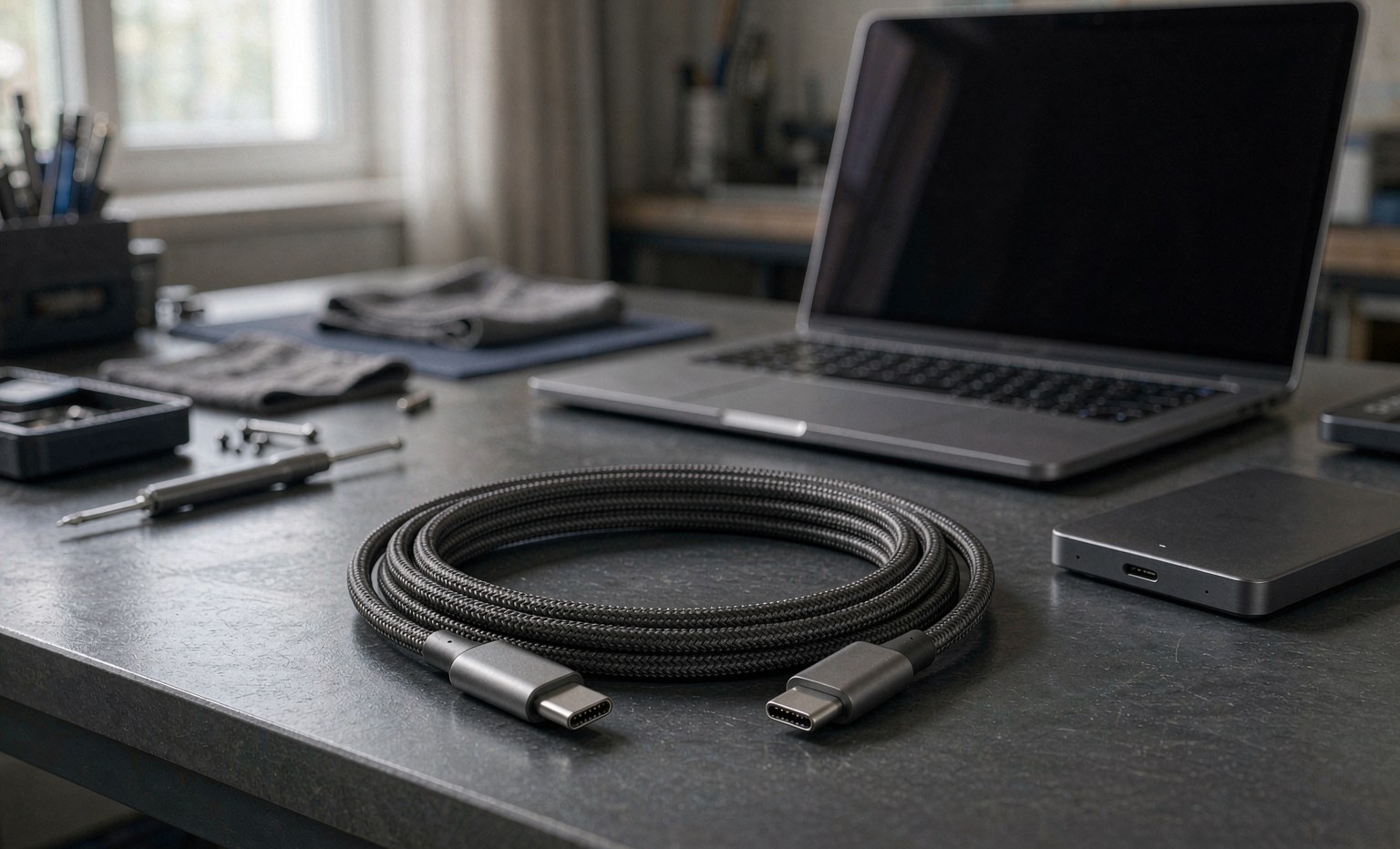
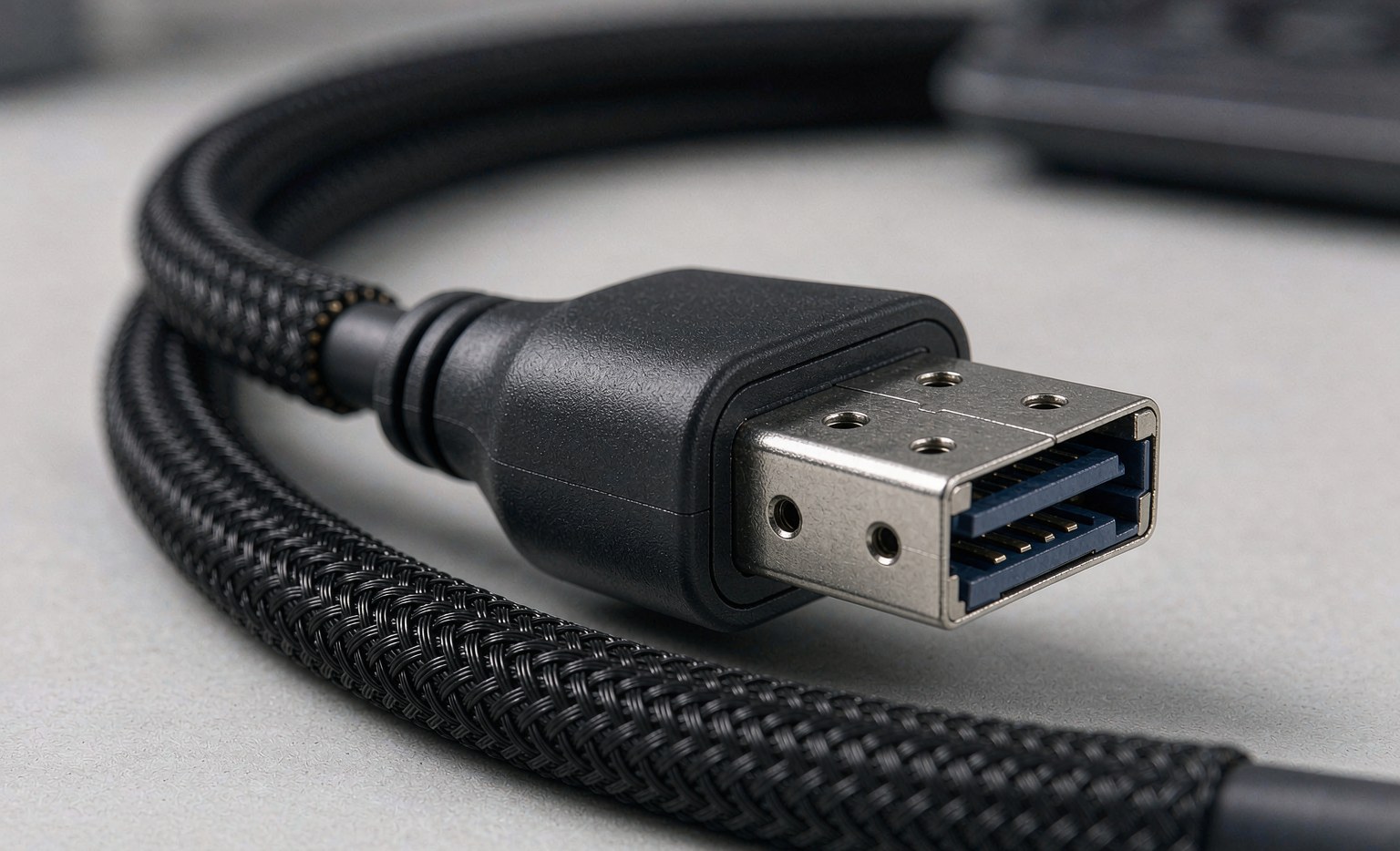
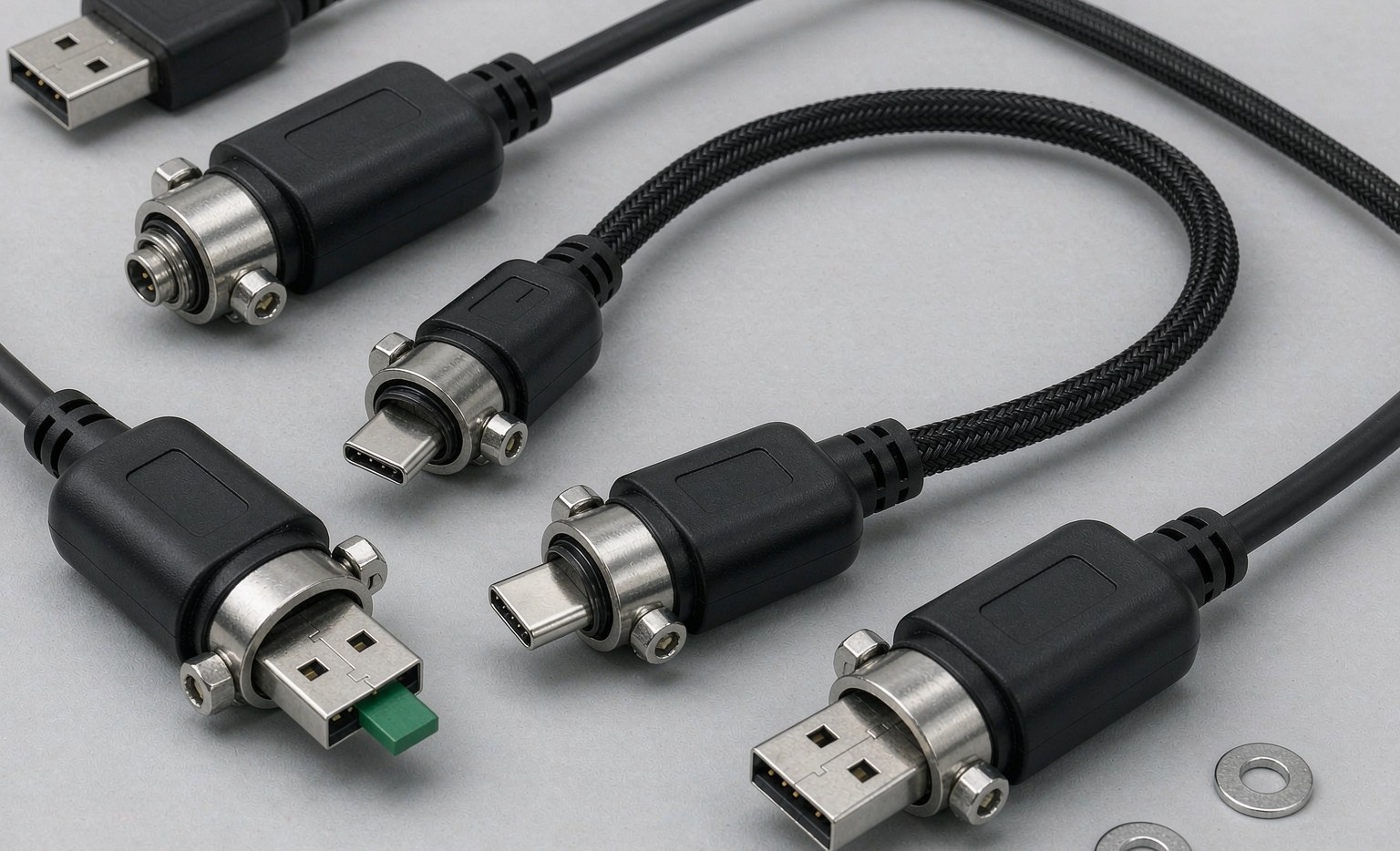
Introduction: Beyond the Connector—A Framework for Cable Selection
In any modern technological system, from a sprawling enterprise data center to a compact industrial control unit, the choice of cabling is a foundational decision that dictates performance, reliability, and future scalability. Too often, cables are treated as an afterthought—a simple commodity to be acquired once the primary hardware has been selected. This approach is fraught with risk. A high-performance server connected with an inadequate MINI SAS cable will never reach its potential throughput. A sophisticated machine vision system that relies on a consumer-grade USB cable is a single vibration away from catastrophic failure. The reality is that selecting a cable is a strategic engineering decision, not a tactical purchase.
This guide provides a comprehensive framework for professionals—be they IT architects, system integrators, or industrial engineers—to navigate the complex landscape of modern connectivity. We will move beyond simply matching a plug to a port and instead focus on a holistic selection process based on four critical pillars: Performance, Environment, Application, and Supplier Quality. Understanding these pillars is the key to choosing a solution that is not only functional but also robust, reliable, and future-proof.
We will explore the vast spectrum of available technologies, from the ubiquitous Type C-Cable that has revolutionized consumer electronics to the highly specialized locking connectors required for industrial automation. We will delve into the specific requirements of different domains, contrasting the high-density needs of a server rack, which might demand a SlimSAS Cable, with the rugged durability required of an outdoor LAN Cable. By the end of this guide, you will be equipped with the knowledge to develop a robust cabling strategy, ensuring that every connection you specify is a strong link in your technological chain. This process ultimately leads to a partnership with a manufacturer, like Longkai Electronics, that understands this strategic vision and can deliver the certified quality required to execute it.
Phase 1: Defining Performance Requirements for Your Application
The first and most fundamental step in selecting the right cable is to conduct a thorough analysis of the performance requirements of your system. “Performance” is a multi-faceted term that encompasses more than just raw speed. It includes the type of data being transmitted, the protocol being used, and the power requirements of the connected devices. A failure to accurately define these needs at the outset can lead to system bottlenecks, underutilization of expensive hardware, and a lack of future scalability.
Bandwidth: The Data Transfer Speed
Bandwidth, typically measured in Megabits per second (Mbps) or Gigabits per second (Gbps), is the most common performance metric. The required bandwidth is directly dictated by the application.
- Low-Bandwidth Applications: For basic peripherals like keyboards, mice, or simple sensors, the 480 Mbps offered by a standard USB2.0 Cable is more than sufficient. These applications prioritize reliability and low cost over speed.
- Mid-Range Data Transfer: Transferring files to external hard drives, connecting to standard HD webcams, or using multi-channel audio interfaces requires a significant step up. The 5 Gbps provided by a USB3.0 Cable is the baseline for these tasks, offering a tangible improvement over its predecessor.
- High-Performance Computing and Media: Creative professionals editing 4K or 8K video, data scientists processing large datasets, and users of high-speed external NVMe SSDs require maximum bandwidth. Here, technologies like the U4 Cable (USB4) and Thunderbolt cable are essential, offering up to 40 Gbps. In the data center, high-speed storage interconnects like OCUlink Cable are needed to fully leverage the performance of PCIe-based storage.
Protocol Support: Data, Video, and Power
Modern cables, especially those utilizing the USB C Cable connector, are capable of carrying more than just standard data. Understanding the protocol requirements is crucial.
- Data-Only: Traditional applications like connecting to a printer (USB printer cable) or an older storage device require a simple data link.
- Combined Data and Video: A major advantage of the USB Type-C and DisplayPort standards is the ability to transmit high-resolution video and data over a single cable. A quality DisplayPort Cable is purpose-built for this, but a high-spec usb-c to usb-c cable can do the same using its “DisplayPort Alternate Mode.” This is critical for creating clean, minimalist desk setups with high-resolution monitors.
- Power Delivery (PD): The USB Power Delivery specification has transformed charging. A single usbc cable can deliver up to 240W of power, enough to charge a high-performance laptop while it is also connected to a display and external drive. This feature consolidation simplifies connectivity but requires a cable that is specifically rated for the required wattage. Using a cheap, uncertified charging cable for a high-power device is a significant fire risk.
Signal Integrity and Latency
For enterprise storage and high-frequency data applications, signal integrity is paramount. This refers to the cable’s ability to transmit a signal without distortion or data loss over its length. A poorly constructed MINI SAS cable can introduce data errors in a storage array, leading to performance degradation and potential data corruption. This is why enterprise-grade cables from reputable manufacturers undergo rigorous testing to ensure they meet the strict impedance and shielding specifications required for standards like 12 Gbps SAS or 24 Gbps SAS-4.
Phase 2: Assessing the Operational Environment
Once performance requirements are defined, the next critical step is to analyze the physical environment where the cable will operate. A cable that performs flawlessly in a climate-controlled office will fail rapidly on a factory floor. The environmental assessment should focus on factors like physical stress, electromagnetic interference, and space constraints.
Industrial and Harsh Environments
Industrial settings are the ultimate test of a cable’s durability. Key considerations include:
- Vibration and Shock: Constant vibration from machinery can cause standard friction-fit connectors to disconnect. This is why industrial applications mandate the use of connectors with mechanical locking systems. This includes the classic screw-locks on a D-USB Cable (VGA) or DVI Cable, as well as modern solutions like USB Cable locking and TYPE C-3.1 Cable locking. These are essential for any application where an intermittent connection could cause a safety hazard or production halt.
- Electromagnetic Interference (EMI): The powerful motors, welders, and variable frequency drives found in factories generate significant EMI that can corrupt data signals. An Industrial network cable is engineered with superior shielding (often double-shielded with both foil and braid) compared to a standard office LAN Cable to protect signal integrity.
- Physical and Chemical Exposure: Cables may be exposed to oils, solvents, abrasion, and extreme temperatures. Industrial-grade cables use ruggedized jacketing materials like PUR (polyurethane) that are designed to withstand these harsh conditions over a long service life.
Data Center Environments
While data centers are controlled environments, they present their own unique challenges:
- Density and Airflow: Modern servers are incredibly dense, and effective cooling is critical. Bulky cables can obstruct airflow, leading to higher operating temperatures and increased risk of component failure. This is a key driver behind the adoption of lower-profile connectors like the SlimSAS Cable, which offers a much higher density and better airflow characteristics than the older MINI SAS connectors.
- Cable Management: In a rack with hundreds of connections, cable management is essential for maintenance and troubleshooting. Using appropriately lengthed, high-quality cables that are properly routed and secured with latching mechanisms is a non-negotiable best practice.
Phase 3: A Practical Guide to Matching the Cable to the Application
With a clear understanding of performance needs and environmental constraints, you can now select the appropriate cable technology for your specific application. Below are common scenarios that illustrate this selection process in practice.
Scenario A: Building a New Enterprise Storage Server
- Challenge: A new server build needs to connect a 24-bay NVMe SSD backplane to a high-performance PCIe 4.0 RAID controller. The priority is maximum throughput and future-proofing for next-generation storage.
- Incorrect Choice: Using older MINI SAS HD (SFF-8643) cables. While they might connect, they are not designed for the signal integrity requirements of PCIe 4.0 and will create a massive performance bottleneck.
- Strategic Choice: Using SlimSAS Cable or OCUlink Cable solutions. Both are engineered for high-speed PCIe signaling. The choice between them would depend on the specific ports on the controller and backplane. This choice ensures the physical layer can support the full performance of the NVMe drives and is ready for future SAS-4 or PCIe 5.0 upgrades.
Scenario B: Equipping a Creative Professional’s Workstation
- Challenge: A video editor needs to connect their laptop to two 4K monitors and a high-speed external RAID array for editing raw video files. They need a simple, single-cable solution to minimize clutter.
- Incorrect Choice: A standard, uncertified USB C Cable. It may not support the bandwidth for dual 4K displays or the Power Delivery wattage to charge the laptop under load, leading to flickering screens and a drained battery.
- Strategic Choice: A certified U4 Cable (USB4) or Thunderbolt 4 cable. This guarantees 40 Gbps of bandwidth, ensuring flawless performance for the dual displays and RAID array simultaneously. It also ensures support for high-wattage Power Delivery, creating the ideal single-cable docking solution.
Scenario C: Designing an Industrial Machine Vision System
- Challenge: An industrial camera is being mounted on a robotic arm to inspect products on a conveyor belt. The connection must be 100% reliable despite constant motion and vibration.
- Incorrect Choice: A consumer-grade USB 3.0 cable. The friction-fit connector will inevitably disconnect due to the robotic arm’s movement, causing the inspection system to fail and halting the production line.
- Strategic Choice: An Industrial Camera Cable featuring a USB Cable locking connector with thumbscrews. This mechanically secures the connection, making it immune to vibration and movement. The cable should also have a high-flex rating and rugged shielding to withstand the repetitive motion and electrical noise from the robot’s motors.
Phase 4: Evaluating the Supplier—The Quality and Partnership Imperative
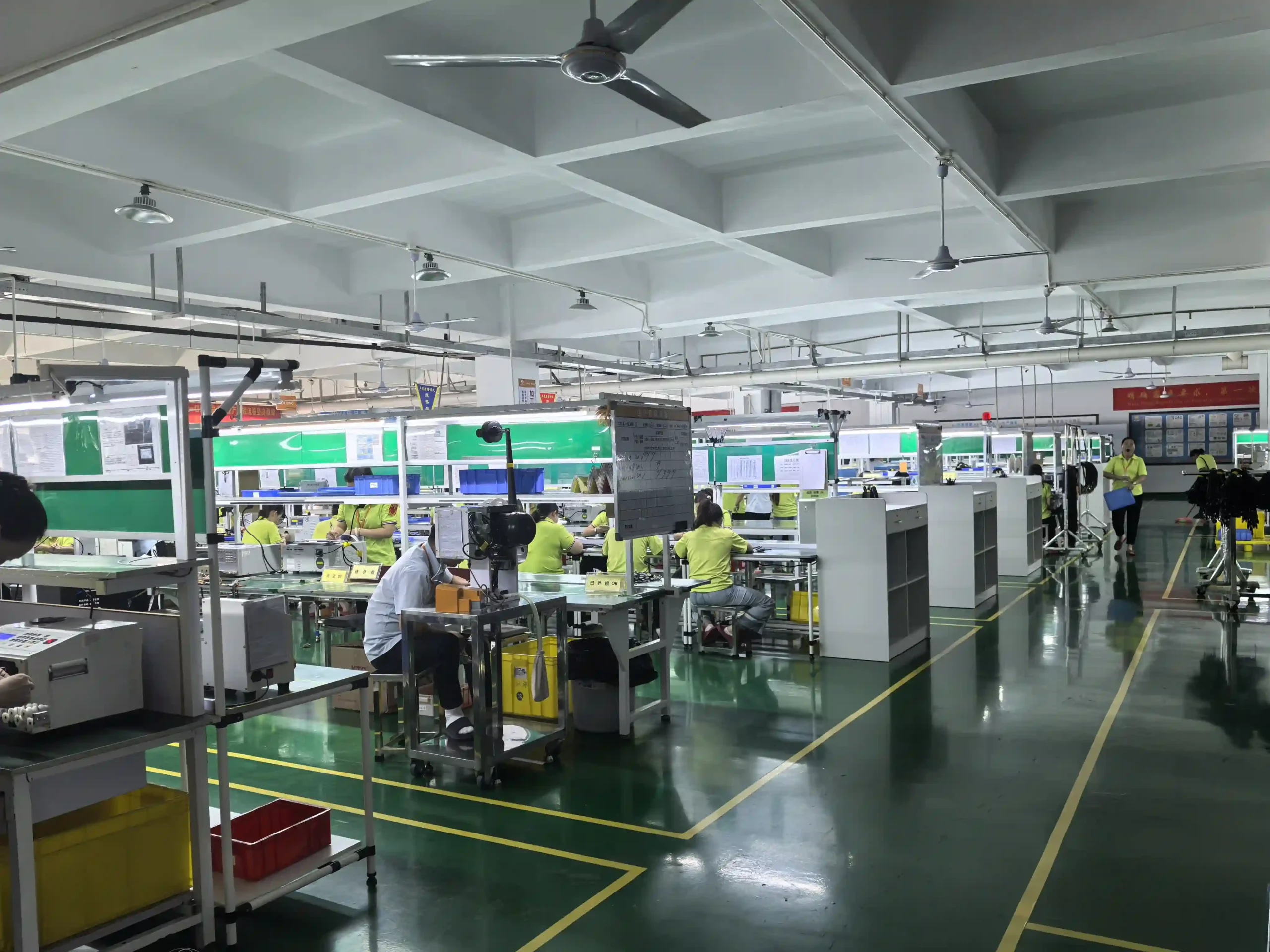
Even the most perfectly specified cable will fail if it is poorly manufactured. The final, and arguably most critical, phase of the selection process is choosing a manufacturing partner that can deliver consistent quality, certified performance, and reliable support. A supplier is not just a vendor; they are a partner in the success of your project.
Since its founding in 2012, Longkai Electronics has established itself as a premier manufacturing enterprise that embodies the principles of quality and integrity. Our integrated business model of R&D, production, and sales allows us to provide exceptional solutions built on a foundation of deep industry experience.
The Hallmarks of a Quality Manufacturer
- Experience and Expertise: With over a decade in the data cable and connector field, Longkai has the accumulated knowledge to solve complex connectivity challenges, whether it’s for industrial automation, medical electronics, or consumer devices.
- Certified Quality Systems: A commitment to quality must be verifiable. Longkai’s comprehensive quality management system is validated by ISO9001 and ISO14001 certifications. Furthermore, our products are certified by FCC and CE, ensuring they meet global standards for safety and electromagnetic compatibility.
- Proven Track Record: The trust of the industry is the ultimate testament to quality. Longkai has earned high recognition and established partnerships with over 100 well-known brands, including global leaders like LG, Samsung, and BAYER, and domestic pioneers like LITEON and CATL.
- Comprehensive Capabilities: A strategic partner should be able to meet a wide range of needs. Longkai produces an extensive series of its own branded cables and also offers full OEM/ODM manufacturing services, allowing us to deliver both standard products and highly customized solutions like complex Wire Harness assemblies.
Adhering to our core principle of “Quality First, Integrity-Based,” we are committed to providing the best products and services to our clients across North America, East Asia, and the world.
Conclusion: A Holistic Approach to Building a Reliable Connected Infrastructure
The process of selecting a high-speed data cable is a multi-layered strategic exercise that extends far beyond the physical connector. By systematically applying the four-phase framework—defining performance, assessing the environment, matching to the application, and evaluating the supplier—professionals can ensure they are building a technological infrastructure that is not just functional, but truly resilient. This methodical approach mitigates risk, maximizes the performance of hardware investments, and provides a scalable foundation for future growth.
Ultimately, the quality of a connection comes down to the quality of its components and the expertise of its manufacturer. Partnering with a trusted and experienced supplier like Longkai Electronics provides the assurance that this critical, foundational layer of your system is built to the highest standards of excellence. In a world powered by data, the right connections don’t just transfer information—they connect global possibilities.