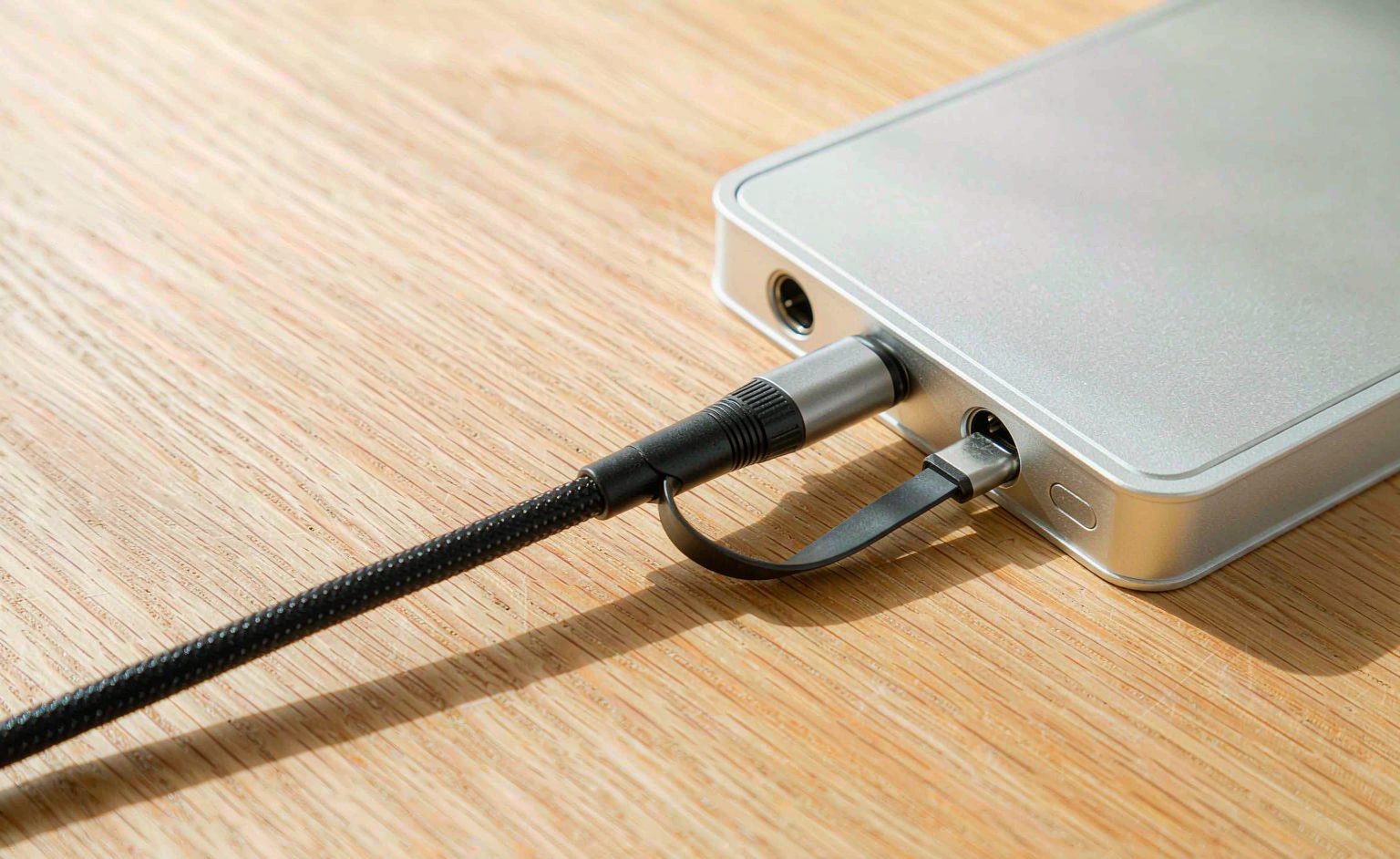
USB4 version 2 and Thunderbolt 5 raise the bar to 80 Gbps and 240W — but the headline number is only true on a cable rated for it. Plug a passive 5 Gbps cable into an 80 Gbps port and you get 5 Gbps and a confused buyer. The cable, not the port, is the bottleneck, and the e-marker chip is what tells the system what the cable can actually do. This guide covers the speed and power tiers, the e-marker requirement, passive versus active cables, and how to specify one that delivers.
Key Takeaways
- 80 Gbps and 240W are only delivered by cables rated for them — the cable is the bottleneck.
- An e-marker chip declares the cable’s speed and power; without it, the system defaults to safe low values.
- Passive cables are length-limited at high speed; active cables extend reach but cost more.
- 240W requires the full 240W e-marker and a compliant connector, not just thick wire.
- Spec the cable tier explicitly; “USB-C” alone says nothing about performance.
The Speed and Power Tiers
USB4 v2 and Thunderbolt 5 define an 80 Gbps signaling tier and a 240W power tier (the latter from the USB PD 3.1 EPR spec). Neither is automatic: the cable must be certified and the e-marker must declare it. The buyer’s framework is in our USB4 buyers guide; the “one cable” promise is unpacked in our U4 revolution article.
| Tier | What it needs | Common mistake |
|---|---|---|
| 40 Gbps | 40 Gbps-rated cable + e-marker | Using a 5 Gbps passive cable |
| 80 Gbps | 80 Gbps-rated cable + e-marker | Assuming any USB-C cable works |
| 240W | 240W e-marker + compliant connector | Thick wire without e-marker |
The E-Marker Requirement
Every high-speed or high-power USB-C cable carries an e-marker chip that declares its capabilities to the host. Without a correct e-marker, the system negotiates down to safe defaults — typically 60W and reduced speed — regardless of the wire’s real capacity. The 240W case, where the e-marker and connector must both comply, is detailed in our U4 technology guide.
Passive vs Active
Passive cables are cheaper and lower-latency but length-limited at 80 Gbps — beyond roughly 1 m the signal cannot be guaranteed. Active cables (with redrivers/retimers) extend reach at higher cost and power. The comparison with enterprise interconnects is in our enterprise vs prosumer comparison.
Preguntas frecuentes
Will any USB-C cable do 80 Gbps?
No — only a cable rated and e-marked for 80 Gbps; otherwise the system negotiates down.
What does the e-marker do?
It declares the cable’s speed and power to the host; without it, defaults drop to safe low values.
Why does my 240W cable only charge at 60W?
Likely a missing or wrong e-marker, or a non-compliant connector — thick wire alone is not enough.
Passive or active for long runs?
Use active beyond ~1 m at 80 Gbps; passive is fine and cheaper for short, high-speed links.
How do I specify the right cable?
Name the tier explicitly (40/80 Gbps, 100/240W); “USB-C” alone specifies nothing.
Is Thunderbolt 5 the same as USB4 v2?
Related but distinct; both can share the 80 Gbps tier, but certification and feature sets differ — check the label.
Technical background: USB4, Thunderbolt and signal integrity cover the standards.