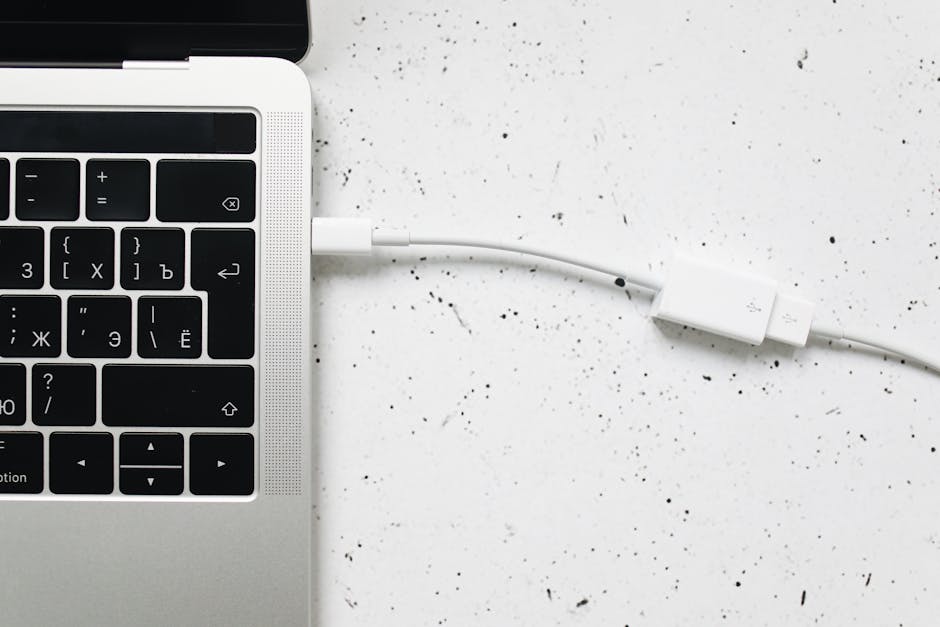
Introduction to Peripheral Data Cables
Peripheral data cables facilitate communication between devices and peripherals. Understanding the different types is vital for ensuring compatibility and optimal performance. With the vast array of devices available, from smartphones to industrial machinery, the right cable can make all the difference in achieving efficient data transfer and connectivity. For instance, using the correct cable can enhance data transfer speeds, reduce signal degradation, and prevent compatibility issues. For more information on the importance of data cables, see The Critical Role of High-Speed Data Cables in a Connected World.
To illustrate the importance of peripheral data cables, consider a scenario where a user needs to transfer large files between a computer and an external hard drive. Using a USB 3.0 cable, which supports speeds up to 5 Gbps, can significantly reduce transfer times compared to using an older USB 2.0 cable.
Common Types of Peripheral Data Cables
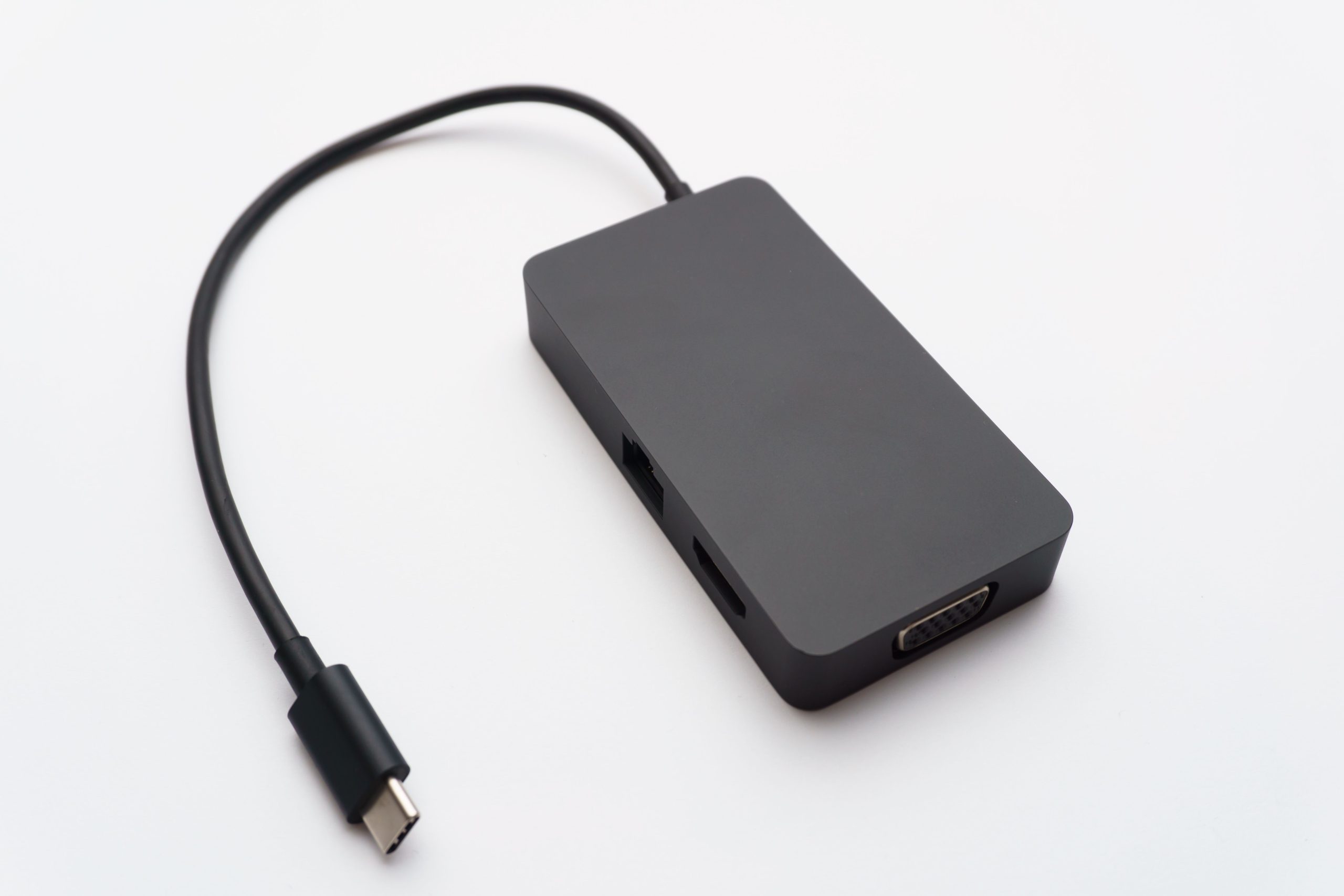
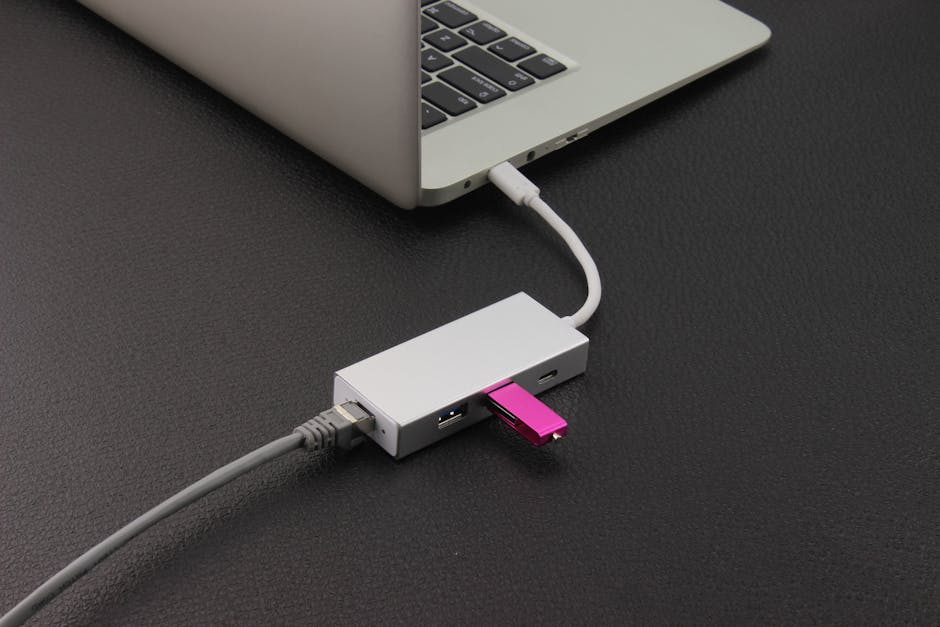
- USB Cables: Universal Serial Bus (USB) cables come in various versions, including USB 2.0, USB 3.0, and USB-C, each offering different data transfer speeds. For instance, USB 3.0 cables support speeds up to 5 Gbps, making them ideal for transferring large files between devices. USB-C, on the other hand, is reversible and can support even faster speeds, depending on the specific implementation. When choosing a USB cable, it’s essential to consider the version and type of connector required by your device.
- HDMI Cables: High-Definition Multimedia Interface (HDMI) cables transmit high-definition video and audio signals between devices. HDMI 2.1, the latest version, supports resolutions up to 8K at 60 Hz and is backward compatible with earlier versions. HDMI cables are commonly used in home entertainment systems, connecting devices like Blu-ray players to TVs. To ensure optimal performance, it’s crucial to select an HDMI cable that supports the required resolution and refresh rate.
- DisplayPort Cables: DisplayPort cables connect computers to monitors and other display devices, offering high-resolution video transmission. DisplayPort 1.4, for example, can support up to 32.4 Gbps data transfer rate, making it suitable for multi-monitor setups and high-resolution displays. DisplayPort cables are often used in professional environments, such as graphic design and video editing.
- SATA Cables: Serial Advanced Technology Attachment (SATA) cables connect storage devices to motherboards. SATA III, with its 6 Gbps data transfer speed, is widely used for connecting hard drives and solid-state drives (SSDs) in computers. When selecting a SATA cable, ensure it matches the version supported by your device and motherboard.
- SCSI Cables: Small Computer System Interface (SCSI) cables are used in high-performance applications for connecting peripherals. SCSI is known for its high-speed data transfer and is often used in enterprise environments for connecting storage devices and other peripherals. For more information on SCSI cables, see High-Performance SCSI Cables: How to Choose a Trusted Supplier for Industrial Connectivity. SCSI cables are typically used in more complex setups, requiring careful consideration of cable length, termination, and compatibility.
| Cable Type | Data Transfer Speed | Common Applications |
|---|---|---|
| USB 3.0 | Up to 5 Gbps | External hard drives, flash drives |
| HDMI 2.1 | Up to 48 Gbps | High-definition video transmission, gaming consoles |
| DisplayPort 1.4 | Up to 32.4 Gbps | Multi-monitor setups, high-resolution displays |
| SATA III | Up to 6 Gbps | Storage devices, hard drives, SSDs |
| SCSI | Up to 640 Mbps (Ultra-320 SCSI) | High-performance storage, enterprise environments |
When selecting a peripheral data cable, it’s essential to consider the specific requirements of your application. This includes factors like data transfer speed, cable length, and compatibility. By choosing the right cable, you can ensure optimal performance and minimize potential issues. For example, in industrial automation, Shielded Cables for Industrial Automation: Ensuring Reliable Data Transmission and Power Supply are crucial for maintaining signal integrity.
Specialized Peripheral Data Cables
- OTG Adapter Cables: Enable devices like smartphones to act as hosts, connecting to peripherals. OTG cables are useful for transferring data directly between devices or for connecting USB peripherals to smartphones. For example, using an OTG cable, you can connect a USB keyboard to a smartphone, enhancing productivity. You can find more information on OTG adapter cables at OTG Adapter Cable,Nylon Braided USB Type C 3.0 Data OTG Cables,USB A Female TO type c Male adapter,Wire car computer Hard Disk Camera Printer Phone Laptop Extension Cable.
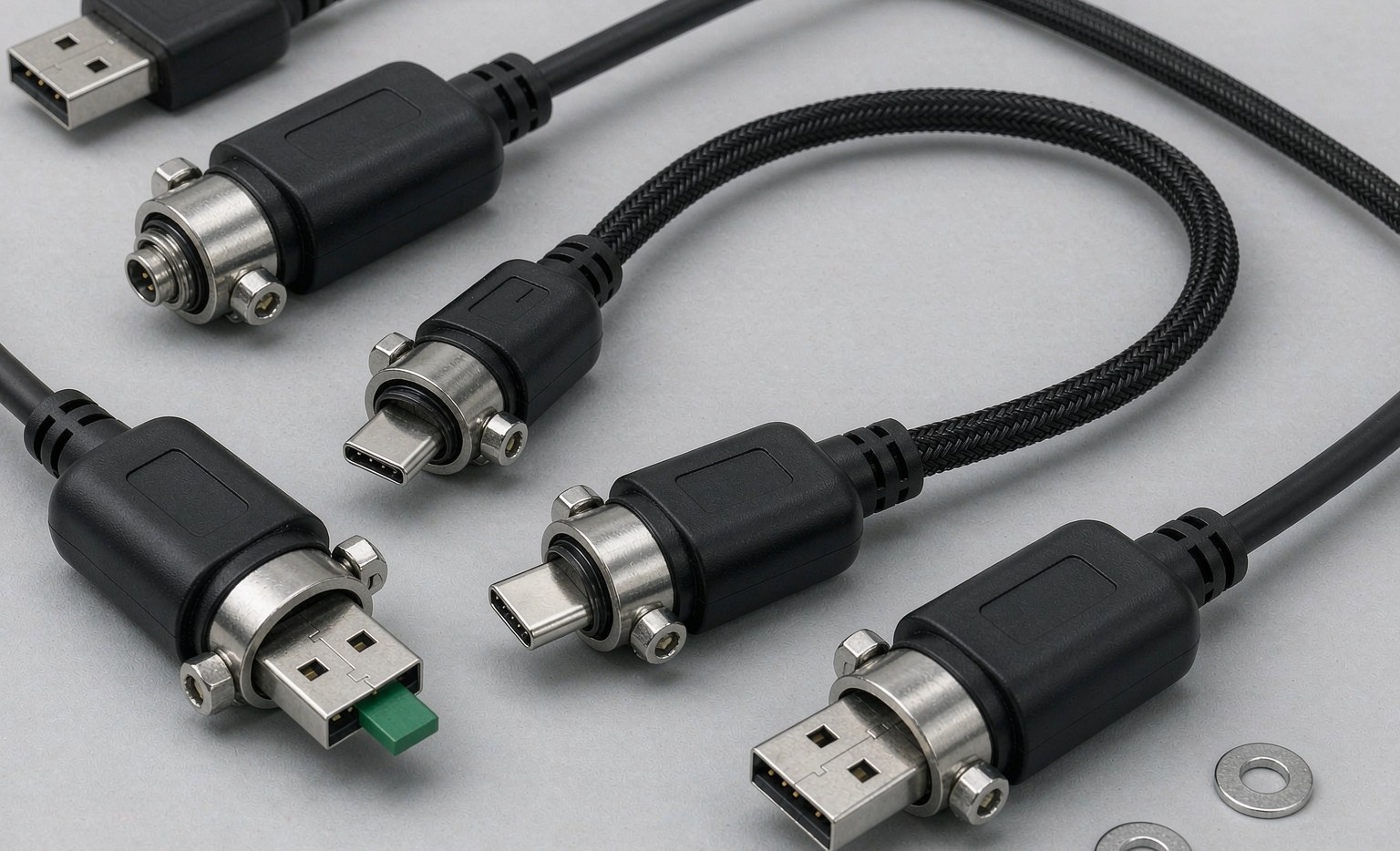
- Industrial Automation Cables: Designed for robust and reliable performance in industrial environments. These cables are built to withstand harsh conditions, including extreme temperatures and exposure to chemicals. Industrial automation cables are used in various applications, such as manufacturing and process control.
- Medical Device Data Cables: Meet stringent safety and reliability standards for medical electronic devices. These cables are designed to ensure patient safety and are used in a variety of medical applications, from diagnostic equipment to patient monitoring systems. For more details, see Medical Electronic Device Data Cables: Ensuring Reliable Data Transmission in Healthcare.
- Aviation and Aerospace Cables: These cables are designed to meet the rigorous demands of the aviation and aerospace industries, including high reliability, resistance to extreme temperatures, and compliance with specific aviation standards. Aviation and aerospace cables are used in various applications, such as aircraft navigation and communication systems.
Specialized peripheral data cables are designed to meet the unique requirements of specific industries and applications. By understanding the characteristics and benefits of these cables, you can ensure optimal performance and reliability in your specific use case.
Key Considerations for Selecting Peripheral Data Cables
- Data Transfer Speed: Depends on the application, such as video editing or data backup. For high-speed applications, cables with faster data transfer rates are necessary. For example, USB 3.2 Gen 2 cables offer speeds up to 20 Gbps, making them suitable for demanding tasks.
- Durability and Build Quality: Influenced by the environment in which the cable will be used. For example, industrial environments require cables that are more robust and resistant to harsh conditions. Look for cables with durable materials and robust construction.
- Compatibility: Ensuring the cable is compatible with both the device and the peripheral. This includes considering factors like connector types and cable versions. For instance, using a USB-C cable with a USB-C device and peripheral ensures compatibility and optimal performance.
- Cable Length: Should be sufficient for the intended application, balancing length against signal degradation. Longer cables may require additional considerations, such as signal amplification or shielding. For example, using a high-quality HDMI cable with built-in signal amplification can maintain signal integrity over longer distances.
- Certifications and Compliance: Cables must comply with specific regulations and standards for certain applications. For instance, medical device data cables must meet strict safety standards, such as IEC 60601. Ensure the cable you choose complies with relevant regulations and standards.
- Shielding and Interference: For applications sensitive to electromagnetic interference (EMI), cables with appropriate shielding are essential to maintain signal integrity. Shielded cables can reduce EMI and ensure reliable data transfer.
By considering these key factors, you can select the most suitable peripheral data cable for your specific application, ensuring optimal performance and minimizing potential issues.
Best Practices for Using Peripheral Data Cables
- Handle cables with care: Avoid bending or twisting cables excessively, as this can damage the internal wiring and affect performance. Handle cables gently and avoid pinching or crushing them.
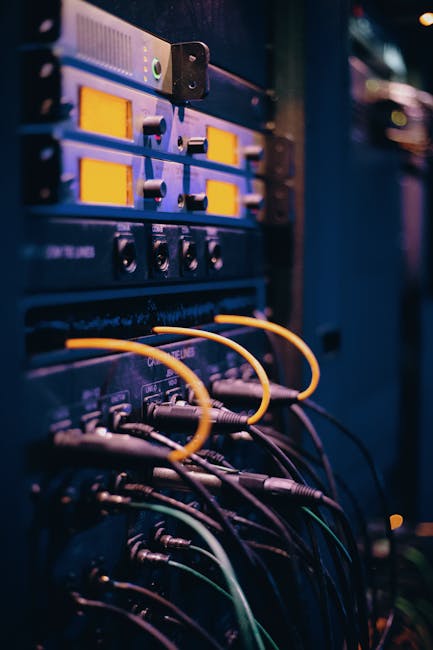
- Keep cables organized: Use cable management techniques, such as cable ties or organizers, to keep cables tidy and prevent damage. Labeling cables can also help identify them quickly.
- Regularly inspect cables: Check for signs of wear or damage, such as fraying or corrosion, and replace cables as necessary. Regular inspections can help prevent issues before they become major problems.
- Avoid overloading cables: Be mindful of the cable’s capacity and avoid overloading it with too many devices or high-bandwidth applications. Using a cable with a higher bandwidth capacity can help prevent overloading.
- Store cables properly: When not in use, store cables in a dry, cool place, away from direct sunlight and physical stress. Proper storage can help extend the lifespan of your cables.
Following these best practices can help ensure the longevity and reliability of your peripheral data cables, minimizing potential issues and maintaining optimal performance.
Frequently Asked Questions (FAQs) About Peripheral Data Cables
- Q: What is the difference between USB 3.0 and USB-C? A: USB 3.0 refers to the data transfer standard, offering speeds up to 5 Gbps, while USB-C is a type of connector that can support various standards, including USB 3.0, USB 3.2, and Thunderbolt 3.
- Q: Can I use an HDMI cable for DisplayPort connections? A: No, HDMI and DisplayPort are different standards and are not directly compatible. However, adapters are available to convert between the two.
- Q: How do I choose the right SATA cable for my storage device? A: Ensure the SATA cable matches the version supported by your device and motherboard (e.g., SATA III for 6 Gbps speeds).
- Q: Are there specific cables for outdoor or industrial use? A: Yes, there are cables designed for outdoor and industrial applications, featuring enhanced durability and resistance to environmental factors.
- Q: What are the benefits of using shielded cables? A: Shielded cables can reduce electromagnetic interference (EMI) and ensure reliable data transfer, making them suitable for applications sensitive to EMI.
- Q: Can I use a USB cable for charging and data transfer simultaneously? A: Yes, most USB cables support both charging and data transfer. However, ensure the cable and device support the required data transfer speed and charging current.