The Evolution of Enterprise Communication Cable Types (As of 2026)
In modern data center architectures, the bottleneck for storage networks is rarely the solid-state drive (SSD) itself; it is the physical interconnect. As enterprise storage shifts toward PCIe Gen 5 and Gen 6, SAS (Serial Attached SCSI) and NVMe (Non-Volatile Memory Express) devices require specialized high-speed communication cable runs to maintain signal integrity over backplanes.
According to 2025/2026 server deployment data from Bishop & Associates, SlimSAS (SFF-8654) has surpassed Mini SAS HD (SFF-8643) as the dominant internal connector format for enterprise NVMe platforms, capturing over 58% of new server design-ins. Meanwhile, IT professionals and system builders frequently face challenges when attempting to interface these robust enterprise storage drives with consumer interfaces like USB for off-site data recovery or external testing.
Comparing High-Speed Server Communication Cable Types
To establish which cabling standard fits your infrastructure, let us compare the physical and electrical profiles of today’s primary enterprise standards against standard consumer transmission lines:
| Cable Standard | SFF Specification | Max Data Rate Per Lane (2026) | Primary Protocol | Common Application |
|---|---|---|---|---|
| Mini SAS (Internal) | SFF-8087 | 6 Gbps (SAS-2) | SATA / SAS | Legacy server backplanes & RAID cards |
| Mini SAS HD (Internal) | SFF-8643 | 12 Gbps (SAS-3) / PCIe Gen 3 | SAS / NVMe PCIe | Modern mid-range server storage arrays |
| SlimSAS (Internal) | SFF-8654 | 24 Gbps (SAS-4) / PCIe Gen 4/5 | SAS / PCIe NVMe | High-density PCIe Gen 4/5 blade servers |
| OCuLink (Internal) | SFF-8611 | 16 Gbps (PCIe Gen 4 x4) | PCIe NVMe | External GPU docks, NVMe expansions |
| USB 3.2 / USB4 | Type-C Standard | 20 Gbps (USB 3.2 Gen 2×2) / 40 Gbps (USB4) | USB / PCIe (via Alt Mode) | Consumer storage, charging, peripheral bridging |
1. Deep Dive: Mini SAS vs. SlimSAS in Enterprise Server Configurations
Selecting the right internal routing cable relies heavily on physical connector clearance and bandwidth limitations. Let us review the key differences between these high-speed architectures:
Classic Mini SAS (SFF-8087 & SFF-8643)
For over a decade, SFF-8087 and SFF-8643 connectors formed the backbone of server storage arrays. Designed to bundle up to four SATA or SAS lanes together, these cables drastically reduced cabinet clutter. For older server systems running at SAS-2 bandwidths, a standard internal Mini SAS SFF-8087 to 8087 Cable remains a highly reliable choice for SATA backplane routing.
As SAS bandwidth expanded to 12 Gbps (SAS-3), the industry moved toward high-density Mini SAS HD (SFF-8643). To connect a single high-density controller card directly to separate SATA/SAS drive channels without a backplane, engineers use breakout lines like a Mini SAS SFF-8643 to 4-Port SATA Breakout Cable to distribute signals across individual drive slots.
The Rise of SlimSAS (SFF-8654)
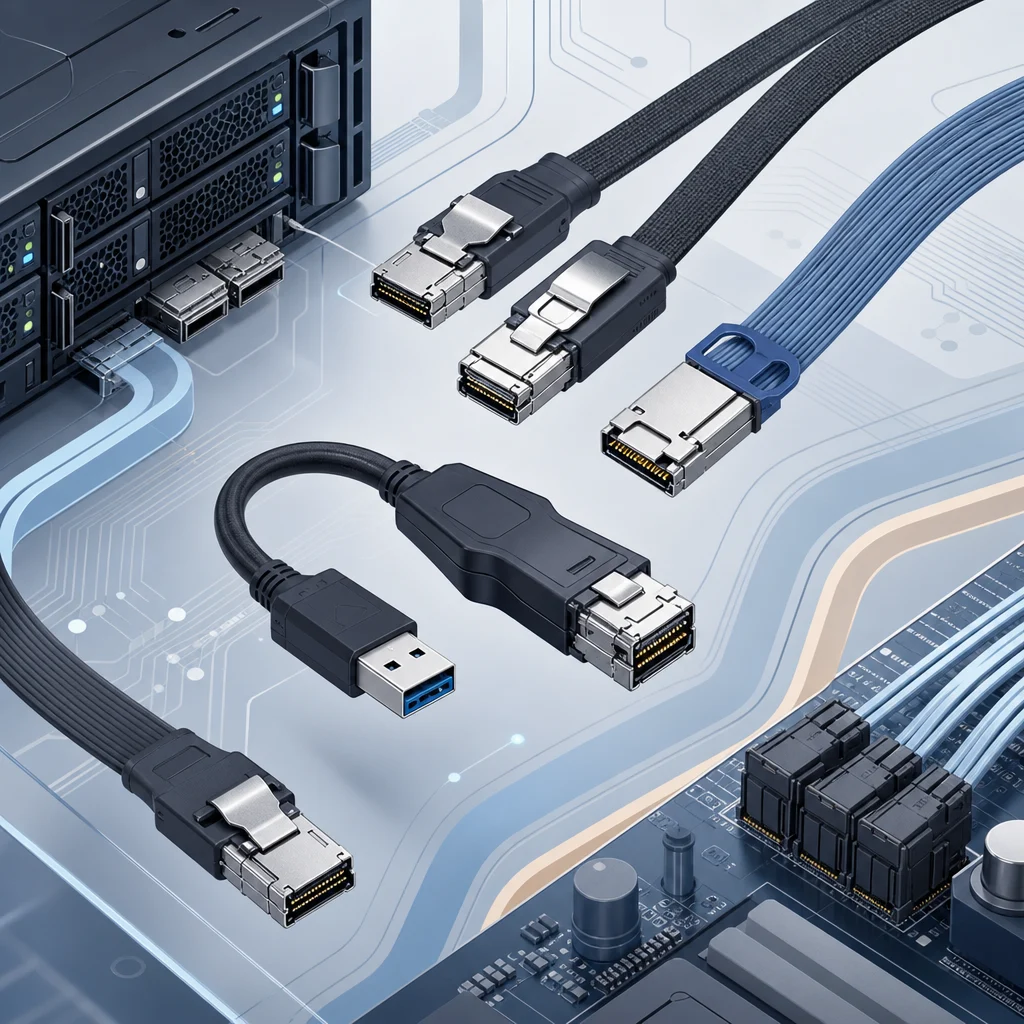
With the introduction of PCIe Gen 4 and PCIe Gen 5 architectures, Mini SAS HD configurations reached their physical signal limits. High-frequency crosstalk and large connector footprints forced a redesign. Enter SlimSAS (SFF-8654), which offers a significantly lower connector profile, leaving more space on dense motherboard layouts while easily managing up to 24 Gbps per lane.
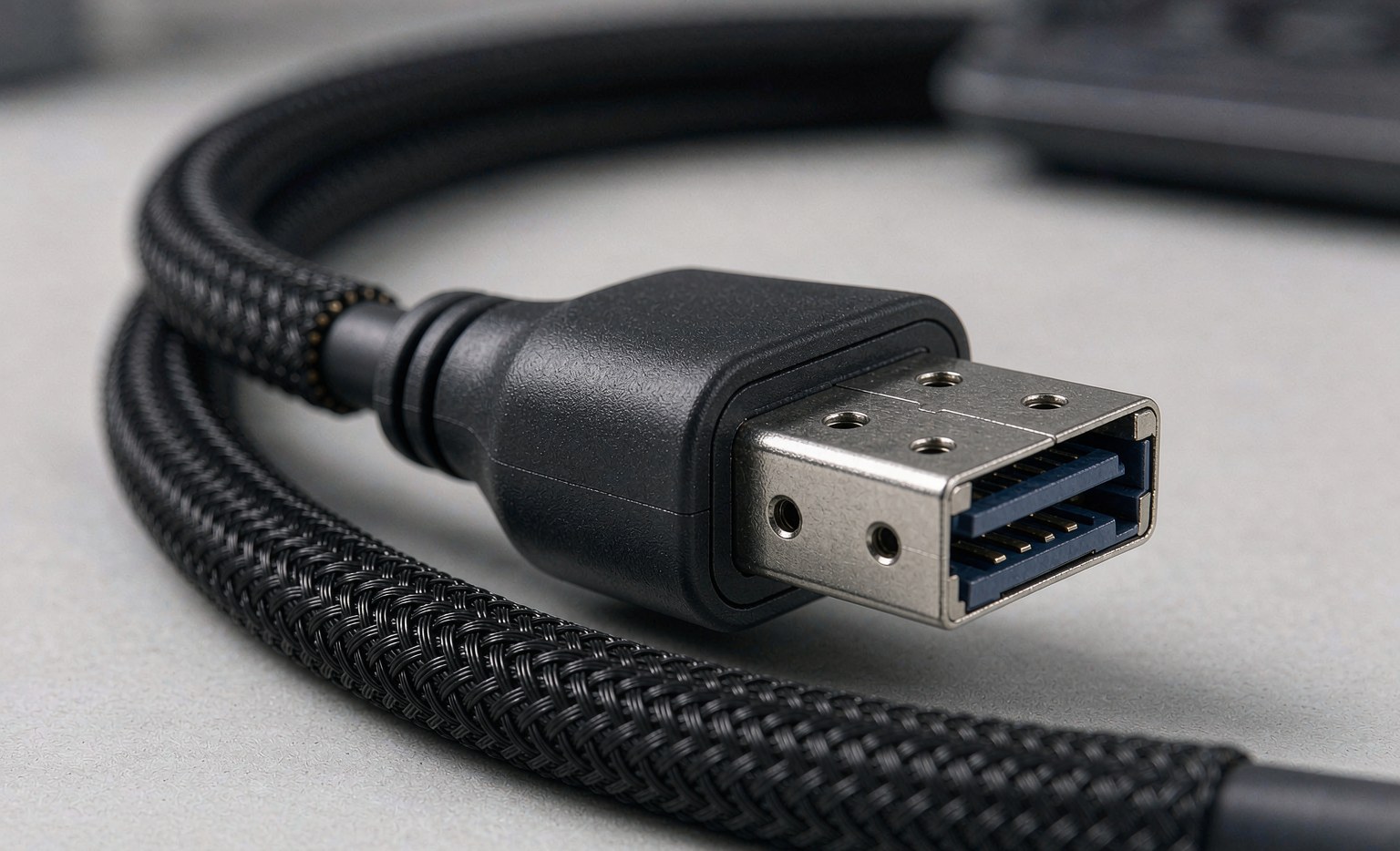
In highly dense NVMe configurations, engineers often choose OCuLink as an alternative to SlimSAS. Low-profile motherboard connectors, such as our SFF-8611 to SFF-8611 High-Speed OCuLink Cable, are designed to transmit high-speed PCIe graphics and NVMe RAID signals without signal loss or physical interference.
2. The Reality of USB-to-SAS Bridging: Mini SAS to USB C Demystified
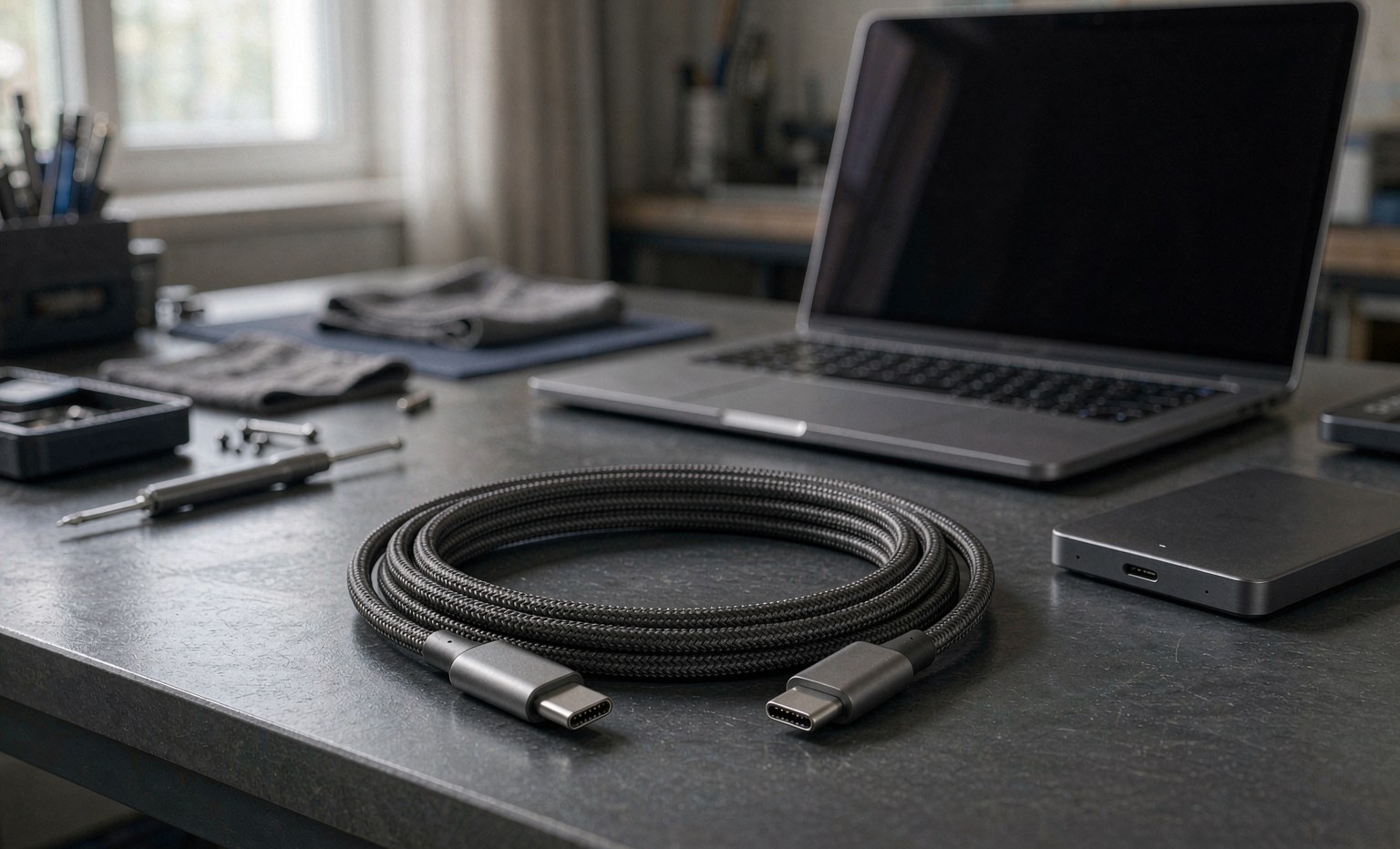
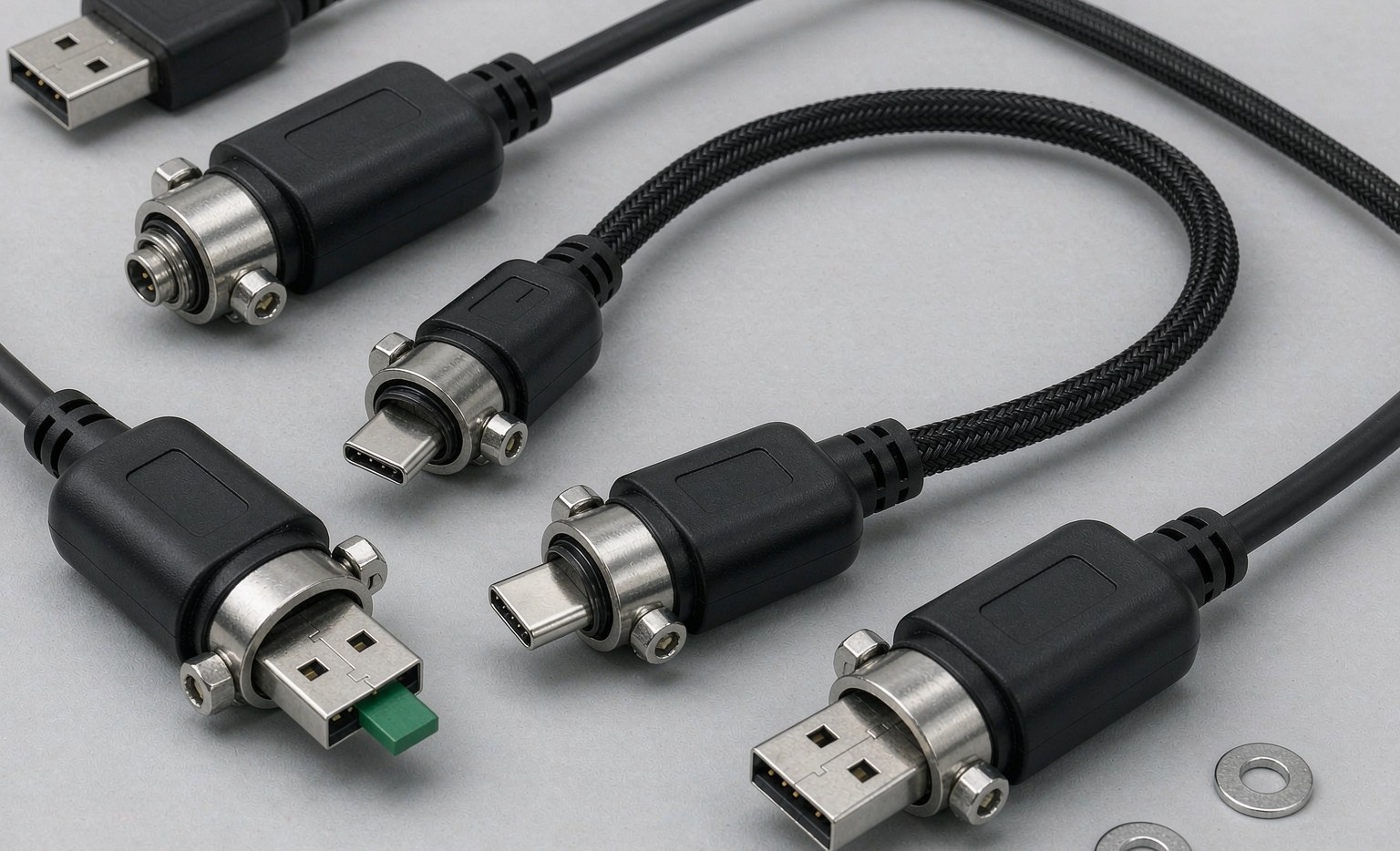
A frequent point of confusion for IT engineers is sourcing a passive mini sas to usb or mini sas to usb c cable. You will find cheap, unbranded cables online claiming to directly convert a SAS drive or Mini-SAS backplane output to a consumer USB port. These passive cables do not work. Here is why:
The Protocol Disconnect: SCSI vs. ATA vs. USB
SATA controllers and consumer USB bridges speak basic ATA or USB Mass Storage protocols. Enterprise SAS drives utilize the complex SCSI command set, which includes advanced queuing and enterprise-grade error correction. A standard USB controller chip (like those found in simple external hard drive enclosures) cannot read or translate SCSI commands.
Therefore, to read a SAS drive or access a Mini-SAS backplane over a standard USB port, you must run the signal through an active translation device. This setup requires:
- An active SAS Host Bus Adapter (HBA) card installed in a PCIe expansion slot.
- An external external storage chassis equipped with a dedicated SAS controller chip.
- An active, industrial-grade bridge adapter containing a SAS-to-USB translation processor (such as those manufactured by specialized enterprise storage firms).
Selecting the Best Sourcing Partner for Custom Communication Cables
When designing high-bandwidth server racks or industrial storage enclosures, selecting high-quality cables is vital. Slight manufacturing errors—such as variations in copper purity, poor shielding connections, or mismatched impedance—can cause signal degradation, leading to frequent CRC errors and RAID rebuilds.
As a professional communication cable manufacturer, LUNG KAY operates advanced production facilities to design and build high-performance, high-vibration, and high-frequency interconnect solutions. We subject all high-speed server runs to strict Time-Domain Reflectometry (TDR) and Vector Network Analyzer (VNA) testing to guarantee that insertion loss, return loss, and crosstalk stay within PCIe and SAS compliance envelopes.
Summary: Matching Cable Types to Your Target Architecture
For internal motherboard-to-backplane routing on modern PCIe Gen 4/5 hardware, SlimSAS is the clear winner for density and throughput. For legacy server enclosures, Mini SAS SFF-8087 and SFF-8643 cables continue to deliver reliable service. Remember, when managing enterprise storage drives, always use active, protocol-translating bridges rather than passive, uncertified bridging adapters to prevent data corruption.
At LUNG KAY, we offer a complete selection of high-spec internal and external server cabling solutions designed for enterprise reliability. Explore our complete custom capabilities on our Product Center, review our manufacturing processes on our About Us page, or contact our engineering team directly to obtain custom CAD drawings and rapid prototyping assistance for your next custom project.
Frequently Asked Questions
Q: Why does my SAS drive not spin up when connected via a SATA to USB bridge?
A: Standard USB-to-SATA adapters only supply 5V or 12V power configurations tailored for consumer hard drives, and their controller chips do not recognize SCSI protocols. A SAS drive requires an active SAS controller (HBA) to initiate the startup handshake and translate SCSI command structures.
Q: What is the main physical difference between SlimSAS and Mini SAS HD?
A: SlimSAS (SFF-8654) utilizes a much flatter, narrower connector profile compared to Mini SAS HD (SFF-8643), significantly reducing motherboard space while supporting higher data rates up to 24 Gbps per lane, making it ideal for compact 1U and 2U server systems.
Q: Can I use an OCuLink cable to connect to a Mini SAS HD backplane?
A: Only if you use an active adapter or a specialized hybrid breakout cable designed to map the corresponding PCIe/SAS pins correctly. While both standards transmit PCIe signals, their physical port layouts are entirely incompatible. Always check the pin-out specifications before connecting different storage standards.