Understanding Peripheral Data Cables
Peripheral data cables play a crucial role in connecting devices and enabling data transfer. With various types and applications available, selecting the right cable can be challenging. To make an informed decision, it’s essential to understand the different types of peripheral data cables and their uses. For more information on high-speed data cables, see The Critical Role of High-Speed Data Cables in a Connected World.
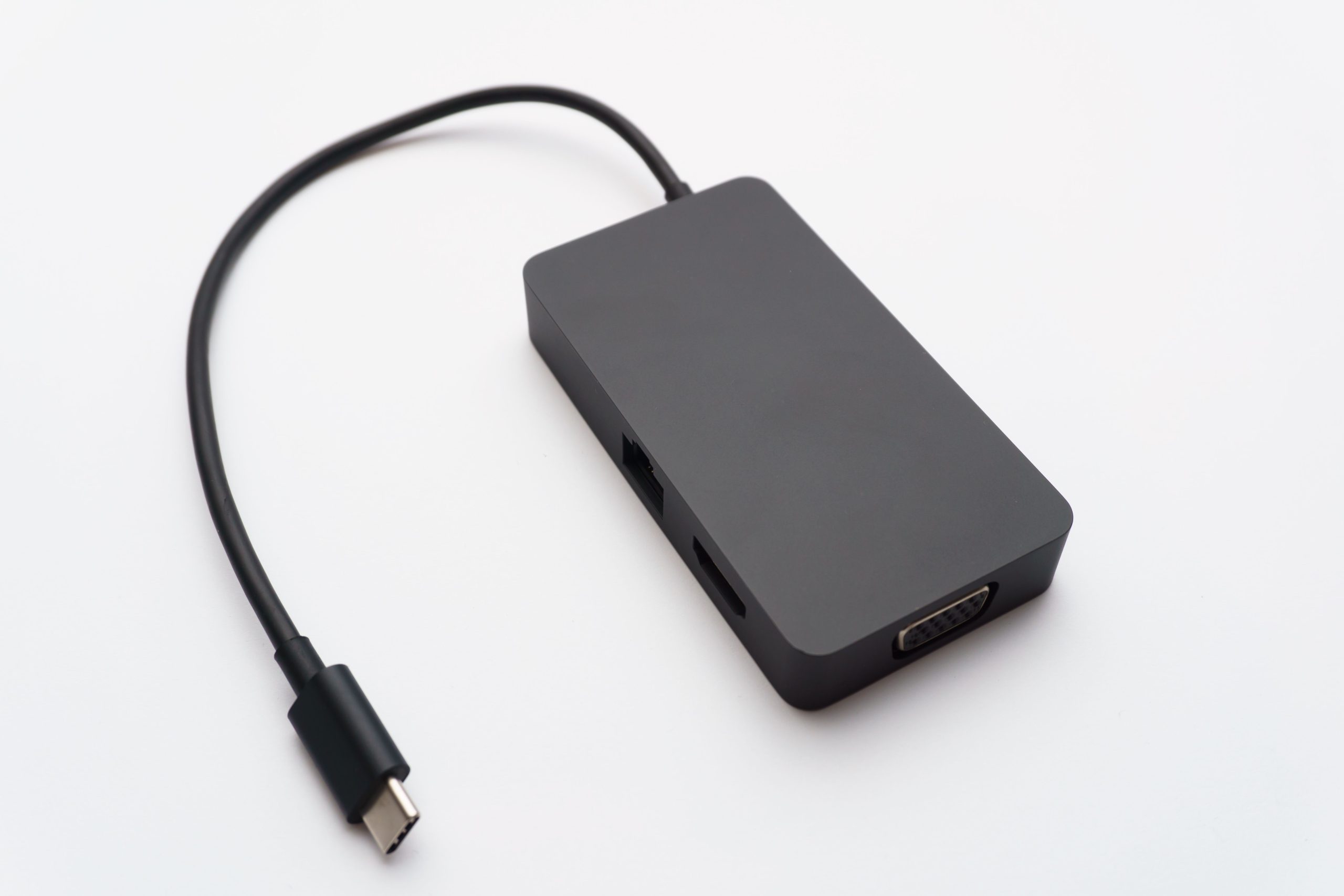
- USB cables for peripherals and data transfer, such as USB-A, USB-B, USB-C, and USB micro. For example, USB-C is widely used for its high-speed data transfer and power delivery capabilities. When choosing a USB cable, consider the version (e.g., USB 2.0, USB 3.0, or USB 3.2) and the type of connector (e.g., USB-A, USB-C, or USB micro). To learn more about USB-C cables, visit What Is a USB-C Cable? The Universal Standard for Power and Data Explained.
- HDMI cables for high-definition video and audio, including HDMI 1.4, HDMI 2.0, and HDMI 2.1. HDMI 2.1, for instance, supports higher resolutions and refresh rates, making it ideal for gaming and entertainment applications. When selecting an HDMI cable, consider the version and the type of connector (e.g., HDMI-A, HDMI-C, or HDMI-D).
- DisplayPort cables for high-resolution displays, such as DisplayPort 1.4 and DisplayPort 2.0. DisplayPort 2.0 offers higher data transfer speeds, making it suitable for demanding applications like graphics design and video editing. When choosing a DisplayPort cable, consider the version and the type of connector (e.g., DisplayPort or Mini DisplayPort).
- SATA cables for storage devices and hard drives. SATA III, for example, provides fast data transfer speeds for storage devices. When selecting a SATA cable, consider the version (e.g., SATA I, SATA II, or SATA III) and the type of connector (e.g., SATA or eSATA).
- Ethernet cables for networking and internet connectivity. Cat 6 and Cat 7 Ethernet cables offer high-speed data transfer for reliable internet connectivity. When choosing an Ethernet cable, consider the category (e.g., Cat 5e, Cat 6, or Cat 7) and the type of connector (e.g., RJ-45).
| Cable Type | Data Transfer Speed | Common Applications |
|---|---|---|
| USB-C | Up to 10 Gbps | Peripherals, data transfer, power delivery |
| HDMI 2.1 | Up to 48 Gbps | High-definition video and audio |
| DisplayPort 2.0 | Up to 80 Gbps | High-resolution displays |
| SATA III | Up to 6 Gbps | Storage devices and hard drives |
| Cat 7 Ethernet | Up to 10 Gbps | Networking and internet connectivity |
Factors to Consider When Choosing Peripheral Data Cables
When selecting peripheral data cables, several factors must be considered to ensure optimal performance and reliability. These factors include data transfer speed and compatibility, cable length and flexibility, durability and resistance to environmental factors, shielding and electromagnetic interference (EMI) protection, and certifications and compliance.
- Data transfer speed and compatibility: Ensure the cable supports the required data transfer speed and is compatible with your devices. For example, if you’re using a USB-C device, ensure the cable is USB-C compatible and supports the required data transfer speed. Check the cable’s specifications to ensure it meets your device’s requirements.
- Cable length and flexibility: Choose a cable that is long enough to reach your devices and flexible enough to manage cables effectively. A cable that’s too short may not reach your devices, while a cable that’s too long may be cumbersome to manage. Consider the cable’s bend radius and flexibility when selecting a cable.
- Durability and resistance to environmental factors: Consider cables with durable materials and resistance to environmental factors such as temperature, humidity, and vibration. For example, industrial automation applications may require cables with high durability and resistance to environmental factors. For more information on industrial cables, see Beyond the Office: The Engineering Behind High-Endurance Industrial Cables.
- Shielding and EMI protection: Ensure the cable has adequate shielding and EMI protection to prevent data corruption and interference. Shielding can help protect against EMI, which can be caused by nearby devices or cables. Consider cables with foil shielding or braided shielding for added protection.
- Certifications and compliance: Verify the cable meets relevant certifications and compliance standards, such as UL (Underwriters Laboratories) or ETL (Intertek) certification. Compliance with these standards ensures the cable meets certain safety and performance requirements. Check the cable’s certifications and compliance documentation to ensure it meets your requirements.
Applications of Peripheral Data Cables
Peripheral data cables are used in various applications, including computing and data transfer, gaming and entertainment, industrial automation and control systems, medical devices and healthcare, and aerospace and defense.
- Computing and data transfer: Cables for connecting peripherals, such as keyboards, mice, and external hard drives. For example, USB cables are commonly used for connecting peripherals to computers. Consider the type of connector and data transfer speed required for your application.
- Gaming and entertainment: High-speed cables for gaming consoles, graphics cards, and high-definition displays. HDMI and DisplayPort cables are often used in gaming applications for their high-speed data transfer capabilities. Consider the version and type of connector required for your gaming application.
- Industrial automation and control systems: Cables for connecting sensors, actuators, and control devices. Industrial automation applications often require cables with high durability and resistance to environmental factors. Consider cables with ruggedized or industrial-grade materials and certifications such as UL or ETL.
- Medical devices and healthcare: Cables for medical devices, such as patient monitors and diagnostic equipment. Medical applications often require cables with high reliability and compliance with medical standards. Consider cables with medical-grade materials and certifications such as UL or ISO 13485.
- Aerospace and defense: Cables for military and aerospace applications, such as communication systems and navigation equipment. Aerospace and defense applications often require cables with high reliability and resistance to environmental factors. Consider cables with ruggedized or military-grade materials and certifications such as MIL-STD-810 or MIL-STD-461.
Best Practices for Selecting Peripheral Data Cables
To ensure optimal performance and reliability, follow best practices when selecting peripheral data cables. These best practices include assessing your specific needs and requirements, researching and comparing different cable options, considering factors such as data transfer speed and durability, consulting with experts or manufacturers for guidance, verifying certifications and compliance, and testing and validating the cable.
- Assess your specific needs and requirements: Determine the required data transfer speed, cable length, and durability. Consider the specific application and devices being connected. Make a list of your requirements to help guide your cable selection.
- Research and compare different cable options: Evaluate different cable types, materials, and manufacturers. Compare features, pricing, and customer reviews. Consider factors such as data transfer speed, cable length, and durability when comparing cables.
- Verify certifications and compliance: Ensure the cable meets relevant certifications and compliance standards. Check for certifications from reputable organizations, such as UL or ETL. Verify the cable’s compliance with industry standards, such as HDMI or DisplayPort.
- Test and validate the cable: Test the cable to ensure it meets performance and reliability requirements. Validate the cable’s compatibility with your devices and application. Consider testing the cable’s data transfer speed, signal integrity, and durability.
Frequently Asked Questions (FAQs)
- Q: What is the difference between USB-C and USB-A?
- A: USB-C is a newer, reversible connector that offers faster data transfer speeds and higher power delivery, while USB-A is a traditional connector with lower data transfer speeds.
- Q: How do I choose the right HDMI cable for my application?
- A: Consider the required data transfer speed, resolution, and refresh rate. Choose an HDMI cable that meets these requirements and is compatible with your devices. Check the HDMI cable’s version and type of connector to ensure it meets your needs.
- Q: What is the difference between DisplayPort and HDMI?
- A: DisplayPort and HDMI are both high-speed interfaces, but DisplayPort is often used for computer monitors and graphics cards, while HDMI is commonly used for consumer electronics, such as TVs and gaming consoles. Consider the specific application and devices being connected when choosing between DisplayPort and HDMI.
- Q: What are the benefits of using shielded cables?
- A: Shielded cables can help protect against electromagnetic interference (EMI), which can cause data corruption and signal degradation. Shielding can also help reduce electromagnetic radiation (EMR) emitted by the cable.
- Q: How do I ensure the cable is compatible with my devices?
- A: Check the cable’s specifications and compatibility documentation to ensure it meets your device’s requirements. Verify the cable’s connector type and data transfer speed to ensure it is compatible with your devices.