USB Peripheral Data Cables Explained
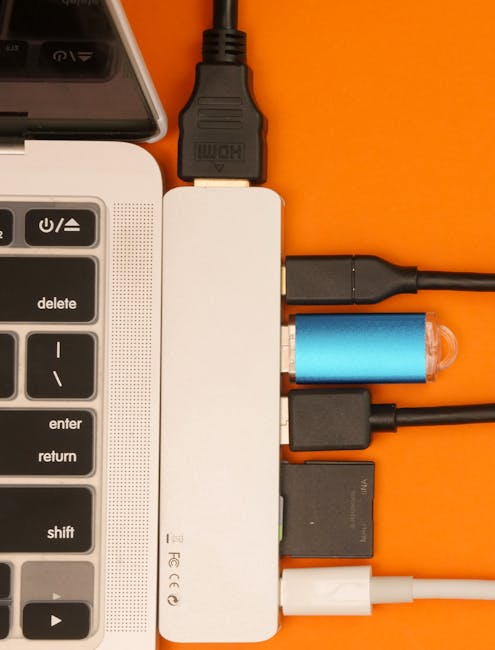
Understanding USB Peripheral Data Cables
USB peripheral data cables play a crucial role in connecting devices and enabling data transfer. They are used in various industries, including consumer electronics, industrial automation, and medical devices. The versatility of USB peripheral data cables makes them an essential component in many applications. For more information on the importance of data cables in different industries, check out Shielded Cables for Industrial Automation: Ensuring Reliable Data Transmission and Power Supply and Medical Electronic Device Data Cables: Ensuring Reliable Data Transmission in Healthcare.
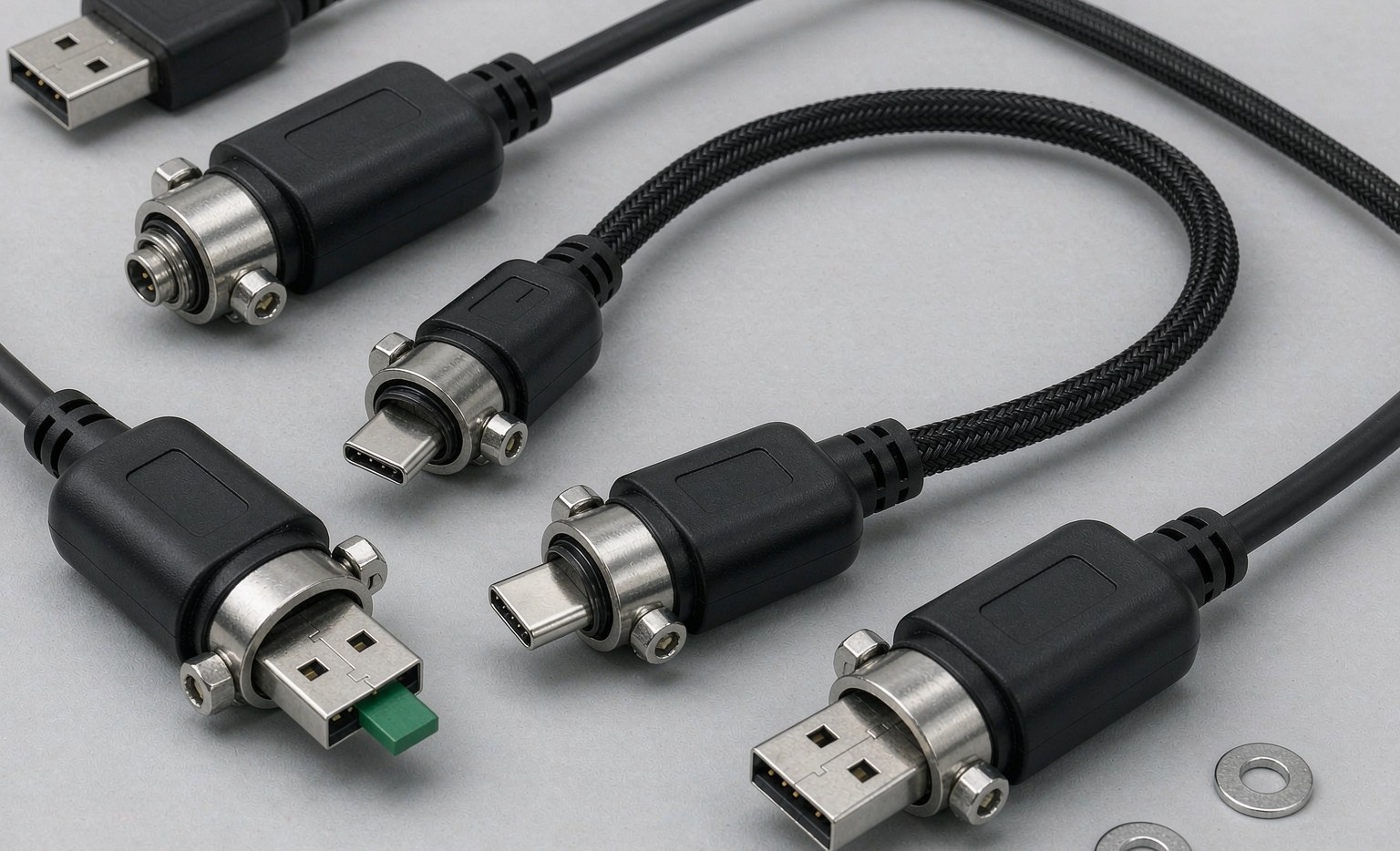
- USB-A to USB-C cables for connecting older devices to newer ones, such as connecting a USB-A flash drive to a USB-C port on a laptop
- USB-C to USB-C cables for high-speed data transfer and fast charging, ideal for transferring large files between devices
- USB micro cables for connecting smaller devices, such as smartphones and tablets
- USB mini cables for connecting devices that require a smaller USB connector, such as older cameras and GPS devices
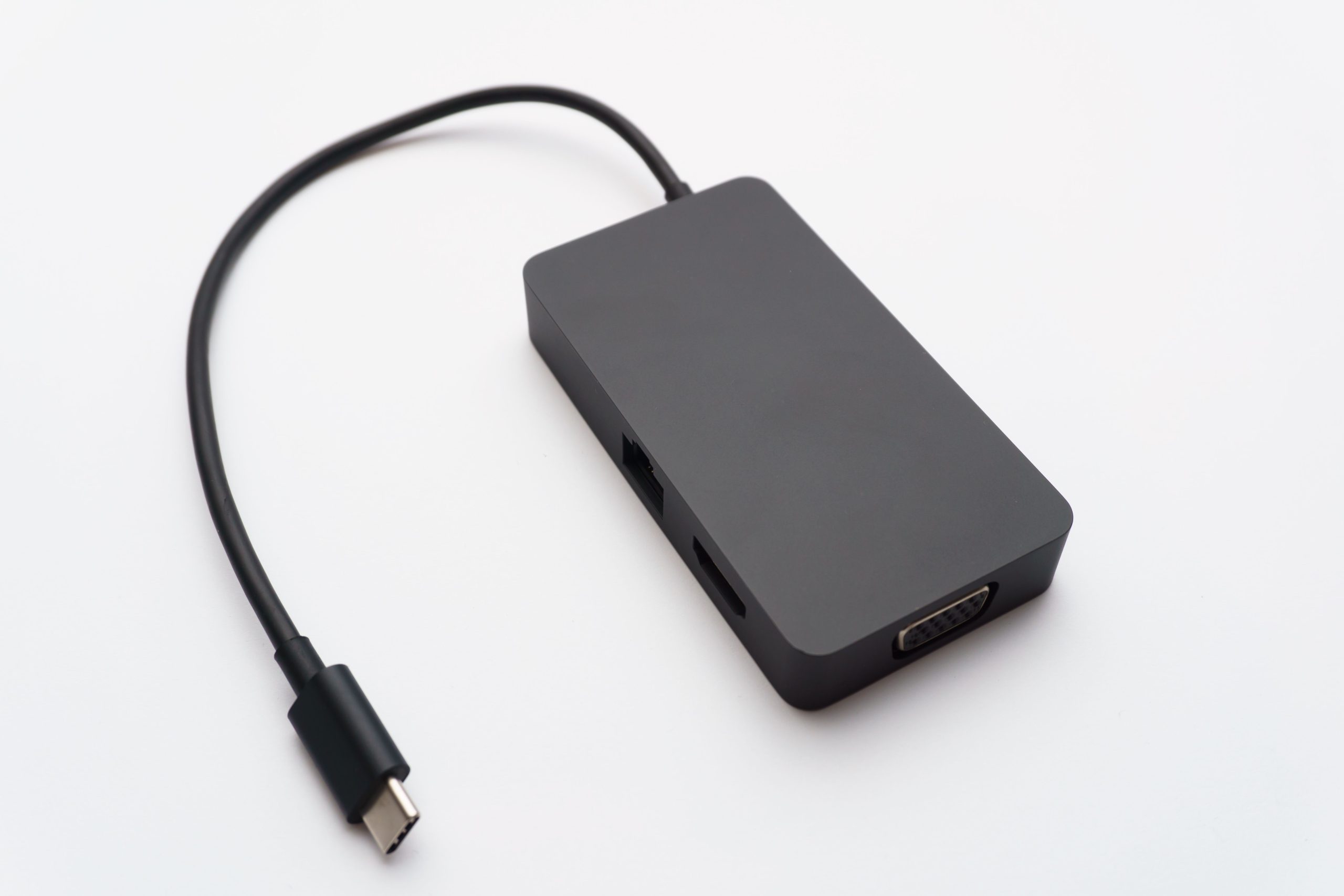
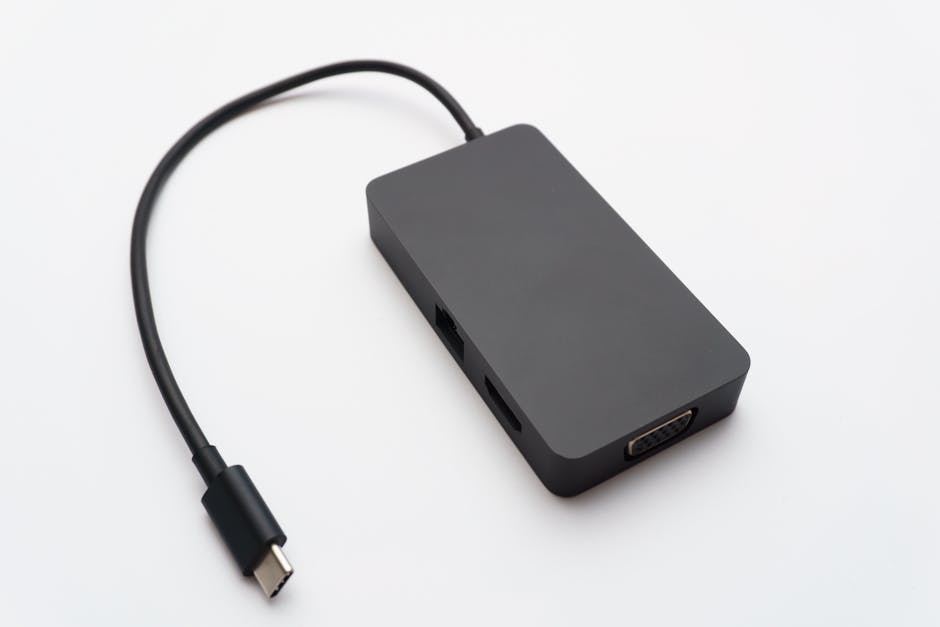
- USB-C to USB-A cables with additional features like power delivery (PD) and DisplayPort Alternate Mode (DP Alt Mode), enabling fast charging and high-resolution display output
| Cable Type | Data Transfer Speed | Power Delivery |
|---|---|---|
| USB 2.0 | Up to 480 Mbps | No |
| USB 3.0 | Up to 5 Gbps | Yes |
| USB 3.1 | Up to 10 Gbps | Yes |
| USB 3.2 | Up to 20 Gbps | Yes |
| USB 4 | Up to 40 Gbps | Yes |
When selecting a USB peripheral data cable, it’s essential to consider the data transfer speed and power delivery requirements of your device. For example, if you’re transferring large files between devices, a USB 3.2 or USB 4 cable would be the best choice. You can explore high-speed data cables at USB 4 Cable, 40Gbps USB C to Type C Data Cord.
Types of USB Peripheral Data Cables
There are various types of USB peripheral data cables available, each designed for specific applications. The most common types include:
- USB 2.0 cables for standard data transfer, suitable for connecting peripherals like keyboards and mice
- USB 3.0 cables for high-speed data transfer, ideal for transferring large files between devices
- USB 3.1 cables for even faster data transfer and fast charging, suitable for devices that require high-speed data transfer and fast charging
- USB 3.2 cables for the latest high-speed data transfer and fast charging, ideal for devices that require the latest USB technology
- USB 4 cables for the fastest data transfer and charging, suitable for devices that require the highest data transfer speeds and fast charging
- USB-C cables with alternate modes, such as DisplayPort Alternate Mode (DP Alt Mode) and HDMI Alternate Mode, enabling high-resolution display output
- USB-C cables with power delivery (PD) capabilities, enabling fast charging and power delivery up to 100W
Some USB peripheral data cables also come with additional features like power delivery (PD) and DisplayPort Alternate Mode (DP Alt Mode). These features enable fast charging and high-resolution display output, making them ideal for applications that require high-speed data transfer and power delivery.
Applications of USB Peripheral Data Cables
USB peripheral data cables are used in a wide range of applications, including:
- Connecting peripherals such as keyboards and mice to computers
- Transferring data between devices, such as between a smartphone and a computer
- Charging devices, such as smartphones and tablets
- Industrial automation, where USB peripheral data cables are used to connect devices and enable data transfer
- Medical devices, where USB peripheral data cables are used to connect medical devices and enable data transfer
- Aerospace and defense, where USB peripheral data cables are used in various applications, including navigation and communication systems
- Automotive, where USB peripheral data cables are used to connect devices and enable data transfer in vehicles
- Consumer electronics, where USB peripheral data cables are used to connect devices and enable data transfer
- Education, where USB peripheral data cables are used to connect devices and enable data transfer in educational settings
- Healthcare, where USB peripheral data cables are used to connect medical devices and enable data transfer
In addition to these applications, USB peripheral data cables are also used in various other industries, including gaming, virtual reality, and augmented reality.
Benefits of USB Peripheral Data Cables
USB peripheral data cables offer several benefits, including:
- Convenience and ease of use, as they are widely supported and easy to connect
- High-speed data transfer, enabling fast transfer of large files between devices
- Fast charging, enabling devices to be charged quickly and efficiently
- Reliability and durability, as they are designed to withstand repeated use and harsh environments
- Compatibility, as they are widely supported by most devices
- Flexibility, as they come in various types and configurations to suit different applications
- Cost-effectiveness, as they are often less expensive than other connectivity options
When choosing a USB peripheral data cable, it’s essential to consider the benefits and features that are most important to your application.
Steps to Choosing the Right USB Peripheral Data Cable
To choose the right USB peripheral data cable for your device, follow these steps:
- Determine your device’s connector type, such as USB-A, USB-C, or USB micro
- Consider your device’s speed requirements, such as USB 2.0, USB 3.0, or USB 3.2
- Check the cable’s compatibility with your device and other devices you plan to connect
- Look for high-quality materials and construction, such as braided cables and gold-plated connectors
- Consider additional features, such as power delivery (PD) and DisplayPort Alternate Mode (DP Alt Mode)
- Check the cable’s certifications and compliance, such as USB-IF certification and RoHS compliance
- Read reviews and check the manufacturer’s reputation to ensure you’re getting a high-quality cable
By following these steps, you can ensure that you choose the right USB peripheral data cable for your device and application.

Troubleshooting Common Issues with USB Peripheral Data Cables
Here are some common issues with USB peripheral data cables and their troubleshooting steps:
- Data transfer is slow: Check the cable’s data transfer speed and ensure it is compatible with your device’s requirements. Try using a different cable or upgrading to a faster cable.
- Device is not charging: Check the cable’s power delivery capabilities and ensure it is compatible with your device’s charging requirements. Try using a different cable or checking the device’s charging port for damage.
- Cable is not recognized by the device: Check the cable’s compatibility with your device and ensure it is properly connected. Try using a different cable or restarting the device.
- Cable is damaged or faulty: Inspect the cable for damage or wear and tear. Try replacing the cable or repairing it if possible.
- Cable is not compatible with device: Check the cable’s compatibility with your device and ensure it is the correct type and configuration. Try using a different cable or consulting the device’s documentation.
To avoid common issues with USB peripheral data cables, it’s essential to handle them with care, avoid bending or twisting the cable, and keep them away from harsh environments.
Frequently Asked Questions (FAQs)
- Q: What is the difference between USB 2.0 and USB 3.0 cables?
- A: USB 3.0 cables offer faster data transfer speeds and power delivery capabilities compared to USB 2.0 cables.
- Q: Can I use a USB-C cable to charge my device?
- A: Yes, USB-C cables can be used to charge devices that support USB-C charging.
- Q: How do I know if my USB peripheral data cable is compatible with my device?
- A: Check the cable’s compatibility with your device by consulting the device’s documentation or manufacturer’s website.
- Q: What is the maximum data transfer speed of a USB 3.2 cable?
- A: The maximum data transfer speed of a USB 3.2 cable is up to 20 Gbps.
- Q: Can I use a USB peripheral data cable to connect my device to a display?
- A: Yes, some USB peripheral data cables, such as those with DisplayPort Alternate Mode (DP Alt Mode), can be used to connect devices to displays.
Conclusion
USB peripheral data cables play a vital role in connecting devices and enabling data transfer. By understanding the different types of USB peripheral data cables, their applications, and benefits, you can make informed decisions when choosing a cable for your device. By following the steps outlined in this article, you can ensure that you choose the right USB peripheral data cable for your device and application.