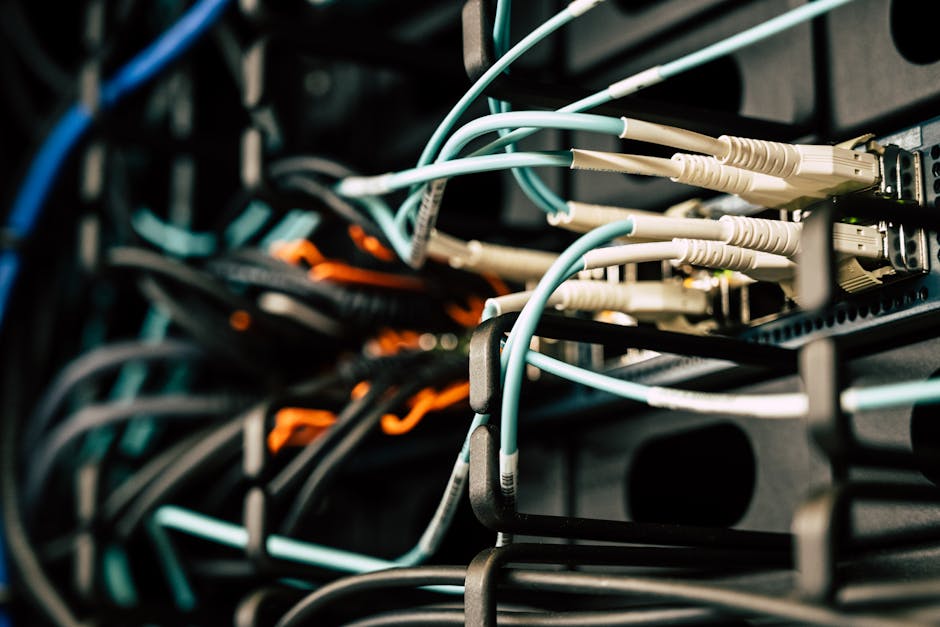
Introduction to Interconnect Cables in Server Racks
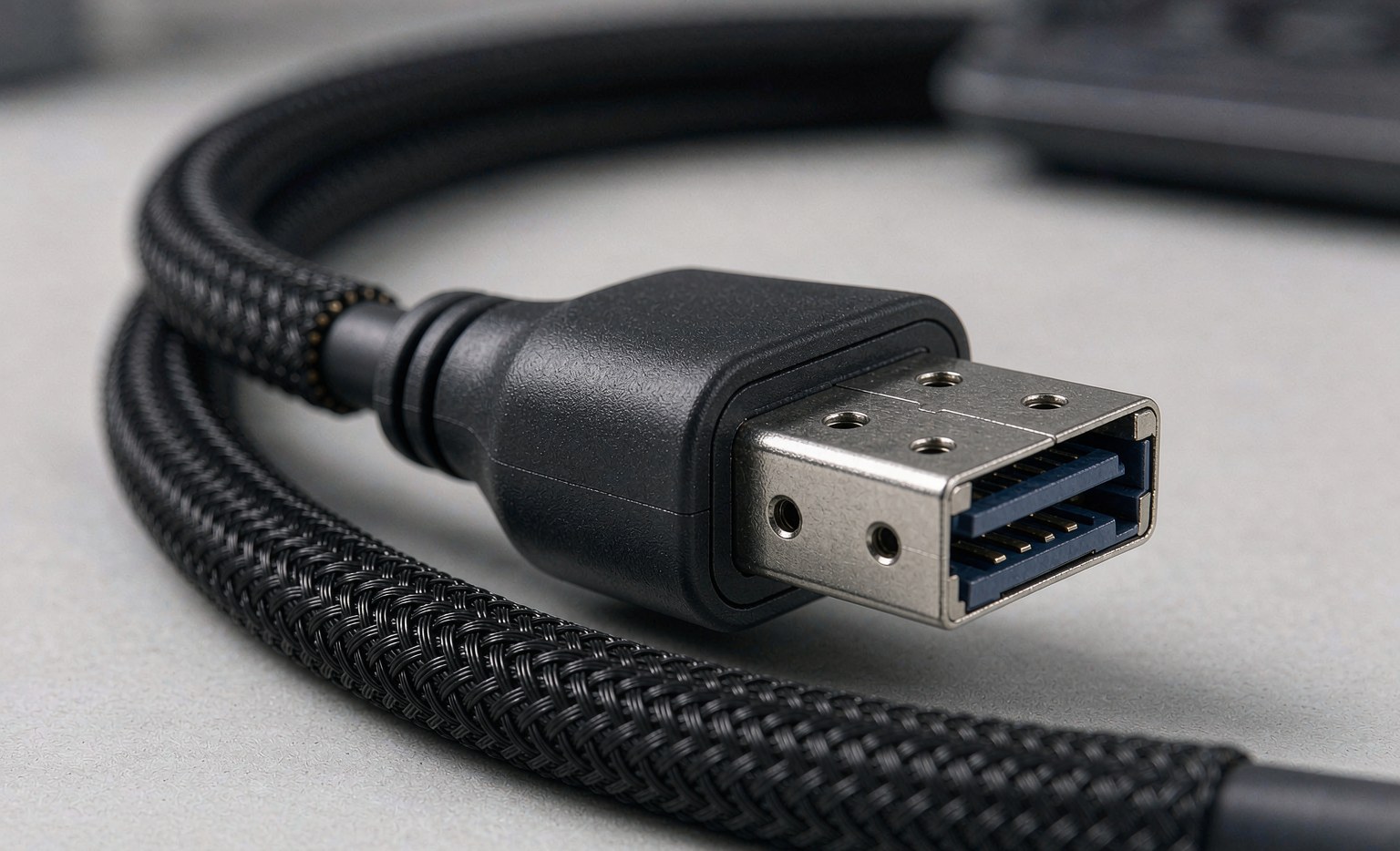
Interconnect cables facilitate communication between servers, storage devices, and network equipment within server racks. The right choice of interconnect cables significantly impacts data center performance, scalability, and reliability. A well-designed interconnect cabling system enables efficient data transfer, reduces latency, and increases overall data center efficiency. Data center operators must consider the types of interconnect cables used, their applications, and influencing factors. For instance, a data center hosting cloud services requires high-speed interconnect cables to ensure low latency and high throughput. The Evolution of Internal Server Connectivity: From Mini SAS to SlimSAS and OCUlink.
In addition to performance, the choice of interconnect cables also affects the overall cost and manageability of the data center. Proper cable management can reduce operational expenses and improve troubleshooting efficiency. Therefore, understanding the different types of interconnect cables and their applications is crucial for data center operators. To achieve this, data center operators should assess their current infrastructure, consider future expansion plans, and evaluate the compatibility of different cable types with their existing equipment.
For example, a data center planning to upgrade its storage infrastructure to support high-speed NVMe devices may need to consider Enhancing Server Storage Performance with High-Speed OCuLink Cables or PCIe cables. Similarly, a data center expanding its network infrastructure may need to choose between different categories of Ethernet cables.
Types of Interconnect Cables
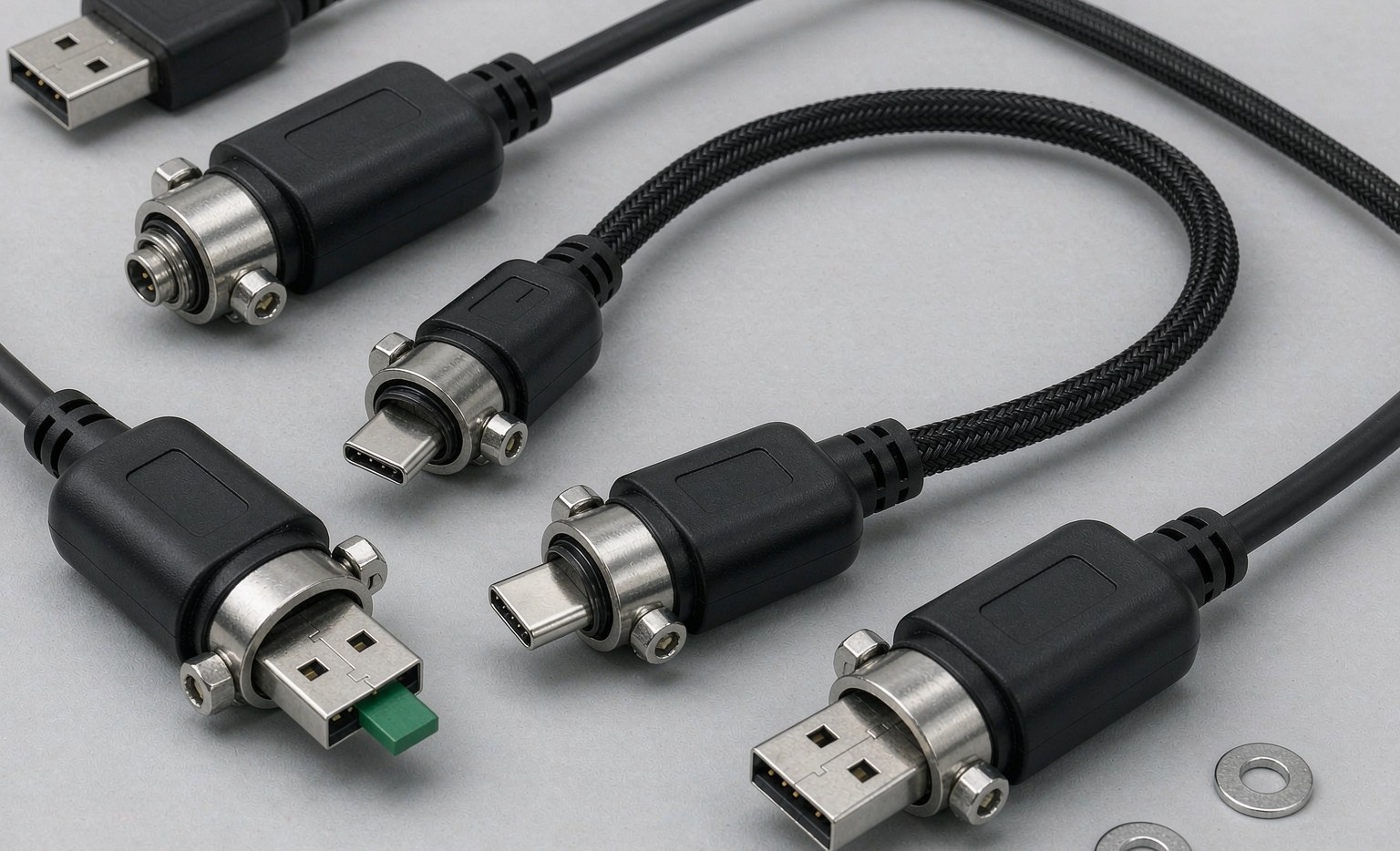
Several types of interconnect cables are used in server racks, each designed for specific applications. The most common types include:
- Ethernet Cables: Used for networking, these cables come in various categories (Cat5e, Cat6, Cat7, Cat8) offering different speeds and bandwidths. For example, Cat5e cables support up to 1 Gbps, while Cat8 cables can handle up to 25 Gbps or 40 Gbps.
- Fiber Optic Cables: Ideal for high-speed data transmission over longer distances, fiber optic cables offer higher bandwidth and lower latency. They are commonly used for interconnecting data centers or for high-speed storage networks.
- SAS (Serial Attached SCSI) Cables: Used for connecting storage devices to servers, SAS cables offer high-speed data transfer. SAS cables are available in different speeds, such as 6 Gbps, 12 Gbps, and 22.5 Gbps.
- PCIe (Peripheral Component Interconnect Express) Cables: PCIe cables connect expansion cards to motherboards, enhancing server capabilities. PCIe cables are used for various applications, including GPU accelerators and NVMe storage.
- OCuLink Cables: Emerging as a high-speed alternative, OCuLink cables offer significant advantages in bandwidth and latency. OCuLink is particularly useful for connecting NVMe devices directly to the PCIe lanes.
- InfiniBand Cables: Used for high-performance computing applications, InfiniBand cables offer low latency and high bandwidth. They are commonly used in HPC clusters and data centers requiring high-speed interconnects.
| Cable Type | Data Transfer Speed | Application |
|---|---|---|
| Cat5e Ethernet | Up to 1 Gbps | Networking |
| Cat6 Ethernet | Up to 10 Gbps | Networking |
| Cat7 Ethernet | Up to 10 Gbps | Networking |
| Cat8 Ethernet | Up to 25/40 Gbps | Networking |
| Fiber Optic | High-speed | Long-distance data transmission |
| SAS | 6/12/22.5 Gbps | Storage connectivity |
| PCIe | High-speed | Expansion card connectivity |
| OCuLink | High-speed | NVMe connectivity |
| InfiniBand | High-speed | High-performance computing |
Ethernet Cables: Categories and Applications
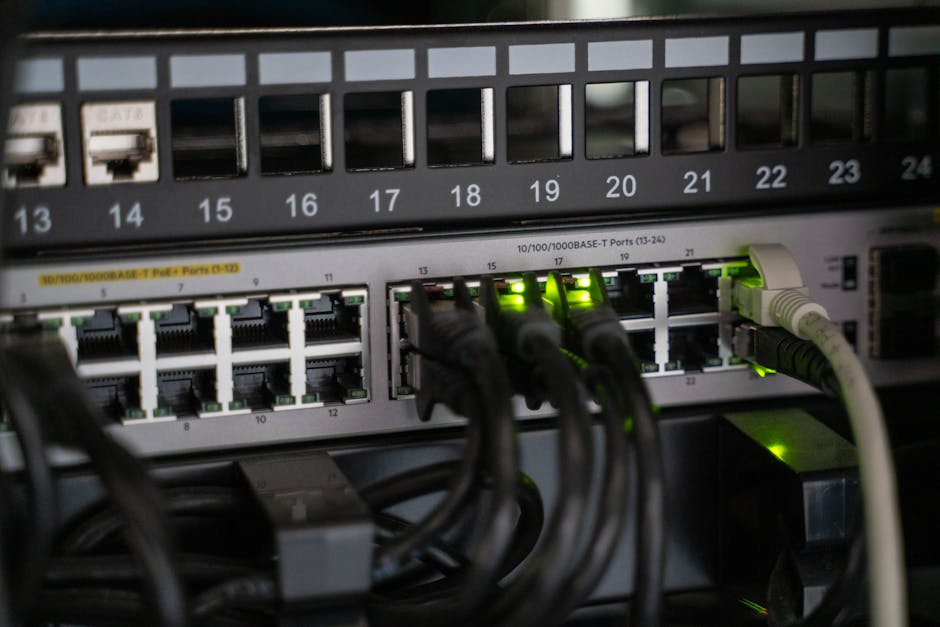
Ethernet cables are categorized based on their data transfer speeds and bandwidth. The most commonly used categories in data centers are Cat5e, Cat6, Cat7, and Cat8.
- Cat5e: Supports up to 1 Gbps and is used for basic networking applications.
- Cat6: Supports up to 10 Gbps and is used for higher-speed networking applications.
- Cat7: Also supports up to 10 Gbps but offers better shielding against electromagnetic interference.
- Cat8: Supports up to 25 Gbps or 40 Gbps and is used for high-speed networking applications in data centers.
When choosing Ethernet cables, data center operators should consider the required data transfer speed, the distance between devices, and the level of electromagnetic interference.
Fiber Optic Cables: Advantages and Applications
Fiber optic cables offer several advantages over traditional copper cables, including higher bandwidth, lower latency, and longer transmission distances. They are commonly used for:
- Inter-data center connectivity: Fiber optic cables are used to connect data centers over long distances.
- High-speed storage networks: Fiber optic cables are used to connect storage devices to servers at high speeds.
- High-performance computing: Fiber optic cables are used in high-performance computing applications that require low latency and high bandwidth.
- Backbone networks: Fiber optic cables are used as backbone networks within data centers, providing high-speed connectivity between different parts of the data center.
Factors Influencing the Choice of Interconnect Cables
The selection of interconnect cables is influenced by several factors, including data transfer speed requirements, distance between devices, scalability, environmental factors, and cost.
- Data Transfer Speed Requirements: Different applications require varying data transfer speeds. For example, high-performance computing applications require higher speeds than basic networking applications.
- Distance Between Devices: The distance between devices impacts the choice of interconnect cables. For longer distances, fiber optic cables are often preferred.
- Scalability and Future-Proofing: The chosen interconnect cables should support future upgrades and expansions. For example, choosing Cat8 Ethernet cables can future-proof a data center’s networking infrastructure.
- Environmental Factors: Environmental factors such as temperature, humidity, and electromagnetic interference can impact the choice of interconnect cables.
- Cost: The cost of interconnect cables is an important consideration. While high-speed cables may be more expensive, they can offer long-term benefits in terms of performance and scalability.
- Compatibility: Ensuring the compatibility of interconnect cables with existing equipment is crucial. Data center operators should verify that the chosen cables are compatible with their servers, storage devices, and network equipment.
Best Practices for Interconnect Cable Management
Effective management of interconnect cables is crucial for maintaining an organized and efficient data center. Best practices include:
- Proper Labeling: Labeling interconnect cables simplifies identification and troubleshooting.
- Cable Routing: Careful cable routing reduces the risk of cable damage and signal attenuation.
- Cable Securing: Securing interconnect cables prevents damage and improves airflow.
- Cable Management Tools: Using cable management tools such as cable ties, clips, and organizers can help maintain a tidy and organized cabling infrastructure.
- Documentation: Maintaining detailed documentation of the cabling infrastructure can simplify troubleshooting and future upgrades.
Steps for Effective Cable Management
- Plan the Cabling Infrastructure: Plan the cabling infrastructure before implementing it, considering factors such as cable routing, labeling, and securing.
- Label Cables: Label cables at both ends to simplify identification.
- Route Cables Carefully: Route cables through cable management systems to reduce damage and signal attenuation.
- Secure Cables: Secure cables using cable ties or clips to prevent damage and improve airflow.
- Monitor and Maintain: Regularly monitor and maintain the cabling infrastructure to ensure it remains organized and functional.
- Document Changes: Document any changes made to the cabling infrastructure to maintain accurate records.
Frequently Asked Questions (FAQs)
Q: What is the difference between Cat5e and Cat6 Ethernet cables?
A: Cat5e cables support up to 1 Gbps, while Cat6 cables support up to 10 Gbps. Cat6 cables offer higher speeds and are suitable for higher-bandwidth applications.
Q: When should I use fiber optic cables instead of copper cables?
A: Fiber optic cables are preferred for longer distances and high-speed applications. They offer higher bandwidth, lower latency, and are less susceptible to electromagnetic interference.
Q: What are the benefits of using OCuLink cables?
A: OCuLink cables offer high-speed connectivity for NVMe devices directly to PCIe lanes. They provide significant advantages in bandwidth and latency.
Q: How do I ensure the compatibility of interconnect cables with my existing equipment?
A: To ensure compatibility, verify that the chosen cables are compatible with your servers, storage devices, and network equipment. Check the specifications of your equipment and the cables to ensure they match.
Q: What are the best practices for labeling interconnect cables?
A: Best practices for labeling interconnect cables include labeling cables at both ends, using clear and concise labels, and maintaining a labeling scheme that is consistent throughout the data center.