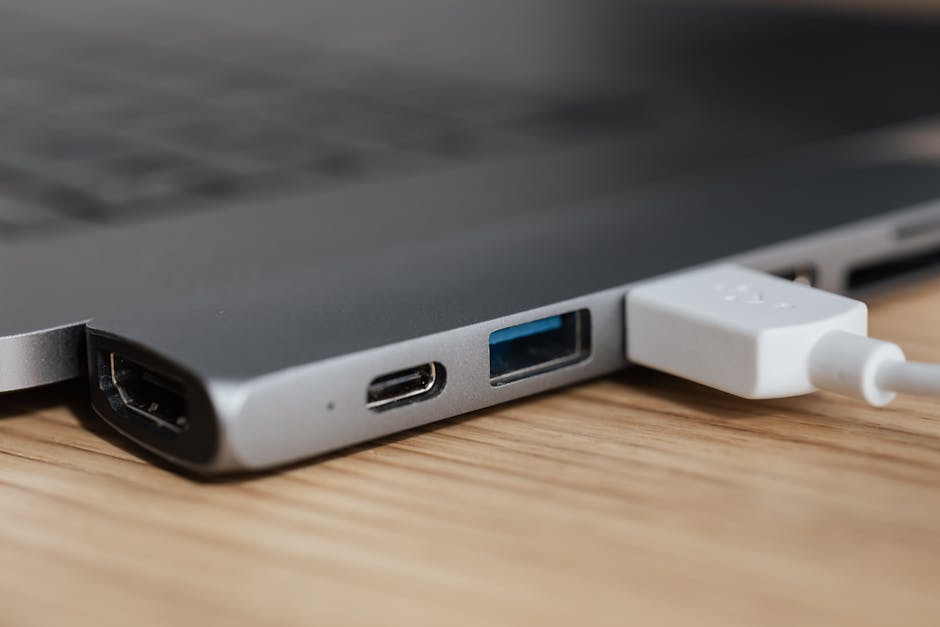
Understanding Peripheral Data Cables
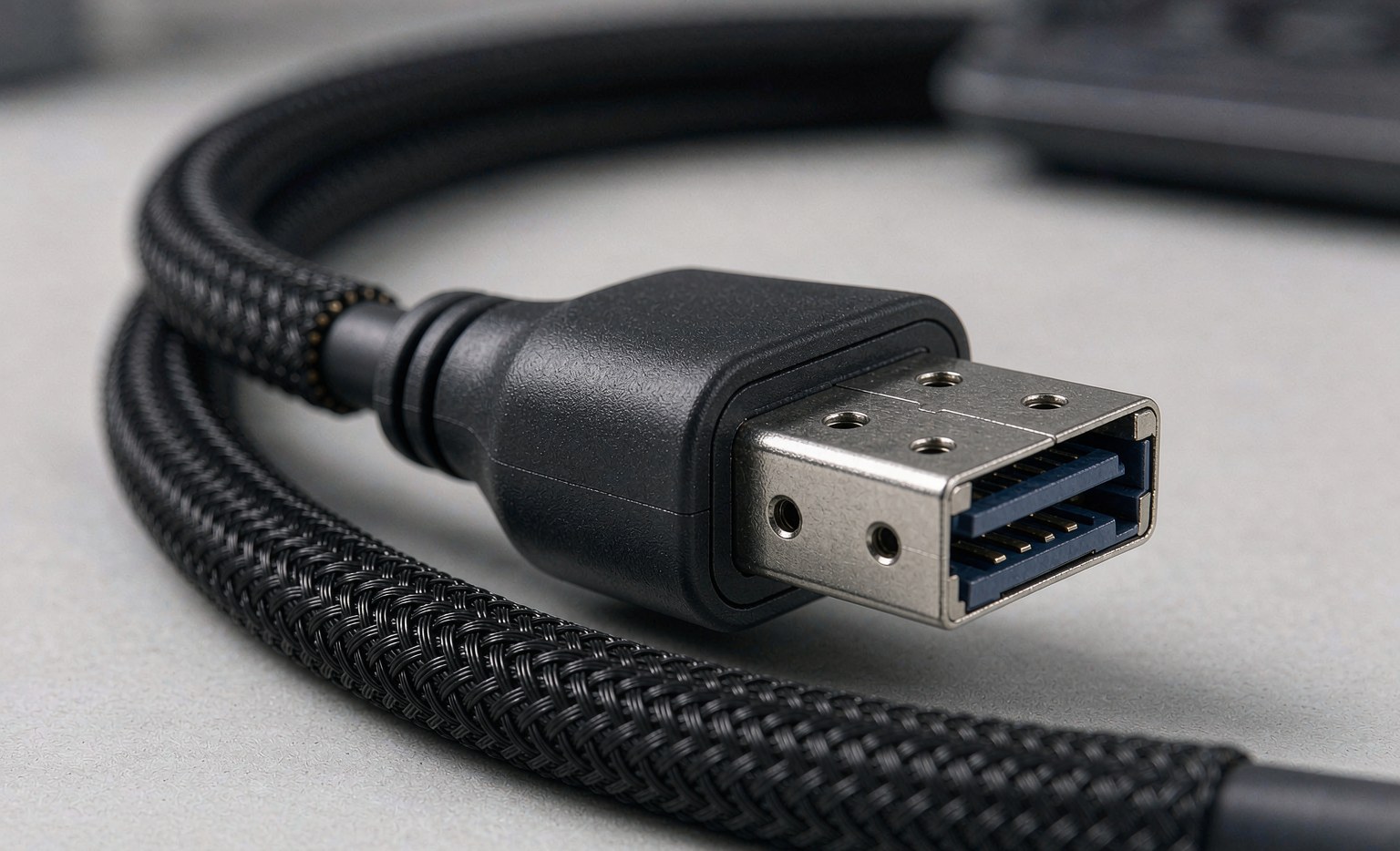
Peripheral data cables are essential components that connect various consumer electronics devices, such as smartphones, laptops, gaming consoles, and televisions, to enable data transfer, charging, and other functionalities. The quality of these cables can significantly impact overall performance, making it crucial to understand their types, applications, and characteristics. For more information on high-speed data cables, see The Critical Role of High-Speed Data Cables in a Connected World.
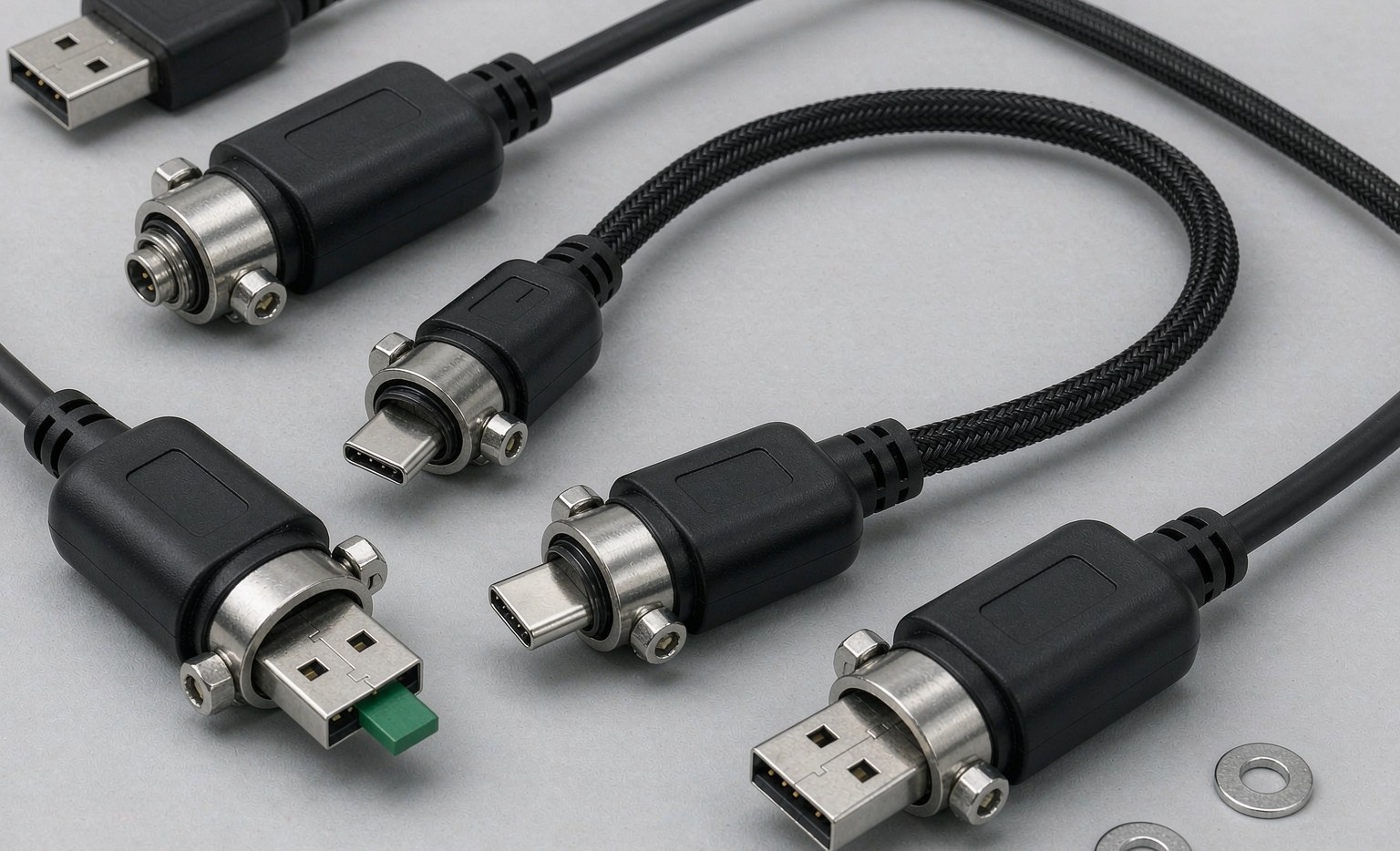
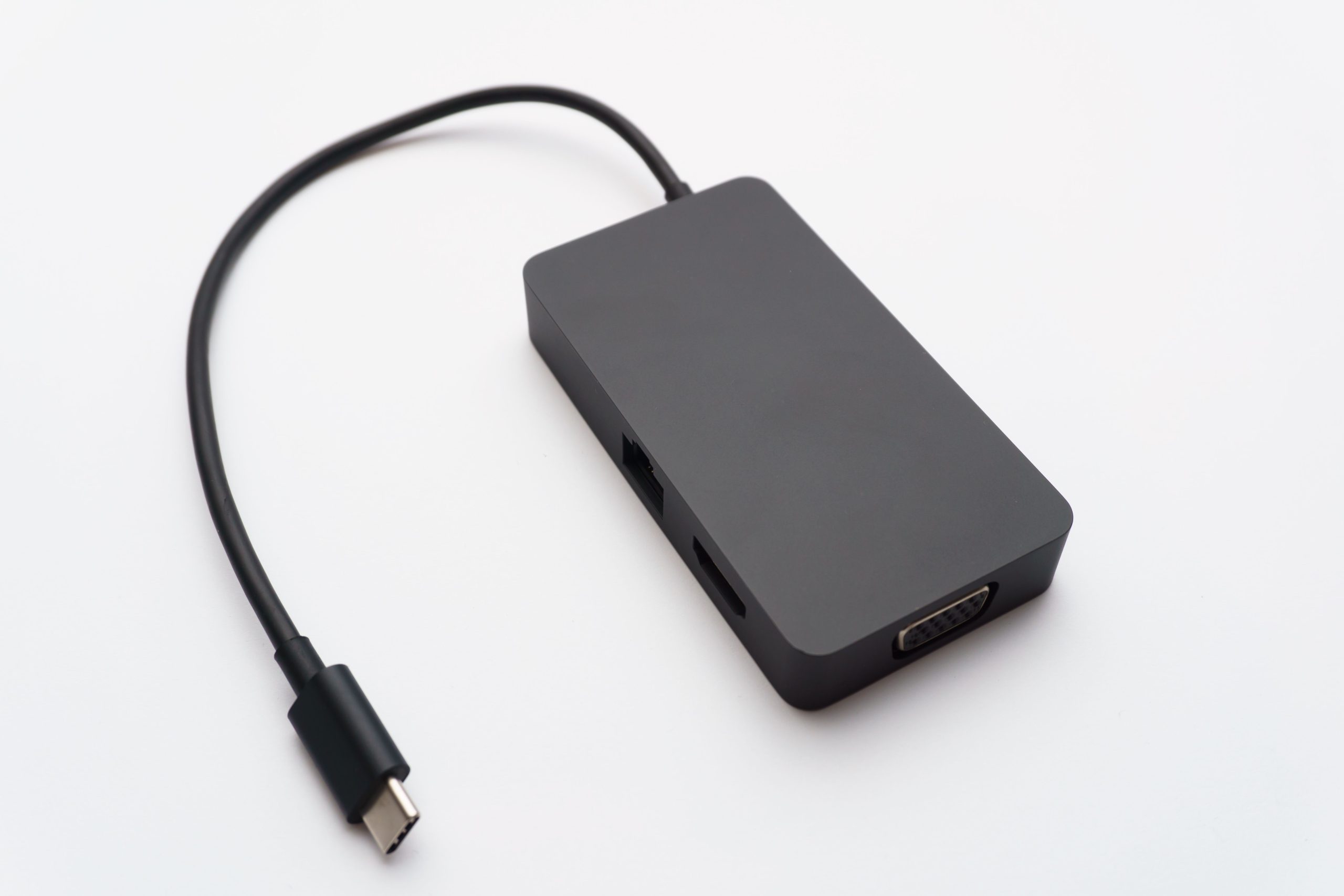
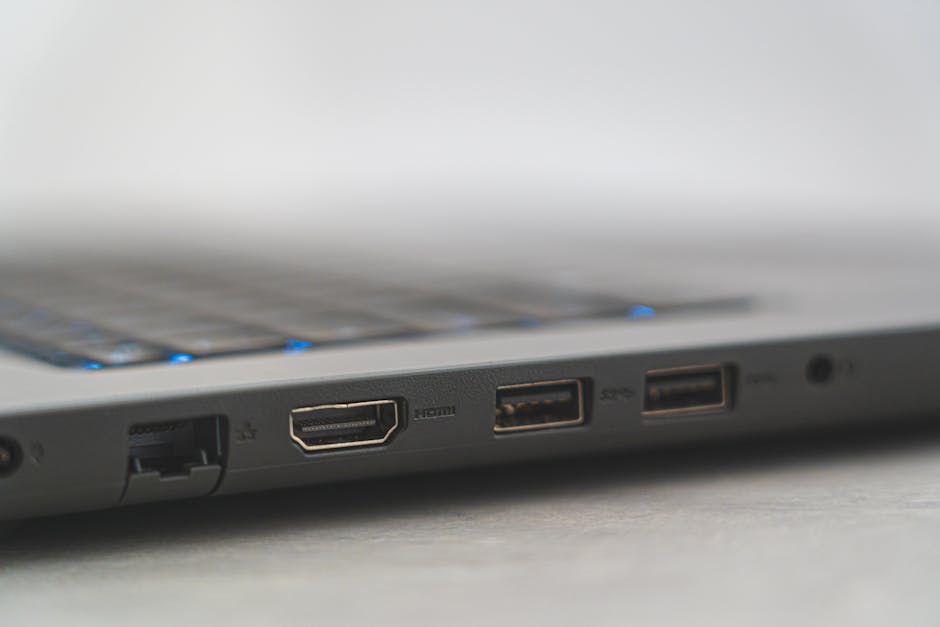
- USB Cables: USB cables are widely used to connect devices to computers, chargers, and other peripherals. They come in various versions, including USB 2.0, USB 3.0, USB 3.2, and USB-C, each with its own data transfer speed and capabilities. For instance, USB-C is a reversible connector that can support speeds of up to 10 Gbps and is becoming increasingly popular due to its versatility and fast data transfer rates. To learn more about USB-C, visit What Is a USB-C Cable? The Universal Standard for Power and Data Explained.
- HDMI Cables: HDMI cables are used to transmit high-definition video and audio signals between devices, such as TVs, gaming consoles, and computers. They are available in different versions, including HDMI 1.4, HDMI 2.0, and HDMI 2.1, with varying bandwidth and feature support. For example, HDMI 2.1 supports resolutions up to 8K (7680 x 4320) at 60 Hz and is designed to meet the demands of future display technologies.
- DisplayPort Cables: DisplayPort cables connect devices to displays, offering high-resolution video transmission and multi-monitor support. They are commonly used in gaming PCs and high-end graphics workstations. DisplayPort 2.0, the latest version, supports data transfer speeds of up to 80 Gbps, making it ideal for applications that require high-bandwidth video transmission.
- Other Types of Peripheral Data Cables: SATA cables connect storage devices, Ethernet cables are used for networking, and audio cables transmit audio signals. These cables are essential for building and maintaining computer systems, home theaters, and other electronic setups.
| Cable Type | Data Transfer Speed | Common Applications |
|---|---|---|
| USB 2.0 | Up to 480 Mbps | Connecting devices to computers, chargers |
| USB 3.0 | Up to 5 Gbps | High-speed data transfer, external storage |
| USB 3.2 | Up to 20 Gbps | High-speed data transfer, external storage, high-resolution displays |
| USB-C | Up to 10 Gbps | Reversible connector, high-speed data transfer, charging, alternate modes (DisplayPort, Power Delivery) |
| HDMI 1.4 | Up to 10.2 Gbps | Transmitting high-definition video and audio |
| HDMI 2.0 | Up to 18 Gbps | 4K video transmission, HDR support |
| HDMI 2.1 | Up to 48 Gbps | 8K video transmission, enhanced HDR support, eARC (enhanced Audio Return Channel) |
| DisplayPort 1.4 | Up to 32.4 Gbps | Connecting devices to displays, multi-monitor support |
| DisplayPort 2.0 | Up to 80 Gbps | High-resolution video transmission, multi-monitor support, high-refresh rates |
Factors to Consider When Selecting Peripheral Data Cables
When choosing peripheral data cables, several factors must be considered to ensure compatibility, performance, and reliability. These factors include device compatibility, data transfer speed, cable quality, and certification.
- Device Compatibility: Ensure the cable is compatible with your device’s connector type and version. For example, USB-C devices require USB-C cables, while older devices may use USB-A or Micro-USB. It’s also essential to check if the cable supports the device’s specific features, such as Power Delivery (PD) or DisplayPort Alternate Mode (Alt Mode).
- Data Transfer Speed: Choose cables that support the required data transfer speed for your application. For instance, if you need to transfer large files quickly, a USB 3.0 or USB-C cable may be necessary. For high-resolution displays, consider HDMI 2.0 or DisplayPort 1.4 cables.
- Cable Quality: Opt for high-quality cables with durable materials and robust construction. Look for cables with features like gold-plated connectors, braided shielding, and reinforced insulation. These features can improve signal integrity, reduce electromagnetic interference (EMI), and increase the cable’s lifespan.
- Certification: Check for certifications like USB-IF (USB Implementers Forum) or HDMI Licensing Administrator, which ensure compliance with industry standards. Certified cables have undergone rigorous testing and are more likely to provide reliable performance and compatibility.
Steps to Choose the Right Peripheral Data Cable
- Step 1: Identify your device’s connector type and version.
- Step 2: Determine the required data transfer speed for your application.
- Step 3: Research and compare different cable options, considering factors like cable length, material, and certification.
- Step 4: Check for certifications and compliance with industry standards.
- Step 5: Read reviews and check the manufacturer’s reputation to ensure you’re purchasing a high-quality cable.
- Step 6: Consider the cable’s durability and warranty offered by the manufacturer.
Benefits of High-Quality Peripheral Data Cables
High-quality peripheral data cables offer several benefits, including reliable data transfer, reduced signal degradation, device protection, future-proofing, and improved performance.
- Reliable Data Transfer: High-quality cables ensure stable and efficient data transfer, reducing the risk of data loss or corruption.
- Reduced Signal Degradation: Quality cables minimize signal degradation, maintaining signal integrity and preventing data errors.
- Device Protection: Durable cables protect devices from damage caused by poor connectivity, such as power surges or electrical shocks.
- Future-Proofing: High-quality cables are more likely to support future technologies and standards, ensuring compatibility with upcoming devices and applications.
- Improved Performance: Quality cables can improve overall system performance by reducing latency, increasing data transfer speeds, and enhancing signal quality.
Frequently Asked Questions (FAQs)
- Q: What is the difference between USB 2.0 and USB 3.0?
- A: USB 3.0 offers faster data transfer speeds (up to 5 Gbps) compared to USB 2.0 (up to 480 Mbps).
- Q: Can I use a USB-C cable with an older device?
- A: It depends on the device and cable. Some USB-C cables are backward compatible with older devices, while others may require adapters or converters.
- Q: What is the maximum resolution supported by HDMI 2.0?
- A: HDMI 2.0 supports resolutions up to 4K (3840 x 2160) at 60 Hz.
- Q: Can I use a DisplayPort cable with an HDMI device?
- A: Yes, with an adapter or converter. DisplayPort and HDMI are both digital video standards, and adapters can convert the signal between the two.
- Q: How do I know if a cable is certified?
- A: Look for logos or certifications from organizations like USB-IF or HDMI Licensing Administrator. These logos indicate that the cable has met specific standards and has undergone testing.


Best Practices for Using Peripheral Data Cables
- Handle cables with care to avoid damage or tangling.
- Store cables properly to prevent damage or degradation.
- Avoid overloading cables with too many devices or connections.
- Use cable ties or organizers to keep cables tidy and organized.
- Regularly inspect cables for signs of wear or damage.
- Avoid bending or twisting cables excessively, as this can cause damage to the internal wiring.
Troubleshooting Common Issues with Peripheral Data Cables
- Check for loose connections or damaged cables.
- Try swapping cables or devices to isolate the issue.
- Update drivers or firmware to ensure compatibility.
- Consult user manuals or manufacturer support resources.
- Consider replacing cables or devices if issues persist.
- Check for signs of wear or damage on the cable, such as fraying, cuts, or corrosion.
Emerging Trends in Peripheral Data Cables
The peripheral data cable market is evolving to meet the demands of emerging technologies, such as 8K resolution, virtual reality (VR), and augmented reality (AR). New cable technologies, like USB4 and DisplayPort 2.0, are being developed to support faster data transfer speeds and higher resolutions. For more information on cable assemblies for high-speed data transmission, see Cable Assemblies for High-Speed Data Transmission: Performance and Reliability Solutions.
- USB4: USB4 is a new standard that promises data transfer speeds of up to 40 Gbps, making it ideal for applications that require high-bandwidth connectivity.
- DisplayPort 2.0: DisplayPort 2.0 supports data transfer speeds of up to 80 Gbps, enabling the transmission of high-resolution video signals and multi-monitor setups.
- Optical Cables: Optical cables are being developed to support high-speed data transfer over longer distances, reducing the need for copper cables.