Understanding Peripheral Data Cables for Gaming Consoles
Peripheral data cables play a crucial role in enhancing the performance and connectivity of gaming consoles. These cables enable the transfer of data between the console and various peripherals, such as controllers, headsets, and storage devices. The quality of these cables can significantly impact the gaming experience, with high-quality cables providing faster data transfer speeds, reliable connectivity, and reduced latency. For more information on the importance of high-quality cables in industrial settings, see Shielded Cables for Industrial Automation: Ensuring Reliable Data Transmission and Power Supply.
- High-speed data transfer for seamless gaming experiences
- Reliable connectivity for uninterrupted gameplay
- Compatibility with various gaming console models
- Durability and resistance to wear and tear
- Reduced risk of data corruption and signal degradation
- Support for advanced technologies such as 4K resolution and HDR
- Enhanced audio quality with surround sound and Dolby Atmos
- Reduced electromagnetic interference (EMI) for improved signal quality
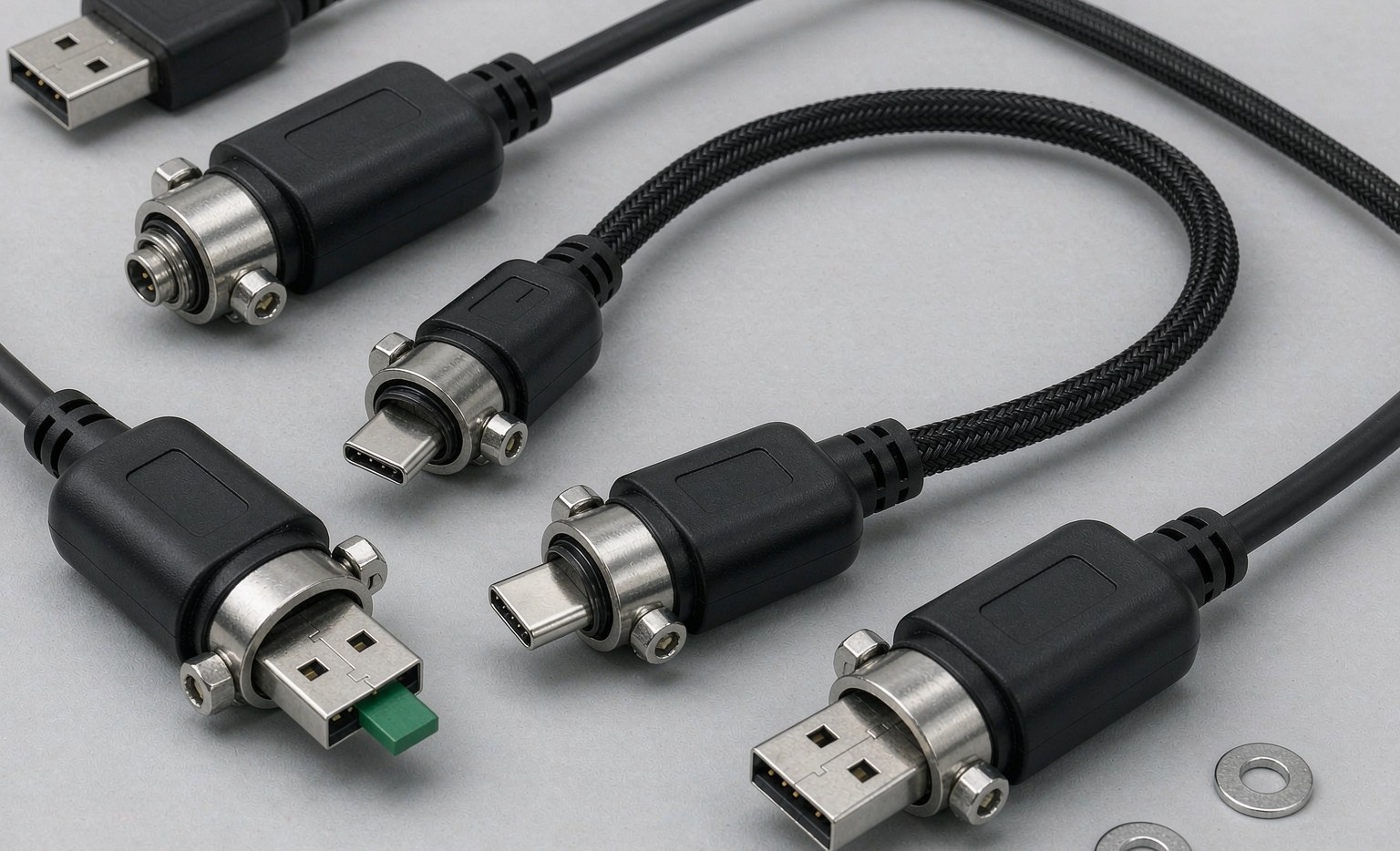
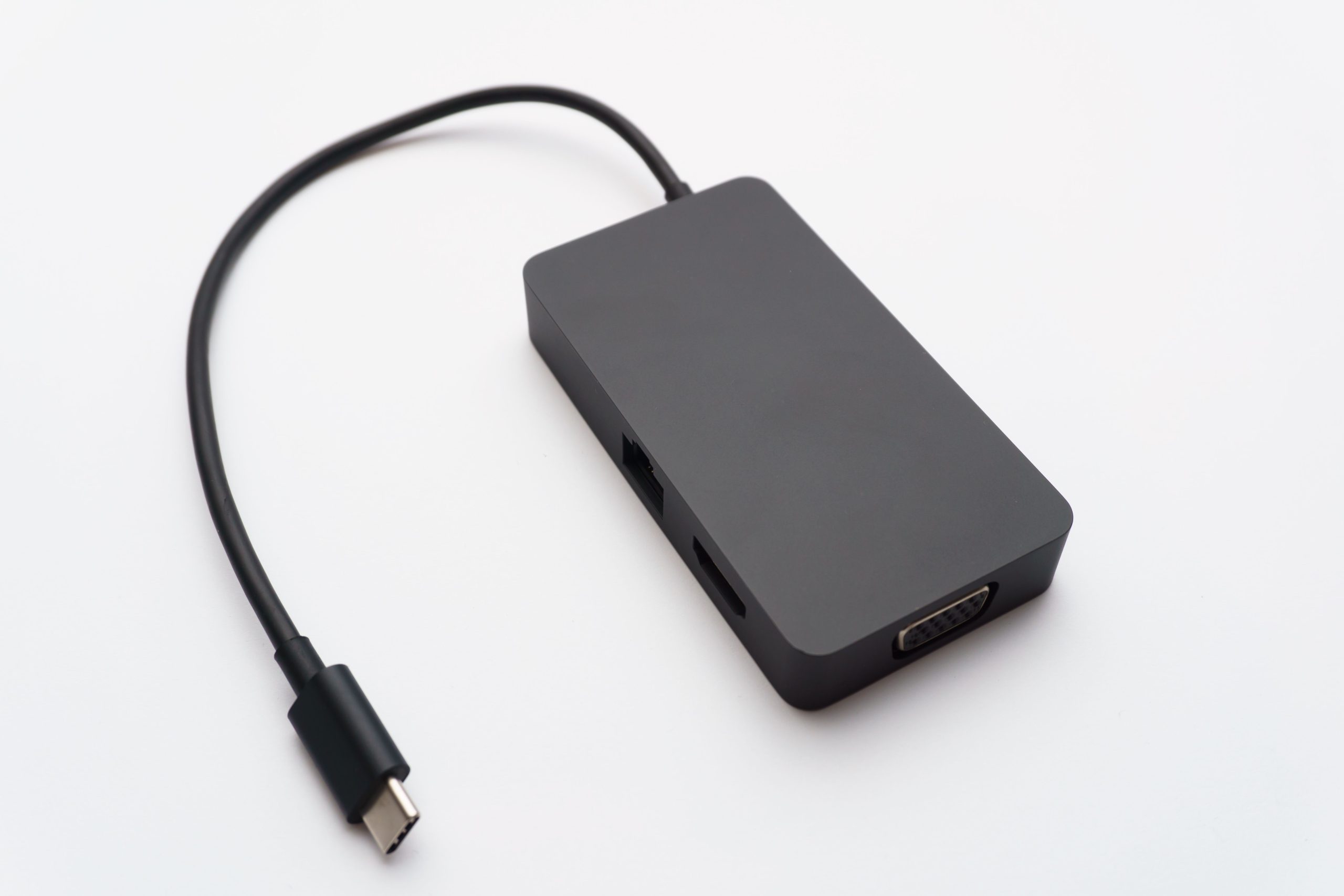
When selecting peripheral data cables, consider factors such as data transfer speed, cable durability, and compatibility. For example, LK-03 USB 4 Type C Data Cable offers data transfer speeds of up to 40 Gbps, making them ideal for connecting controllers and storage devices. HDMI 2.1 cables, on the other hand, provide data transfer speeds of up to 48 Gbps, making them suitable for high-definition video and audio output.
| Cable Type | Data Transfer Speed | Application |
|---|---|---|
| USB 4 Type C | Up to 40 Gbps | Connecting controllers and storage devices |
| HDMI 2.1 | Up to 48 Gbps | High-definition video and audio output |
| Optical Audio | Up to 18 Gbps | Surround sound connectivity |
| DisplayPort 2.0 | Up to 80 Gbps | High-resolution display connectivity |
| Ethernet | Up to 10 Gbps | Online gaming and connectivity |
| USB 3.2 Gen 2 | Up to 20 Gbps | Connecting peripherals and storage devices |
To further illustrate the importance of peripheral data cables, consider the following case study: A gamer using a high-end gaming console with a low-quality HDMI cable experienced frequent lag and signal degradation. By switching to a high-quality HDMI 2.1 cable, the gamer was able to enjoy a seamless gaming experience with reduced lag and improved video quality. The importance of high-quality cables is also highlighted in The Critical Role of High-Speed Data Cables in a Connected World.
Another example is a professional gamer who upgraded to a high-quality USB 4 Type C cable for their controller. The faster data transfer speeds and reduced latency resulted in improved responsiveness and a competitive edge in online tournaments.
Types of Peripheral Data Cables for Gaming Consoles
There are various types of peripheral data cables available for gaming consoles, each with its unique characteristics and applications.
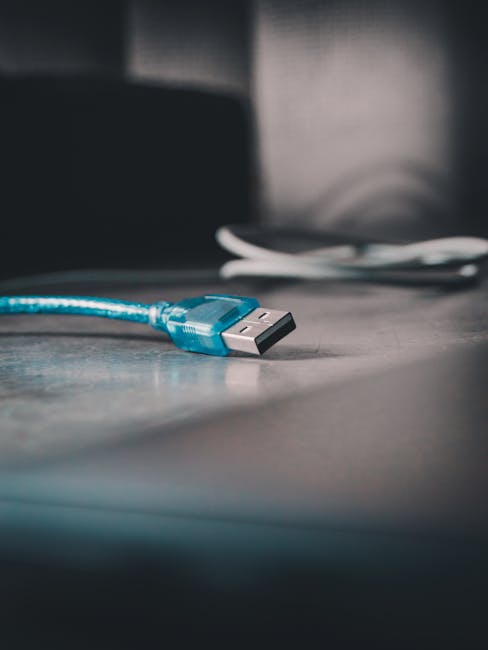
- USB cables for connecting controllers and storage devices
- HDMI cables for high-definition video and audio output
- Optical audio cables for surround sound connectivity
- DisplayPort cables for high-resolution display connectivity
- Ethernet cables for online gaming and connectivity
- Power cables for powering gaming consoles and peripherals
- Audio cables for connecting headsets and speakers
- Video cables for connecting consoles to displays
For instance, USB cables are commonly used to connect controllers, headsets, and storage devices to gaming consoles. HDMI cables, on the other hand, are used to connect gaming consoles to displays, providing high-definition video and audio output. When choosing a peripheral data cable, it’s essential to consider the specific requirements of the gaming console and peripherals.
Benefits of High-Quality Peripheral Data Cables
Using high-quality peripheral data cables can significantly enhance the gaming experience.
- Faster data transfer speeds for reduced lag and improved responsiveness
- Reliable connectivity for uninterrupted gameplay
- Durability and resistance to wear and tear
- Reduced risk of data corruption and signal degradation
- Improved overall performance and reduced latency
- Support for advanced technologies such as 4K resolution and HDR
- Enhanced audio quality with surround sound and Dolby Atmos
- Reduced risk of overheating and electrical shock
For example, using high-quality HDMI cables can reduce lag and improve responsiveness, providing a more immersive gaming experience. Similarly, using high-quality Ethernet cables can provide a stable and reliable online gaming experience. To maximize the benefits of high-quality peripheral data cables, it’s essential to follow best practices for selecting and maintaining these cables.
Best Practices for Selecting Peripheral Data Cables
When selecting peripheral data cables, consider the following best practices:
- Check the compatibility of the cable with the gaming console model
- Look for cables with high-speed data transfer capabilities
- Choose cables from reputable manufacturers for quality assurance
- Consider the cable’s construction and materials
- Check for certifications and compliance with industry standards
- Read reviews and ratings from other gamers and experts
- Compare prices and features from different manufacturers
- Inspect the cable’s packaging and labeling for authenticity
To ensure optimal performance, follow these steps when selecting peripheral data cables:
- Step 1: Identify the type of cable required for the specific peripheral device
- Step 2: Check the compatibility of the cable with the gaming console model
- Step 3: Look for cables with high-speed data transfer capabilities
- Step 4: Choose cables from reputable manufacturers for quality assurance
- Step 5: Check for certifications and compliance with industry standards
- Step 6: Inspect the cable’s construction and materials
- Step 7: Test the cable for performance and reliability
- Step 8: Store the cable properly to prevent damage and wear
Frequently Asked Questions
Here are some frequently asked questions about peripheral data cables for gaming consoles:
- Q: What is the difference between USB 3.2 and USB 4 Type C cables?
- A: USB 4 Type C cables offer faster data transfer speeds of up to 40 Gbps, while USB 3.2 cables offer data transfer speeds of up to 20 Gbps.
- Q: Can I use a standard HDMI cable for gaming?
- A: While standard HDMI cables can work for gaming, high-quality HDMI 2.1 cables are recommended for high-definition video and audio output.
- Q: How do I ensure the quality of a peripheral data cable?
- A: Look for cables from reputable manufacturers, check for certifications and compliance with industry standards, and consider the cable’s construction and materials.
- Q: Can I use a peripheral data cable with multiple gaming consoles?
- A: Yes, many peripheral data cables are compatible with multiple gaming console models. However, it’s essential to check the compatibility of the cable with each console before use.
- Q: How often should I replace my peripheral data cables?
- A: The lifespan of a peripheral data cable depends on various factors, including usage and environmental conditions. As a general rule, it’s recommended to replace peripheral data cables every 2-3 years or when signs of wear and tear appear.
- Q: Can I use a third-party peripheral data cable with my gaming console?
- A: Yes, many third-party peripheral data cables are compatible with gaming consoles. However, it’s essential to check the compatibility and quality of the cable before use.
- Q: How do I store my peripheral data cables properly?
- A: Store peripheral data cables in a cool, dry place, away from direct sunlight and physical stress. Avoid bending or twisting the cables, and use cable ties or organizers to keep them tidy.

Troubleshooting Common Issues with Peripheral Data Cables
Common issues with peripheral data cables include signal degradation, data corruption, and connectivity problems. To troubleshoot these issues, follow these steps:
- Check the cable for physical damage or wear
- Verify the compatibility of the cable with the gaming console and peripherals
- Test the cable with a different device or console
- Check for firmware updates for the gaming console and peripherals
- Consult the user manual or manufacturer’s support resources for troubleshooting guides
By following these best practices and troubleshooting steps, gamers can optimize their gaming console performance with high-quality peripheral data cables and enjoy a seamless gaming experience.