Few connector families cause more ordering errors than Mini SAS. The name covers at least three physically distinct connectors — SFF-8088, SFF-8087 and Mini SAS HD — and the differences decide whether a cable mates, whether it carries the lanes your controller expects, and whether it survives a backplane. Buyers who order “a Mini SAS cable” and wait for a photo to confirm the connector are buying twice. This guide separates the family by connector, use case and lane count so the first order is the right one.
Key Takeaways
- SFF-8088 is the external Mini SAS connector; SFF-8087 is the internal one — they are not interchangeable and are not adapter-compatible.
- Mini SAS HD (SFF-8644 / SFF-8643) is a different, denser connector family, not a Mini SAS variant.
- Lane count (4i vs 8i) is a separate decision from connector type; both exist across the family.
- Internal backplane cables need gauge, routing and bend-radius specification; external cables need latch style and shielding.
- Always specify connector + lane count + length + routing, and ask for the mating-port photo before shipping.
The Three Connectors, Separated
The confusion is real and mostly historical. Mini SAS was designed to consolidate multiple SAS and SATA links into one connector, and different form factors were standardised for different positions in the system.
| Connector | Position | Common name | Typical use |
|---|---|---|---|
| SFF-8088 | External (outside the chassis) | External Mini SAS | Controller-to-JBOD, external storage, HBA breakout |
| SFF-8087 | Internal (inside the chassis) | Internal Mini SAS | Backplane-to-controller, internal drive cabling |
| SFF-8644 / SFF-8643 | Both, high density | Mini SAS HD | High-lane backplanes, multi-drive internal fan-out |
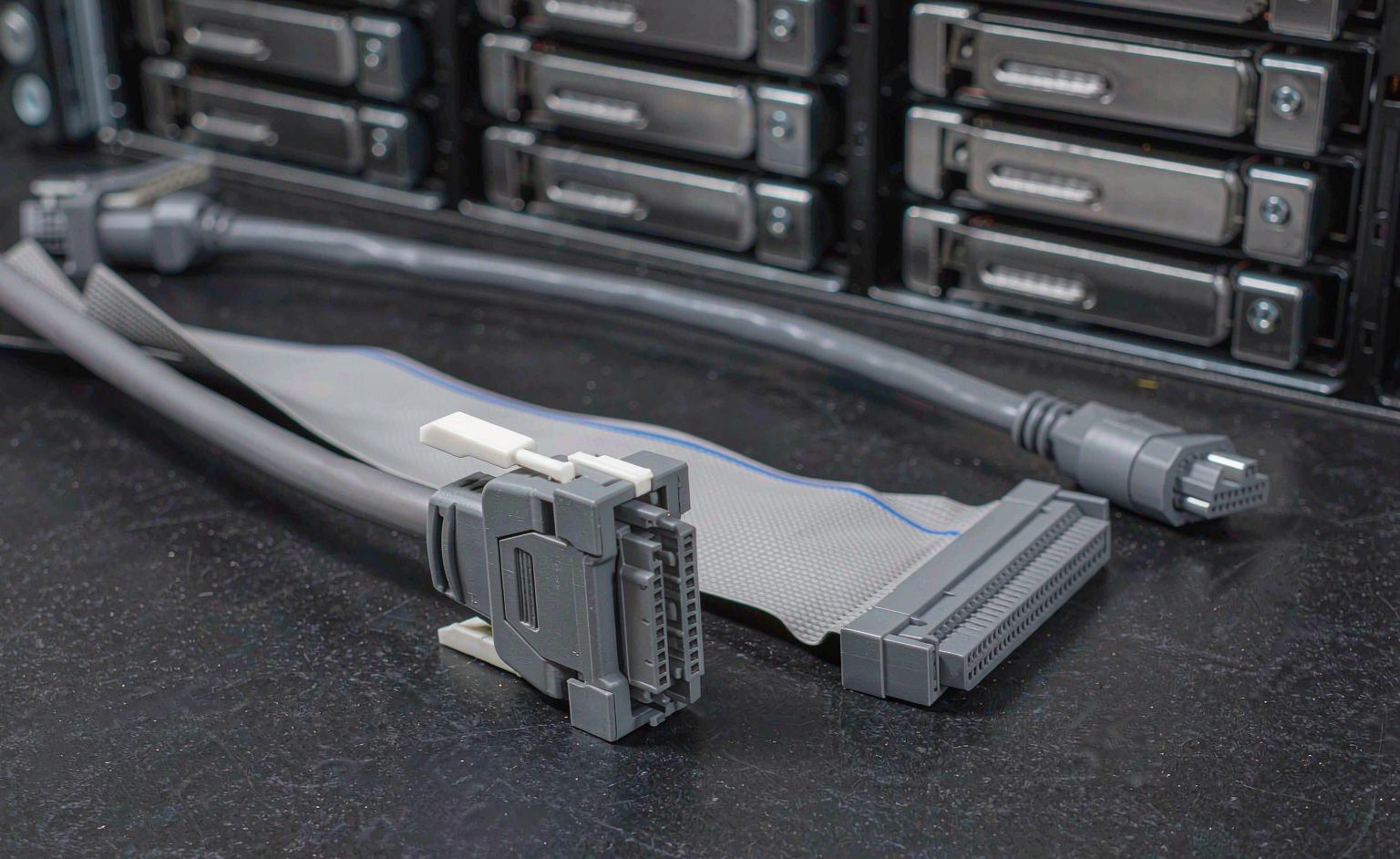
The single most useful rule: if the connector sits on the back of a server or on an external enclosure, it is almost certainly SFF-8088; if it plugs into a drive backplane inside a chassis, it is almost certainly SFF-8087 or Mini SAS HD. If a supplier asks “which end”, that is the answer they need — and if they do not ask, that is a warning.
SFF-8088 vs SFF-8087: The Pair Most Often Confused
Both carry SAS and SATA lanes over the same signalling, and both exist in 4-lane (4i) and 8-lane (8i) versions. The difference is physical position and, critically, the cable construction that follows from it.
| Attribute | SFF-8088 (external) | SFF-8087 (internal) |
|---|---|---|
| Position | Outside the chassis | Inside the chassis |
| Lane options | 4i and 8i | 4i and 8i |
| Shielding | Overall shield, often double-shielded for EMI | Shielded, routed inside a metal enclosure |
| Latch / retention | Latching mechanism to survive handling | Friction or guided retention |
| Typical length | 0.5 m to 3 m | 0.3 m to 1 m |
An external cable is built for handling, EMI and longer runs; an internal cable is built for tight routing, bend radius and airflow. Substituting one for the other produces a cable that mates electrically and fails mechanically — which is exactly the failure that shows up six months later as an intermittent link drop. The signal-integrity constraints that apply across both families are covered in our cable length and signal integrity guide.
Mini SAS HD (SFF-8644 / SFF-8643): A Different Family
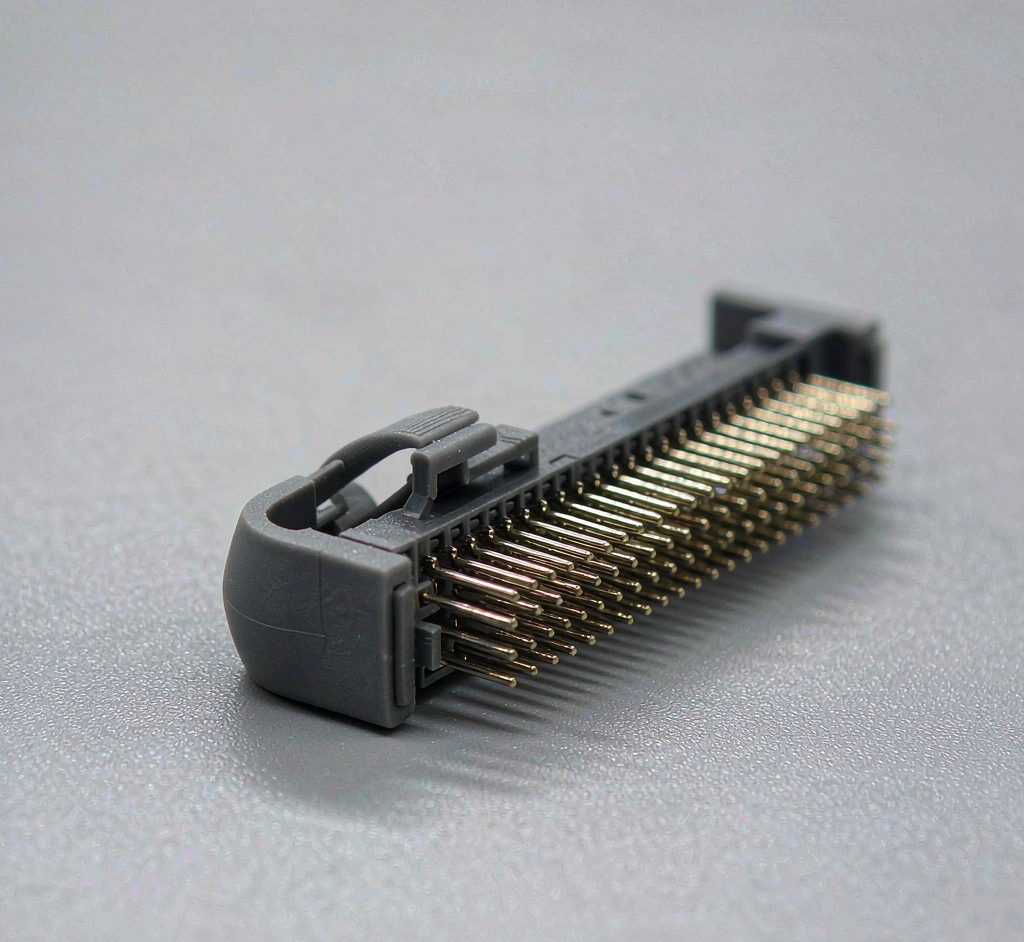
Mini SAS HD is not a Mini SAS variant with more pins; it is a denser connector designed for higher lane counts in less space. It dominates modern internal backplanes precisely because it moves more lanes through a smaller footprint.
| Connector | Lanes | Where you meet it |
|---|---|---|
| SFF-8644 | Up to 8 lanes | Server backplanes, high-density drive fan-out |
| SFF-8643 | Up to 8 lanes (sideband variant) | Backplane-to-backplane, specific OEM designs |
| SFF-8654 (SlimSAS) | Up to 8 lanes, thinner | Newer PCIe Gen4/Gen5 and NVMe cabling |
Do not order Mini SAS HD against a Mini SAS port. The connectors will not mate, and the lane mapping differs. If your backplane is Mini SAS HD, the cable is Mini SAS HD — and if the system also uses SlimSAS elsewhere, note that SlimSAS (SFF-8654) is a third family again, covered in our SlimSAS specification guide.
What to Specify When Ordering
A complete Mini SAS cable specification is five fields, and a supplier who can quote from all five is a supplier who has built the cable before.
| Field | Example value | Why it matters |
|---|---|---|
| Connector (both ends) | SFF-8088 to SFF-8087 | Decides whether it mates at all |
| Lane count | 8i | Decides bandwidth and controller compatibility |
| Length | 1 m | Signal integrity and routing slack |
| Gauge / construction | 30 AWG, shielded | Bend radius and airflow inside the chassis |
| Routing / retention | Right-angle, low-profile latch | Fits the chassis without strain on the port |
Two checks before the order ships. Ask for a photo of both connectors against a scale, so the form factor is confirmed rather than assumed. Ask for the gauge and bend radius, because internal cables that are too stiff strain the backplane connector — the routing constraints in our bend radius guide apply directly here.
Common Ordering Mistakes
Three account for most of the reorders. Ordering by name alone (“Mini SAS”) without the SFF number. Assuming lane count from connector type — both 4i and 8i exist in every form factor. And specifying length without routing, then discovering the cable needs a right-angle exit to clear the chassis wall. All three are avoidable with a five-field specification and one connector photo.
Frequently Asked Questions
What is the difference between SFF-8088 and SFF-8087?
Position. SFF-8088 is the external Mini SAS connector, used on the outside of a chassis for external storage and HBA connections. SFF-8087 is the internal connector, used inside the chassis for backplane and drive cabling. They are not interchangeable.
Is Mini SAS HD the same as Mini SAS?
No. Mini SAS HD (SFF-8644 / SFF-8643) is a separate, denser connector family designed for higher lane counts in less space. It does not mate with Mini SAS connectors and has different lane mapping.
What does 4i vs 8i mean?
The number of SAS lanes the cable carries: four or eight. Both exist across the Mini SAS family, so lane count must be specified separately from connector type — you cannot infer one from the other.
Can I use an external Mini SAS cable internally?
Electrically it may mate, but the construction is wrong: external cables are built for EMI, handling and longer runs, while internal cables are built for tight routing and bend radius. The mismatch typically shows up later as an intermittent link drop.
How do I know which connector my backplane needs?
Physically inspect the port and count the pins, or check the backplane documentation. If it is a dense high-lane port, expect Mini SAS HD or SlimSAS; if it is a wide standard port, expect SFF-8087 internally or SFF-8088 externally.
What length Mini SAS cable should I order?
The shortest length that routes without straining the connector, plus routing slack. Internal runs are typically under a metre; external runs range from half a metre to a few metres depending on enclosure placement.
What should a cable OEM provide with a custom Mini SAS order?
A five-field specification (connector both ends, lane count, length, gauge, routing), connector photos against a scale, and a test report covering continuity and signal integrity. The specification discipline is described in our guide to specifying cable gauge and ratings.
Technical background: Serial Attached SCSI, Serial ATA and backplane architecture explain the signalling, the drive interfaces and the chassis wiring model referenced above.