Understanding Mini SAS and Slim SAS Cables
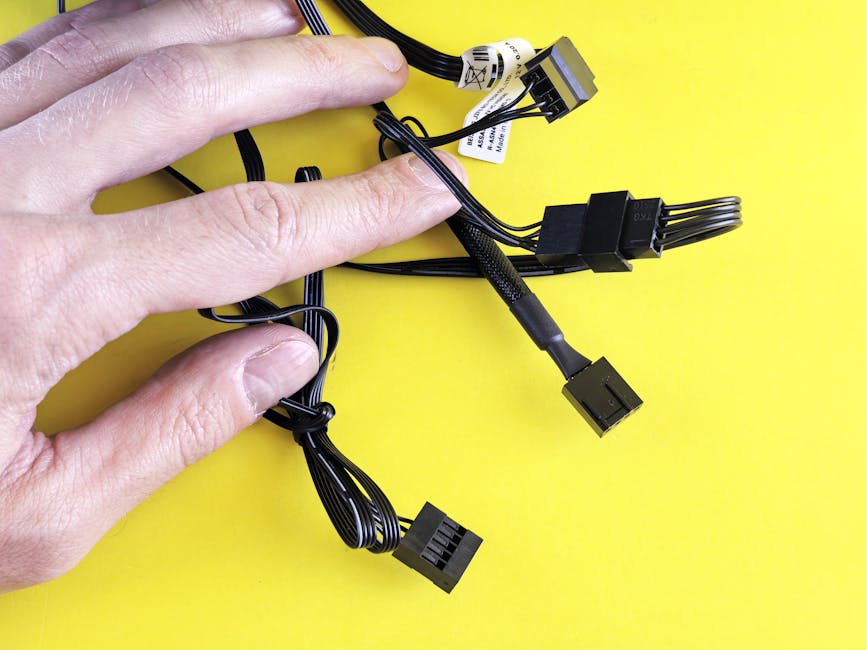
Mini SAS (Serial Attached SCSI) and Slim SAS are high-speed connectivity solutions used in server and storage environments. Both technologies facilitate data transfer between devices, but they differ in design, application, and performance. For instance, data centers and enterprise storage systems often rely on these cables for efficient data transfer. Understanding the nuances between Mini SAS and Slim SAS is crucial for selecting the right cable for your high-speed storage needs.
In modern data centers, the demand for high-speed data transfer is increasing due to the growing need for cloud storage, big data analytics, and high-performance computing. As a result, the choice between Mini SAS and Slim SAS cables has become a critical decision for system integrators and data center administrators.
Key Differences Between Mini SAS and Slim SAS
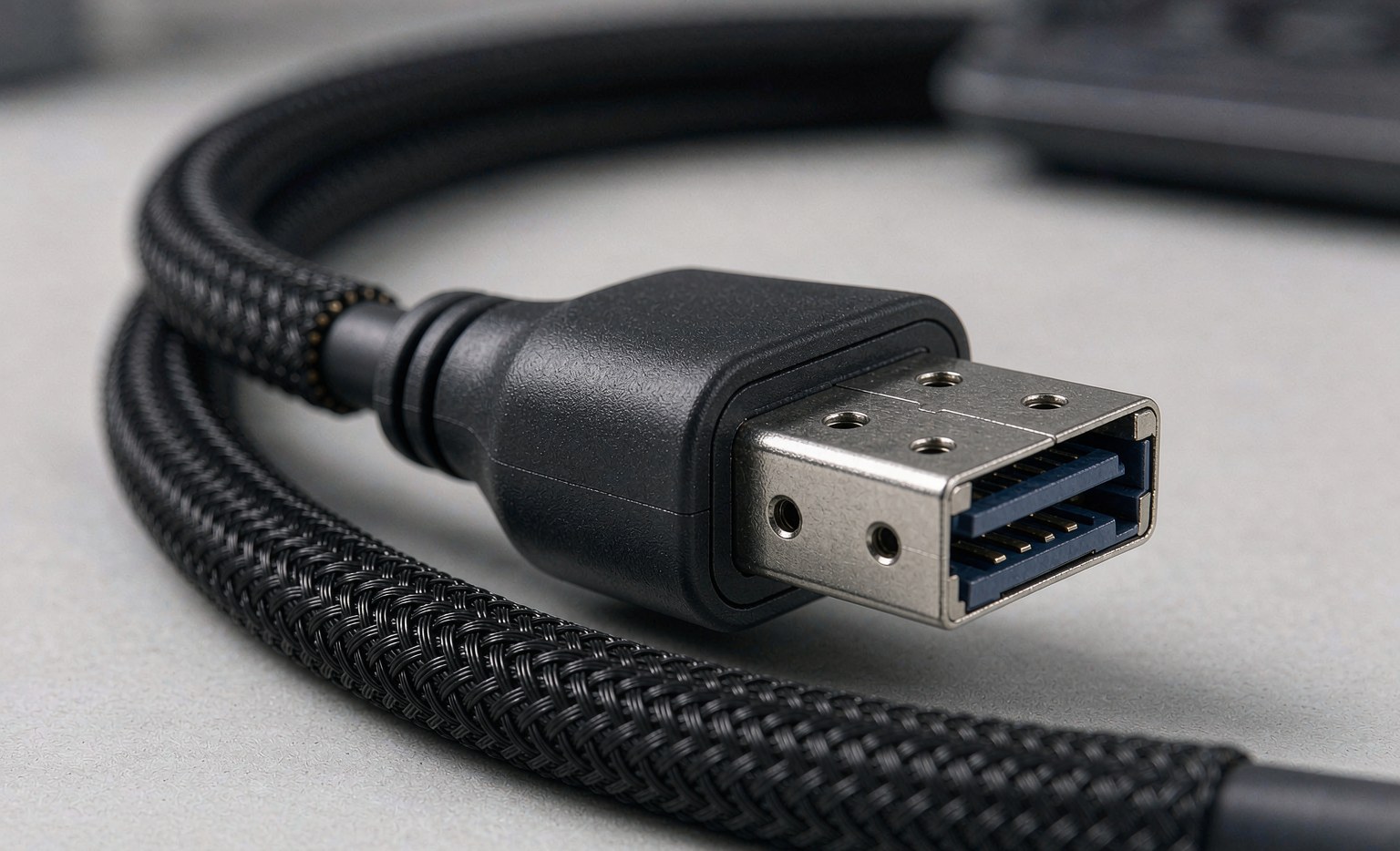
- Physical Design: Mini SAS cables are typically larger and more robust, while Slim SAS cables are designed to be slimmer and more flexible, allowing for denser installations. This flexibility is particularly beneficial in modern data centers where space is limited. For example, Slim SAS cables can be easily routed through tight spaces in server racks, reducing clutter and improving airflow.
- Data Transfer Rates: Both Mini SAS and Slim SAS support high-speed data transfer, but Slim SAS often supports newer PCIe lanes, enabling faster data rates. For example, Slim SAS SFF-8654 cables can support up to 24Gbps per lane, making them ideal for applications requiring high-bandwidth. In contrast, Mini SAS typically supports up to 12Gbps per lane.
- Applications: Mini SAS is commonly used in external storage connections and older server architectures, while Slim SAS is favored in modern, high-density server environments. The shift towards Slim SAS is driven by its ability to support higher speeds and denser configurations. For instance, Slim SAS is often used in all-flash storage arrays and high-performance computing clusters.
- Cable Length and Signal Integrity: When choosing between Mini SAS and Slim SAS, it’s essential to consider the cable length and signal integrity. Longer cables can be more prone to signal degradation, especially at higher data rates. Slim SAS cables, with their improved signal integrity, are better suited for longer cable runs and higher data rates.
Technical Specifications and Compatibility
When choosing between Mini SAS and Slim SAS, it’s crucial to consider the technical specifications and compatibility with your existing infrastructure. For instance, Mini SAS SFF-8087 to 8087 cables are used for internal storage connections, while Slim SAS SFF-8654 cables support the latest PCIe 4.0 standards. Ensuring compatibility involves checking the specifications of your server and storage devices to determine the appropriate cable type.
To ensure seamless integration, follow these steps:
- Verify the connector types on your devices. Check if your devices have Mini SAS or Slim SAS ports, and ensure the cable you choose matches the port type.
- Check the supported data transfer rates. Ensure the cable you choose supports the required data transfer rate for your application.
- Assess the cable length requirements for your setup. Measure the distance between the devices you need to connect, and add a few inches to ensure flexibility and ease of installation.
- Consider the environmental factors. Ensure the cable is rated for the operating environment, including temperature, humidity, and vibration.
Additionally, it’s essential to check the certification and compliance of the cables with industry standards, such as SFF (Small Form Factor) and PCI-SIG (Peripheral Component Interconnect Special Interest Group).
Choosing the Right Cable for Your Needs
To make an informed decision, consider the following factors:
- Server Architecture: Modern servers may require Slim SAS for higher density and faster speeds. For example, a server with a PCIe 4.0 backplane would benefit from Slim SAS cables to maximize bandwidth.
- Storage Requirements: Assess your storage needs and whether you require external or internal connectivity. If you’re expanding your storage capacity, ensure the chosen cable supports your existing storage architecture.
- Future-Proofing: Consider the scalability of your infrastructure and whether you need to support future upgrades. Investing in Slim SAS cables might be more future-proof due to their support for newer standards.
- Cost and Budget: Evaluate the cost of the cables and ensure they fit within your budget. While Slim SAS cables may be more expensive than Mini SAS cables, they offer better performance and future-proofing.
For more insights on the evolution of server connectivity, refer to The Evolution of Internal Server Connectivity: From Mini SAS to SlimSAS and OCUlink.
Frequently Asked Questions
- Q: Can I use Mini SAS cables with Slim SAS ports? A: Generally, no. Mini SAS and Slim SAS have different connector designs and are not directly compatible. Adapters may be available, but they can introduce signal integrity issues.
- Q: What are the typical data transfer rates for Mini SAS and Slim SAS? A: Mini SAS typically supports up to 12Gbps per lane, while Slim SAS can support up to 24Gbps per lane, depending on the specific implementation and PCIe version.
- Q: How do I determine the correct cable length for my setup? A: Measure the distance between the devices you need to connect, and add a few inches to ensure flexibility and ease of installation.
- Q: Are Slim SAS cables backward compatible with older SAS standards? A: Slim SAS cables are designed to be backward compatible with older SAS standards, but the data transfer rate will be limited by the slower standard.
- Q: Can I use Slim SAS cables for external storage connections? A: While Slim SAS cables are typically used for internal storage connections, they can be used for external connections with the appropriate external connector or enclosure.
By understanding the differences between Mini SAS and Slim SAS cables, you can make an informed decision and choose the right cable for your high-speed storage needs.