
Understanding Peripheral Data Cables for Smartphones
Peripheral data cables are crucial for connecting smartphones to various devices, enabling data transfer, charging, and other functionalities. When selecting a cable, consider factors such as data transfer speed, durability, and compatibility. A high-quality cable can significantly impact the overall performance and user experience. For more information on high-speed data cables, see The Critical Role of High-Speed Data Cables in a Connected World.
USB-C cables have become increasingly popular due to their versatility and faster data transfer rates, supporting speeds of up to 10 Gbps. To ensure compatibility, check the cable’s connector type and verify that it matches your smartphone’s port. Additionally, consider the cable’s material and construction, as a well-built cable can withstand wear and tear. Learn more about USB-C cables at What Is a USB-C Cable? The Universal Standard for Power and Data Explained.
For instance, a USB-C cable with a durable design and high-speed data transfer capabilities can be used for a variety of tasks, such as transferring large files, charging your device, and connecting to external displays. Some cables also support alternate modes, such as DisplayPort or HDMI, allowing you to connect your smartphone to external displays or projectors.
When choosing a peripheral data cable, it’s essential to consider your specific needs. For example, if you’re a gamer, you may require a cable that supports high-speed data transfer and low latency. On the other hand, if you’re a casual user, a standard cable may suffice.
Types of Peripheral Data Cables for Smartphones
- USB-A to USB-C cables: Ideal for connecting smartphones to computers and other devices, supporting the latest USB standards such as USB 3.2 or USB4. These cables are widely used and offer a reliable connection.
- USB-C to USB-C cables: Suitable for faster data transfer and charging between devices with USB-C ports, offering higher data transfer speeds. These cables are perfect for users who need to transfer large files or charge their devices quickly.
- Micro-USB cables: Still widely used, but gradually being replaced by USB-C, often used for older devices or specific applications. While they may not offer the same level of performance as USB-C cables, they remain a viable option for certain use cases.
- Lightning cables: Exclusive to Apple devices, offering seamless connectivity and fast data transfer, requiring MFi-certification for compatibility. These cables are designed specifically for Apple products and provide a reliable connection.
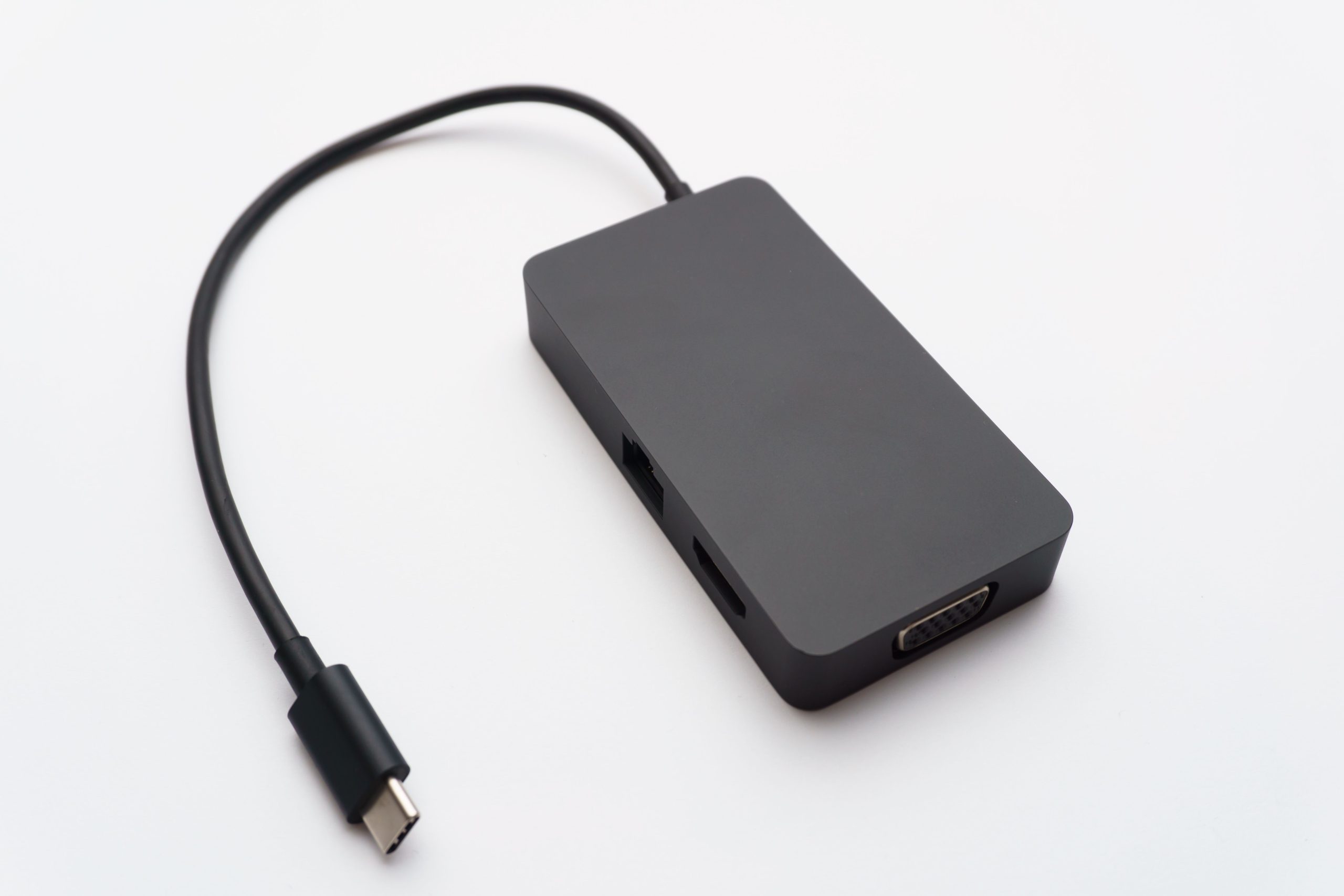
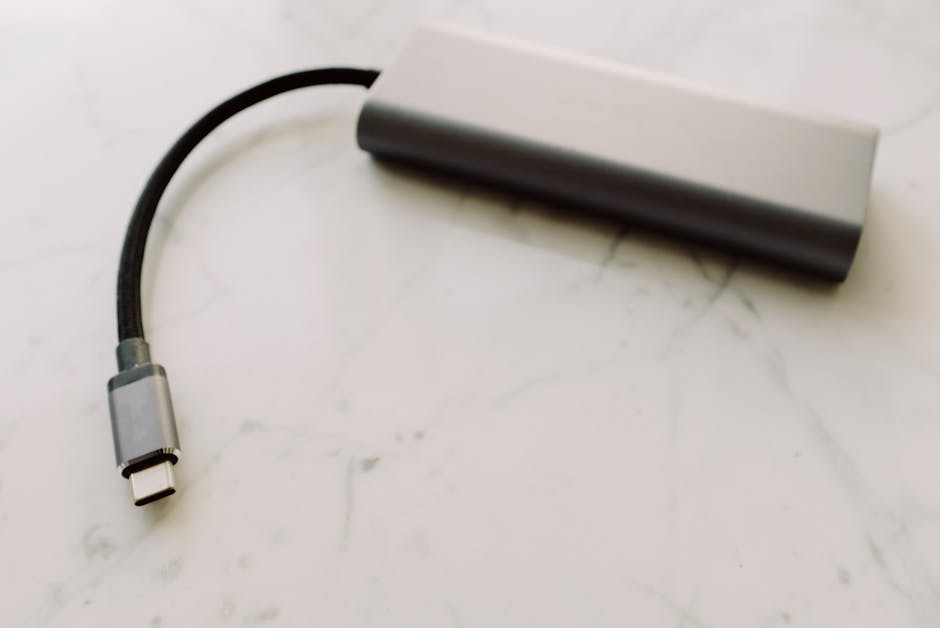
- USB-C to HDMI cables: Enable users to connect their smartphones to external displays or projectors, supporting high-resolution video output.
- USB-C to Ethernet cables: Provide a stable and fast internet connection, ideal for users who need to access the internet on their devices.
- USB-C to DisplayPort cables: Allow users to connect their smartphones to external displays or monitors, supporting high-resolution video output.
Key Features to Look for in Peripheral Data Cables
When selecting a peripheral data cable, look for the following features:
- High-speed data transfer: Ensure the cable supports the latest data transfer standards, such as USB 3.2 or USB4. This will enable you to transfer files quickly and efficiently.
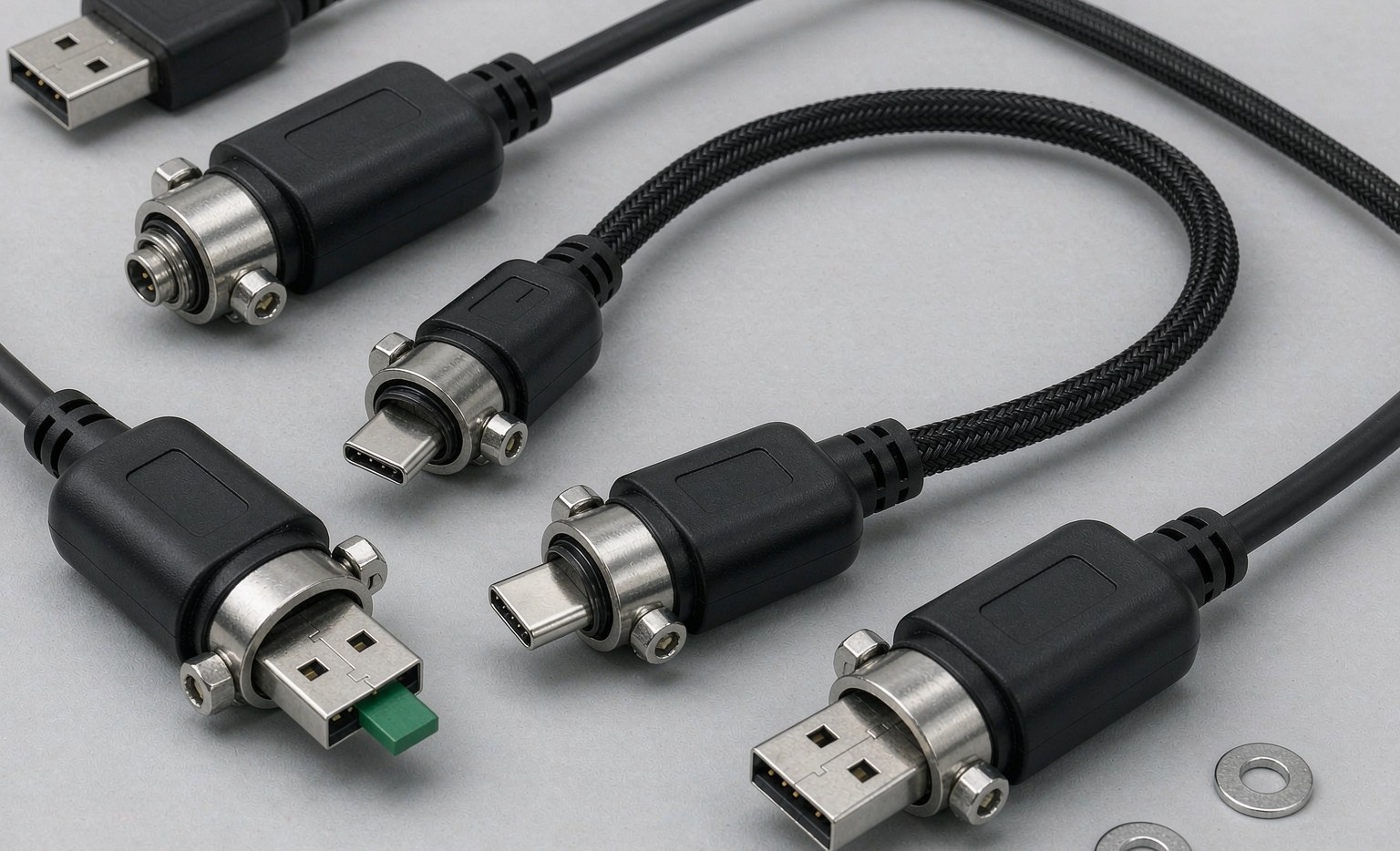
- Durability: Opt for cables with reinforced connectors and durable materials. A well-built cable can withstand wear and tear, reducing the risk of damage or failure.
- Compatibility: Verify the cable is compatible with your smartphone and other devices. Check the cable’s connector type and ensure it matches your device’s port.
- Power delivery: Choose cables that support fast charging and power delivery. This will enable you to charge your device quickly and efficiently.
- Alternate modes: Consider cables that support alternate modes, such as DisplayPort or HDMI, for connecting to external displays or projectors.
- Cable length: Consider the length of the cable and choose one that suits your needs. A longer cable may be more convenient, but it may also be more prone to damage.
- Cable material: Consider the material used to make the cable, such as nylon or PVC. A durable material can withstand wear and tear, reducing the risk of damage or failure.
| Cable Type | Data Transfer Speed | Power Delivery |
|---|---|---|
| USB-A to USB-C | Up to 10 Gbps | Up to 100W |
| USB-C to USB-C | Up to 40 Gbps | Up to 240W |
| Micro-USB | Up to 480 Mbps | Up to 15W |
| Lightning | Up to 480 Mbps | Up to 12W |
| USB-C to HDMI | Up to 18 Gbps | N/A |
| USB-C to Ethernet | Up to 1 Gbps | N/A |
| USB-C to DisplayPort | Up to 32.4 Gbps | N/A |
Top Recommendations for Peripheral Data Cables
Based on performance, durability, and user reviews, here are some top-rated peripheral data cables for smartphones:
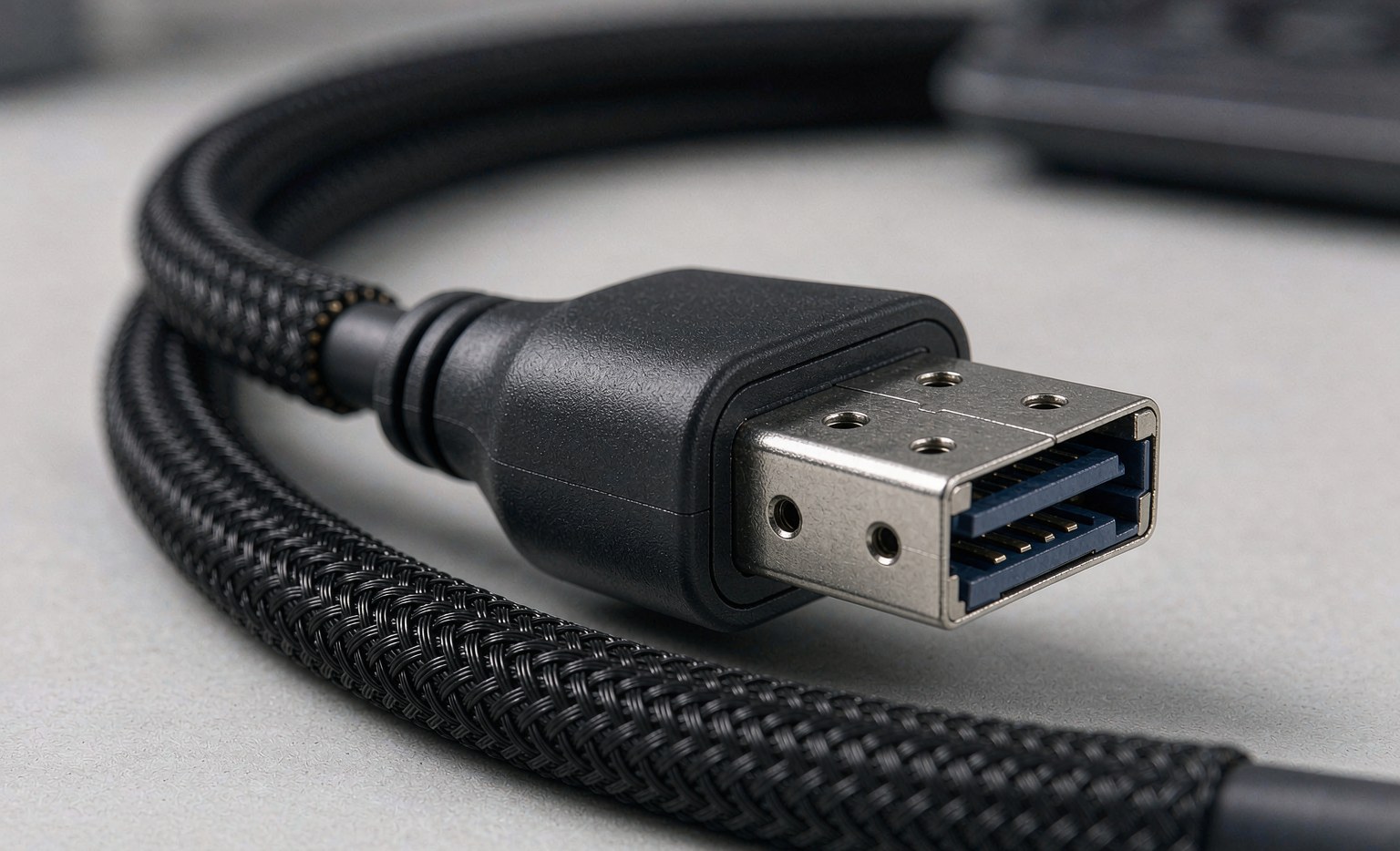
- LK-03 USB 4 Type C Data Cable: Offers fast data transfer and charging, with a durable design and high-speed data transfer capabilities.
- SFF-8611 to SFF-8611 Straight to Front Angle High-Speed Data Transfer Cable: Ideal for high-speed data transfer applications, such as transferring large files or connecting to external devices.
- USB-C to USB-C Cable with Power Delivery: Supports fast charging and power delivery, making it perfect for users who need to charge their devices quickly.
- Lightning Cable with Fast Charging: Offers fast charging and data transfer for Apple devices, with a durable design and MFi-certification for compatibility.
- Anker USB-C to HDMI Cable: Enables users to connect their smartphones to external displays or projectors, supporting high-resolution video output.
- USB-C to Ethernet Adapter: Provides a stable and fast internet connection, ideal for users who need to access the internet on their devices.
- Google USB-C to USB-C Cable: Offers fast data transfer and charging, with a durable design and high-speed data transfer capabilities.
Steps to Choose the Right Peripheral Data Cable
- Step 1: Identify your smartphone’s port type and determine the type of cable you need.
- Step 2: Consider the intended use of the cable, such as data transfer, charging, or connecting to external devices.
- Step 3: Research and compare different cable options, taking into account factors such as data transfer speed, durability, and compatibility.
- Step 4: Check user reviews and ratings to ensure the cable meets your needs and expectations.
- Step 5: Verify the cable’s specifications and certifications, such as USB-IF certification for USB-C cables.
- Step 6: Consider purchasing cables from reputable manufacturers to ensure quality and reliability.
- Step 7: Check the warranty and customer support offered by the manufacturer.
Frequently Asked Questions (FAQs)
- Q: What is the difference between USB-C and Micro-USB cables?
- A: USB-C cables offer faster data transfer speeds and are more versatile than Micro-USB cables, making them a better choice for modern devices.
- Q: Can I use a USB-A to USB-C cable for fast charging?
- A: It depends on the cable’s specifications and the device’s compatibility. Check the cable’s specifications and ensure it supports fast charging.
- Q: How do I ensure the cable is compatible with my smartphone?
- A: Check the cable’s connector type and verify it matches your smartphone’s port. Additionally, research the cable’s compatibility with your device.
- Q: What is the benefit of using a USB-C to USB-C cable?
- A: USB-C to USB-C cables offer faster data transfer speeds and higher power delivery, making them ideal for users who need to transfer large files or charge their devices quickly.
- Q: Can I use a USB-C cable for video output?
- A: Yes, some USB-C cables support alternate modes, such as DisplayPort or HDMI, allowing you to connect your smartphone to external displays or projectors.
- Q: How do I store my cables properly?
- A: Store your cables in a dry, cool place, avoiding tangles and bends. You can also use cable organizers or cases to keep them tidy.
- Q: What is the maximum data transfer speed for USB-C cables?
- A: The maximum data transfer speed for USB-C cables depends on the specific cable and device, but it can reach up to 40 Gbps.

Additional Tips and Considerations
- When purchasing a peripheral data cable, consider the warranty and customer support offered by the manufacturer.
- Be cautious of counterfeit cables, as they may not meet safety or performance standards.
- Store your cables properly to prevent damage and prolong their lifespan.
- Consider purchasing cables from reputable manufacturers to ensure quality and reliability.
- Check the cable’s certification and compliance with industry standards, such as USB-IF certification for USB-C cables.
- Read user reviews and ratings to ensure the cable meets your needs and expectations.
- Consider the cable’s durability and build quality, as a well-built cable can withstand wear and tear.
Troubleshooting Common Issues
- If your cable is not working, check for damage or wear and tear.
- Try using a different cable or port to rule out compatibility issues.
- Check your device’s settings to ensure it is configured correctly for data transfer or charging.
- Consult the manufacturer’s documentation or customer support for further assistance.
- If you’re experiencing data transfer issues, try restarting your device or checking for software updates.