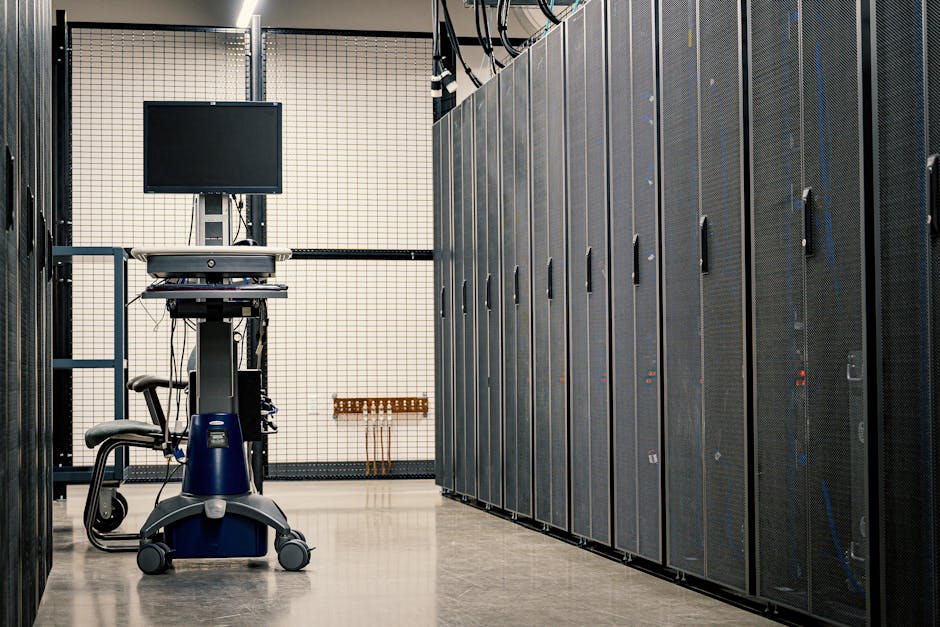
Understanding the Role of Interconnect Cables
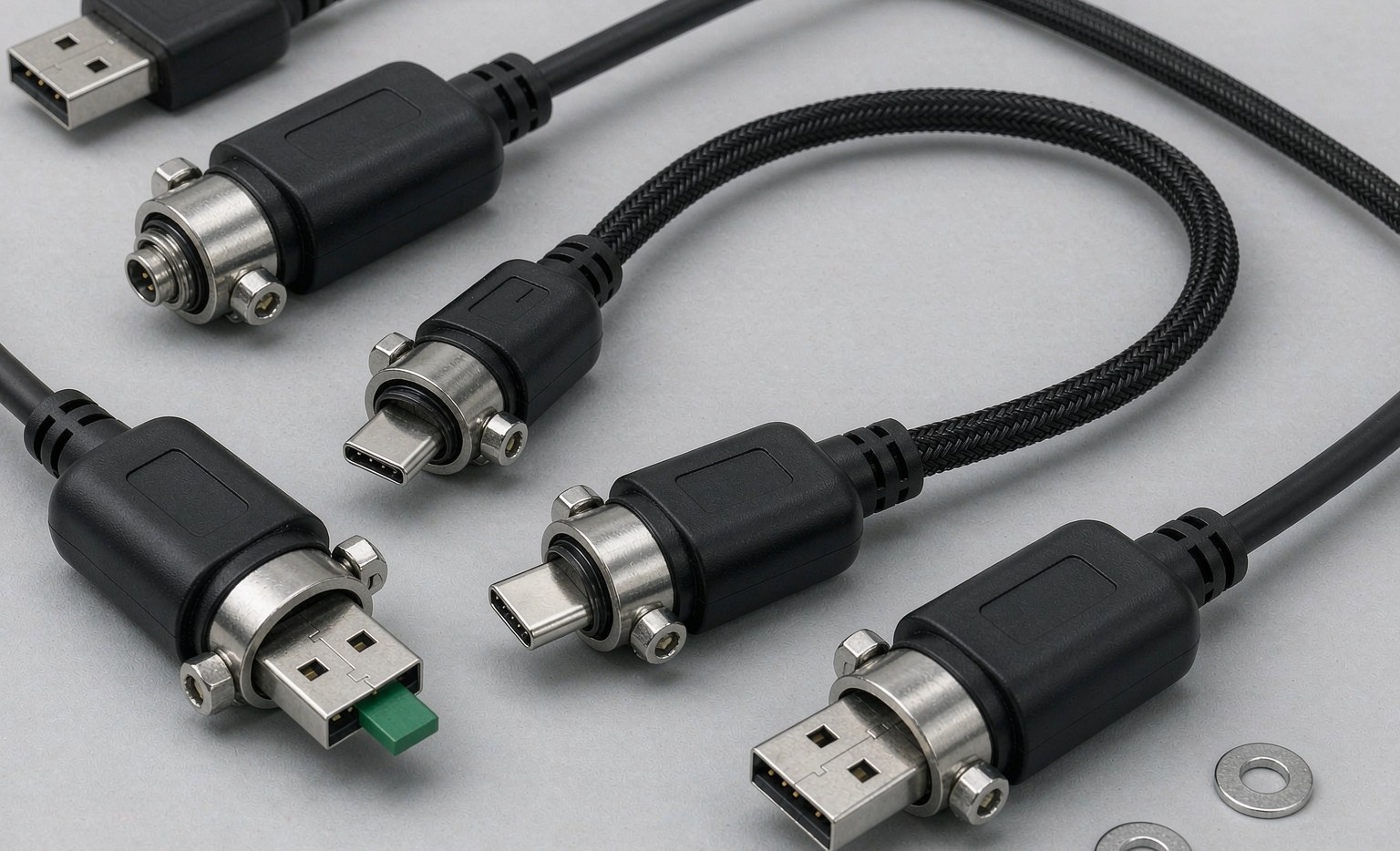
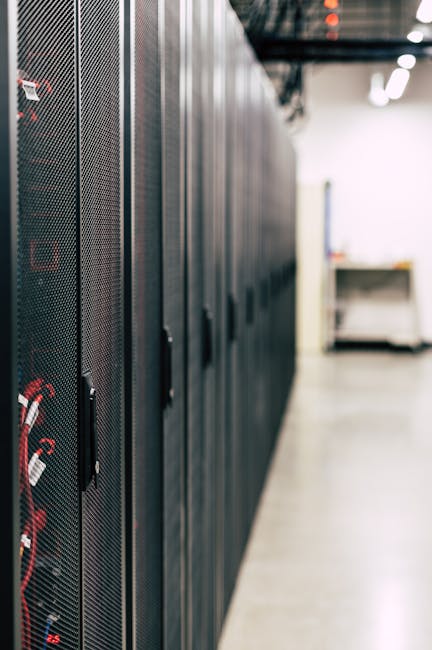
High-density server racks are increasingly common in modern data centers due to their ability to maximize space and efficiency. Managing interconnect cables is crucial for ensuring reliability and performance. A well-designed interconnect cable system can help reduce signal degradation, data transmission errors, and system downtime. For more information on high-performance cable interconnects, see High-Performance Cable Interconnects for Data Centers: Enhancing Efficiency and Reliability.
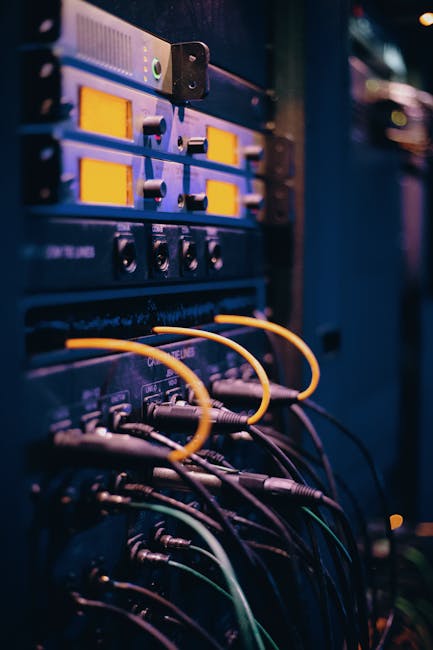
For instance, a data center with high-density server racks may require numerous interconnect cables to connect servers, storage devices, and network equipment. Poor cable management can lead to a range of issues, including increased electromagnetic interference (EMI), reduced airflow, and decreased cooling efficiency.
To mitigate these risks, data center operators must carefully plan and manage their interconnect cable infrastructure. This includes selecting the right types of cables, designing efficient cable routes, and implementing effective cable management practices.
One of the key challenges in managing interconnect cables is ensuring that they are properly routed and secured. This can be achieved by using cable management accessories such as cable ties, cable clips, and cable organizers. Additionally, data center operators should consider implementing a cable management plan that takes into account the specific needs of their data center.
For example, a data center with a large number of high-speed Ethernet cables may require a cable management plan that prioritizes the routing and securing of these cables to minimize signal degradation and data transmission errors. Using Reliable High-Speed Interconnect Solutions for Enhanced Performance can also be beneficial.
Types of Interconnect Cables
Several types of interconnect cables are used in high-density server racks, each with unique characteristics and applications.
- High-Speed Ethernet Cables for data transmission between servers and network devices.
- Fiber Optic Cables for high-speed data transfer over longer distances.
- MiniSAS Cables for connecting storage devices and servers.
- OCuLink Cables for high-speed PCIe connections.
- InfiniBand Cables for high-performance computing applications.
| Cable Type | Application | Data Transfer Rate |
|---|---|---|
| High-Speed Ethernet Cables | Data transmission between servers and network devices | 10GbE, 25GbE, 100GbE |
| Fiber Optic Cables | High-speed data transfer over longer distances | Up to 400GbE |
| MiniSAS Cables | Connecting storage devices and servers | Up to 128Gbps |
| OCuLink Cables | High-speed PCIe connections | Up to 16Gbps |
| InfiniBand Cables | High-performance computing applications | Up to 200Gbps |
When selecting interconnect cables, data center operators should consider factors such as data transfer rate, cable length, and compatibility with existing infrastructure. For instance, Enhancing Server Storage Performance with High-Speed OCuLink Cables can be an important consideration for high-speed PCIe connections.
It’s also important to consider the specific requirements of the data center, such as the type of equipment being connected and the environmental conditions in which the cables will be operating.
Benefits of High-Quality Interconnect Cables
High-quality interconnect cables offer several benefits, including:
- Improved signal integrity and reduced data transmission errors.
- Increased reliability and reduced downtime.
- Better cable management and reduced clutter.
- Enhanced cooling efficiency due to reduced cable bulk.
- Simplified troubleshooting and maintenance.
For example, using high-quality fiber optic cables can help reduce signal attenuation and improve data transmission reliability over long distances. Similarly, high-quality OCuLink cables can help ensure reliable high-speed PCIe connections.
In addition to these benefits, high-quality interconnect cables can also help reduce the risk of data center downtime. By minimizing the risk of cable-related failures, data center operators can ensure that their data center remains operational and that their business is not disrupted.
Best Practices for Interconnect Cable Management
Effective cable management is critical in high-density server racks. Best practices include:
- Using cable ties and organizers to keep cables neatly routed.
- Labeling cables to facilitate easy identification.
- Regularly inspecting cables for signs of wear or damage.
- Planning cable routes in advance to minimize clutter and improve airflow.
- Using cable management accessories, such as cable clips and cable ties, to secure cables.
To implement effective cable management, data center operators should follow a step-by-step process:
- Step 1: Plan cable routes in advance to minimize clutter and improve airflow.
- Step 2: Use cable ties and organizers to keep cables neatly routed.
- Step 3: Label cables to facilitate easy identification.
- Step 4: Regularly inspect cables for signs of wear or damage.
- Step 5: Use cable management accessories to secure cables.

By following these best practices, data center operators can ensure that their interconnect cables are properly managed and that their data center remains reliable and efficient.
Case Study: Implementing Effective Cable Management
A leading data center operator implemented a cable management plan to improve the reliability and efficiency of their data center. The plan included:
- Using cable ties and organizers to keep cables neatly routed.
- Labeling cables to facilitate easy identification.
- Regularly inspecting cables for signs of wear or damage.
- Planning cable routes in advance to minimize clutter and improve airflow.
As a result of implementing this plan, the data center operator was able to reduce cable-related downtime by 50% and improve cooling efficiency by 20%.
The data center operator also reported a significant reduction in the time required to troubleshoot and maintain their interconnect cables, resulting in improved overall efficiency and reduced operational costs.
Frequently Asked Questions (FAQs)
Q: What are the most common types of interconnect cables used in high-density server racks?
A: High-Speed Ethernet Cables, Fiber Optic Cables, MiniSAS Cables, OCuLink Cables, and InfiniBand Cables.
Q: What are the benefits of using high-quality interconnect cables?
A: Improved signal integrity, increased reliability, better cable management, enhanced cooling efficiency, and simplified troubleshooting and maintenance.
Q: How can I implement effective cable management in my data center?
A: By planning cable routes in advance, using cable ties and organizers, labeling cables, regularly inspecting cables, and using cable management accessories.
Q: What are the key considerations when selecting interconnect cables for high-density server racks?
A: Data transfer rate, cable length, cable type, and compatibility with existing infrastructure.
Q: How can I ensure the reliability and performance of my interconnect cables?
A: By selecting high-quality cables, implementing effective cable management practices, and regularly inspecting cables for signs of wear or damage.
Q: What are the consequences of poor cable management?
A: Increased risk of data center downtime, reduced cooling efficiency, and increased electromagnetic interference (EMI).
Q: Can I use the same type of interconnect cable for all my data center applications?
A: No, different applications require different types of interconnect cables. For example, high-speed data transfer over long distances may require fiber optic cables, while high-speed PCIe connections may require OCuLink cables.
Q: How often should I inspect my interconnect cables?
A: Regularly, ideally as part of a routine maintenance schedule, to identify and address any potential issues before they become major problems.
Q: What are some common mistakes to avoid when managing interconnect cables?
A: Failing to plan cable routes in advance, not using cable management accessories, and not regularly inspecting cables for signs of wear or damage.