Understanding Consumer Electronics Data Cables
Consumer electronics data cables are vital components that enable the transfer of data between devices, facilitating communication, charging, and connectivity. They come in various types, each designed to meet specific requirements and applications. For instance, smartphones, laptops, and tablets rely on data cables to transfer files, charge batteries, and connect to peripherals. The right data cable can ensure fast data transfer, reliable connectivity, and optimal performance. For more information on high-speed data cables, see The Critical Role of High-Speed Data Cables in a Connected World.
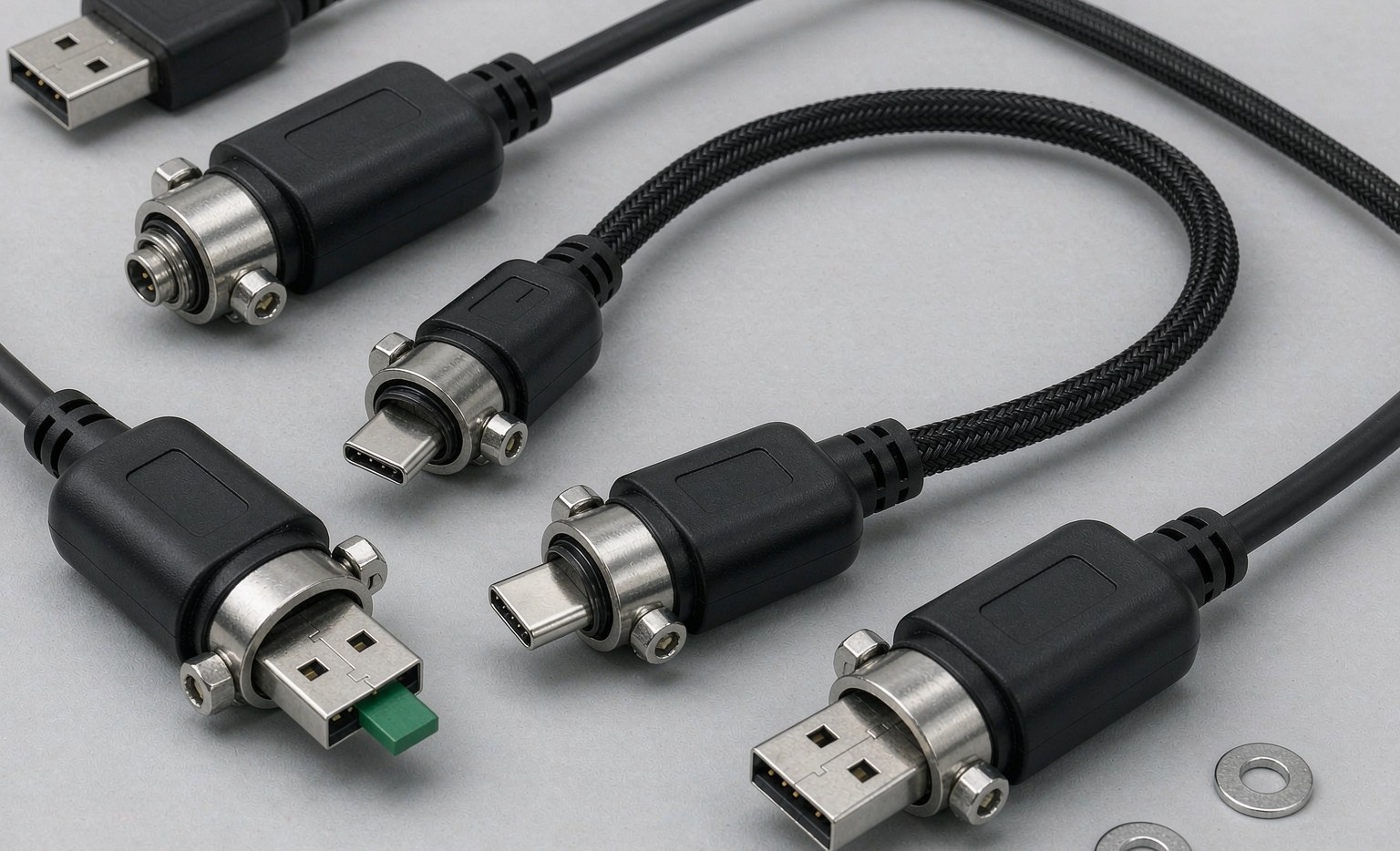
- USB cables for charging and data transfer, such as USB-C, USB-A, and USB-B.
- HDMI cables for high-definition video and audio transmission, including HDMI 1.4, HDMI 2.0, and HDMI 2.1.
- DisplayPort cables for high-resolution display connectivity, such as DisplayPort 1.4 and DisplayPort 2.0.
- Thunderbolt cables for high-speed data transfer and display connectivity.
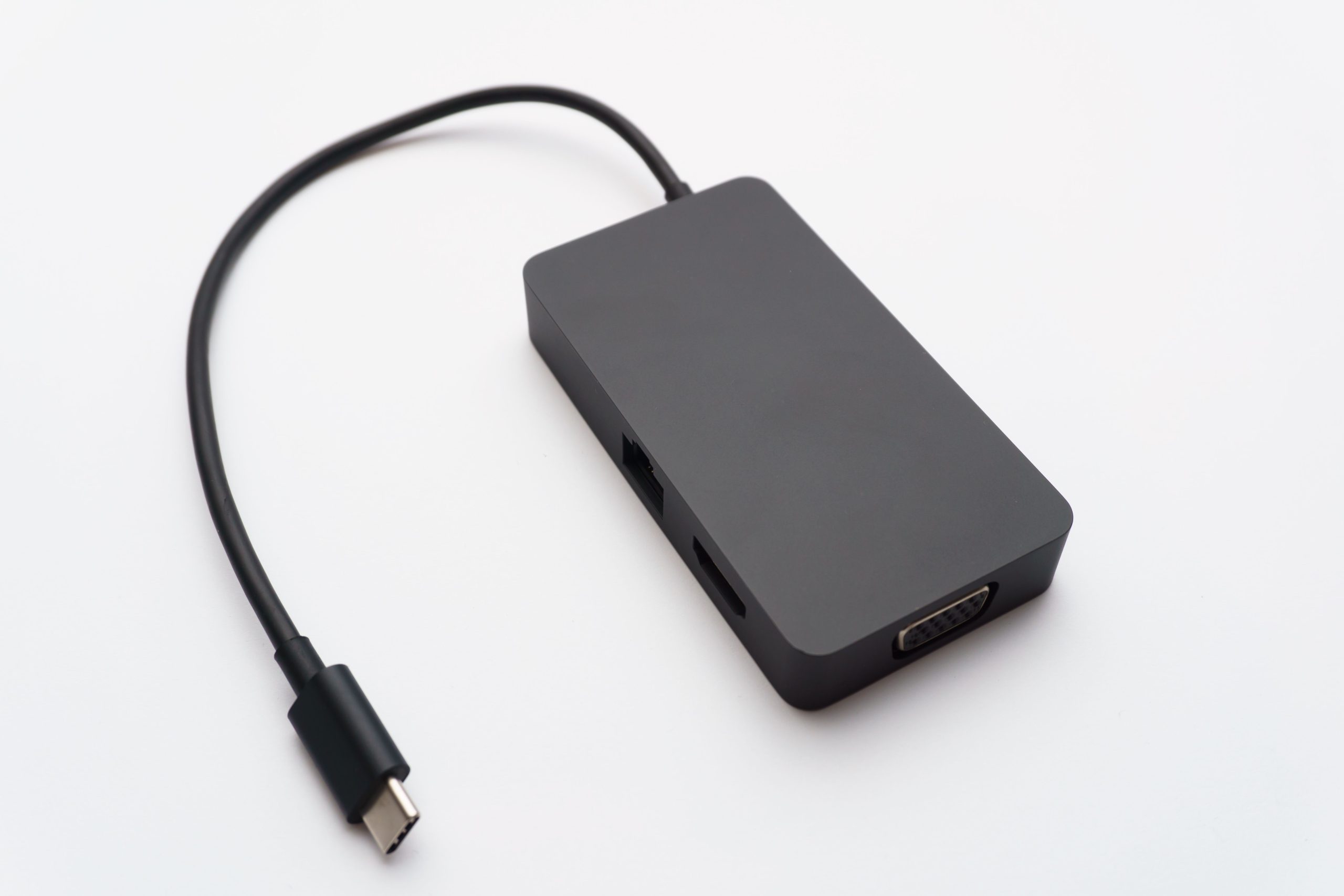
- OTG adapter cables for expanded device connectivity, such as OTG Adapter Cable,Nylon Braided USB Type C 3.0 Data OTG Cables,USB A Female TO type c Male adapter,Wire car computer Hard Disk Camera Printer Phone Laptop Extension Cable.
When selecting a data cable, consider the cable’s construction and materials. Cables with gold-plated connectors can provide better corrosion resistance and signal integrity. For example, a gold-plated USB-C connector can ensure reliable data transfer and charging for your smartphone. Additionally, look for cables with durable insulation and jacketing to withstand wear and tear.
| Cable Type | Data Transfer Speed | Common Applications |
|---|---|---|
| USB-C | Up to 20 Gbps | Smartphones, laptops, tablets |
| HDMI 2.1 | Up to 48 Gbps | 4K and 8K video transmission |
| DisplayPort 2.0 | Up to 80 Gbps | High-resolution display connectivity |
| Thunderbolt 3 | Up to 40 Gbps | High-speed data transfer and display connectivity |
To choose the right data cable, follow these steps:
- Identify the type of device you need to connect (e.g., smartphone, laptop, or gaming console).
- Determine the required data transfer speed (e.g., USB 2.0, USB 3.0, or Thunderbolt 3).
- Check the compatibility of the cable with your device (e.g., USB-C, HDMI, or DisplayPort).
- Consider the cable’s length and flexibility.
- Look for cables with certification logos like USB-IF or HDMI Licensing.
Types of Consumer Electronics Data Cables
There are several types of data cables used in consumer electronics, each with its unique characteristics and applications.
- High-speed data cables for fast data transfer, such as USB 3.0, USB 3.2, and Thunderbolt 3.
- Shielded cables for reduced electromagnetic interference (EMI), as discussed in Shielded Cables for Industrial Automation: Ensuring Reliable Data Transmission and Power Supply.
- Active optical cables (AOCs) for high-speed data transmission over longer distances.
- Fiber optic cables for high-bandwidth data transmission.
For example, OTG adapter cables enable you to connect your smartphone to a USB drive or keyboard, expanding your device’s functionality. High-speed data cables, on the other hand, facilitate fast data transfer between devices, such as transferring large files between laptops.
The Role of Data Cables in Enhancing Performance and Connectivity
Data cables play a vital role in enhancing the performance and connectivity of consumer electronics.
- Gaming consoles, which require fast data transfer and low-latency connectivity for online gaming.
- 4K and 8K video streaming, which demands high-bandwidth data transmission for smooth video playback.
- Virtual reality (VR) and augmented reality (AR) applications, which require high-speed data transfer and low-latency connectivity.
- External storage devices, which rely on fast data transfer for efficient data backup and transfer.
For instance, a high-quality HDMI 2.1 cable can ensure a seamless 4K video streaming experience, while a fast USB 3.0 cable can enable quick data transfer between your gaming console and external storage.
Factors to Consider When Selecting Consumer Electronics Data Cables
When selecting data cables for consumer electronics, several factors should be considered to ensure optimal performance and connectivity.
- Cable quality and durability.
- Data transfer speed and compatibility.
- Electromagnetic interference (EMI) shielding.
- Cable length and flexibility.
- Certification and compliance with industry standards.
To ensure optimal performance, consider the following:
- Look for cables with high-quality materials and construction.
- Check the data transfer speed and compatibility with your device.
- Choose cables with EMI shielding to reduce interference.
- Consider the cable’s length and flexibility to ensure convenient use.
- Verify the cable’s certification and compliance with industry standards.


Best Practices for Using Consumer Electronics Data Cables
To ensure optimal performance and longevity of data cables, several best practices should be followed.
- Proper cable handling and storage.
- Avoiding cable damage and wear.
- Using cables with compatible devices.
- Regularly inspecting cables for damage or wear.
- Avoiding over-bending or twisting cables.
To extend the life of your data cables, follow these tips:
- Handle cables with care, avoiding bending or twisting.
- Store cables properly, such as coiling or wrapping them.
- Avoid using cables with damaged or worn-out connectors.
- Keep cables away from sources of interference, such as other cables or devices.
- Avoid exposing cables to extreme temperatures or environments.
Frequently Asked Questions (FAQs)
Here are some common questions about consumer electronics data cables:
- Q: What is the difference between USB-C and USB-A? A: USB-C is a newer, reversible connector that supports faster data transfer speeds, while USB-A is a traditional connector.
- Q: Can I use a USB 2.0 cable for 4K video transmission? A: No, USB 2.0 cables are not suitable for 4K video transmission; you need a higher-bandwidth cable like HDMI 2.0 or DisplayPort 1.4.
- Q: How do I know if a data cable is compatible with my device? A: Check the device’s manual or manufacturer’s website for compatibility information, or look for certification logos like USB-IF or HDMI Licensing.
- Q: What is the maximum length of a USB cable? A: The maximum length of a USB cable depends on the type and quality of the cable, but typically ranges from 3 to 10 meters.
- Q: Can I use a data cable with a device that has a different connector type? A: Yes, you can use an adapter or converter to connect a device with a different connector type, but ensure the adapter is compatible and does not compromise data transfer speed or signal integrity.
- Q: How do I troubleshoot data transfer errors or failures? A: Check the cable for physical damage or wear, verify the cable is properly connected to both devices, and try using a different cable or adapter to rule out compatibility issues.
Troubleshooting Common Issues with Consumer Electronics Data Cables
Common issues with data cables include:
- Data transfer errors or failures.
- Intermittent connectivity or signal loss.
- Physical damage or wear on the cable or connectors.
- EMI interference or noise.
To troubleshoot these issues, follow these steps:
- Check the cable for physical damage or wear.
- Verify the cable is properly connected to both devices.
- Try using a different cable or adapter to rule out compatibility issues.
- Check for firmware or software updates for your devices.
- Use EMI shielding or noise-reducing materials to minimize interference.
Future Trends in Consumer Electronics Data Cables
The demand for faster data transfer speeds, higher bandwidth, and greater connectivity is driving innovation in consumer electronics data cables.
- Advances in USB technology, such as USB4 and USB5.
- Development of new DisplayPort and HDMI standards.
- Increased adoption of fiber optic cables for high-bandwidth data transmission.
- Emergence of new connector types and formats.
As technology continues to evolve, we can expect to see even faster, more reliable, and more versatile data cables that enable new applications and use cases.