In the rapidly evolving world of digital displays, choosing the right connection is critical. While HDMI is common in living rooms, the professional IT and industrial sectors rely on a different standard. This brings us to a fundamental question: what is a DP cable?
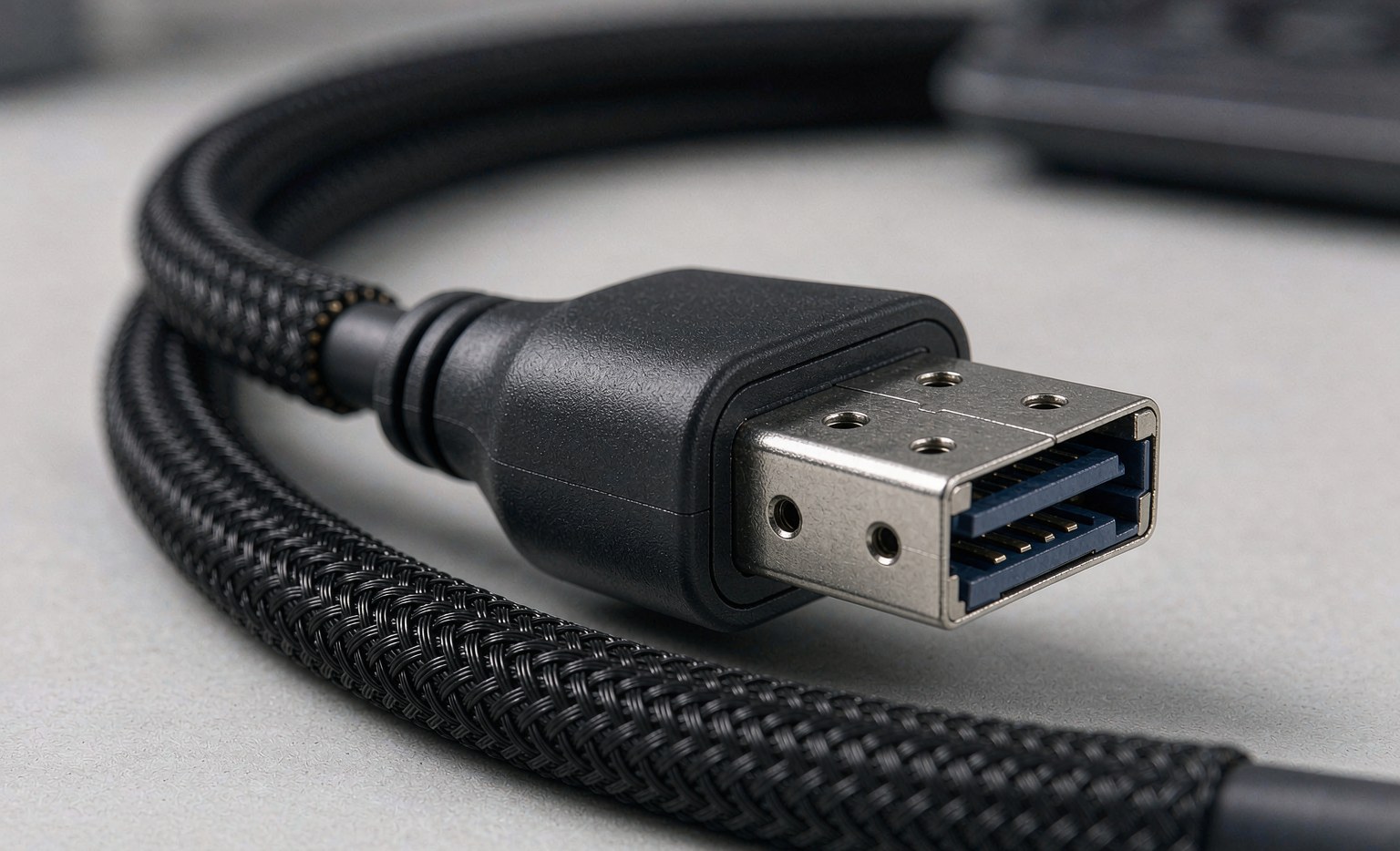
A DP cable, short for DisplayPort cable, is a digital audio-video interface designed by the Video Electronics Standards Association (VESA). Unlike analog predecessors like VGA, DisplayPort transmits data in packets, similar to Ethernet and USB data connections. This packet-based architecture allows for incredible versatility, supporting high resolutions, fast refresh rates, and even daisy-chaining multiple monitors.
At Longkai Electronics, established in 2012, we specialize in high-performance cable manufacturing. From medical devices to industrial automation, we have seen how the right DisplayPort solution can define the stability of an entire system. This guide will explore the engineering, versions, and advantages of DisplayPort technology.
The Core Engineering: How a DP Cable Works
To understand what a DP cable is, we must look inside the connector. DisplayPort was developed to replace older standards like DVI and VGA, but it has evolved to compete with and often surpass HDMI in computer environments.
Packetized Data Transmission
Unlike legacy video cables that sent a continuous stream of video data, DisplayPort uses “micro-packets.” This makes the cable “smart.” It allows the cable to carry different types of data simultaneously, such as:
- Video: Up to 16K resolution in the latest versions.
- Audio: High-definition multi-channel audio.
- Auxiliary Data: For touch-screen information or USB signals.
The Locking Mechanism: An Industrial Advantage
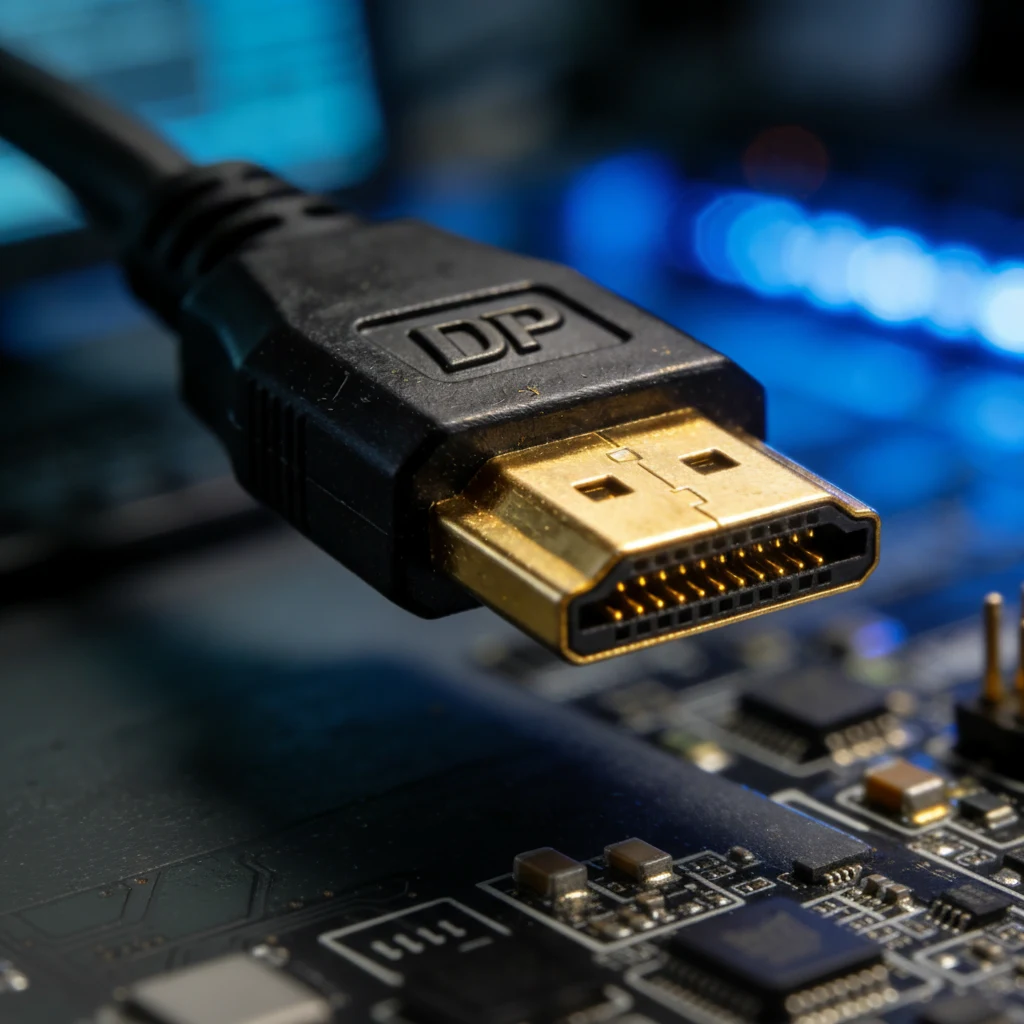
One feature that sets standard DP cables apart is the physical design. Most full-sized DisplayPort connectors feature a locking mechanism (latches). The cable locks into the port and can only be removed by depressing a button on the connector.
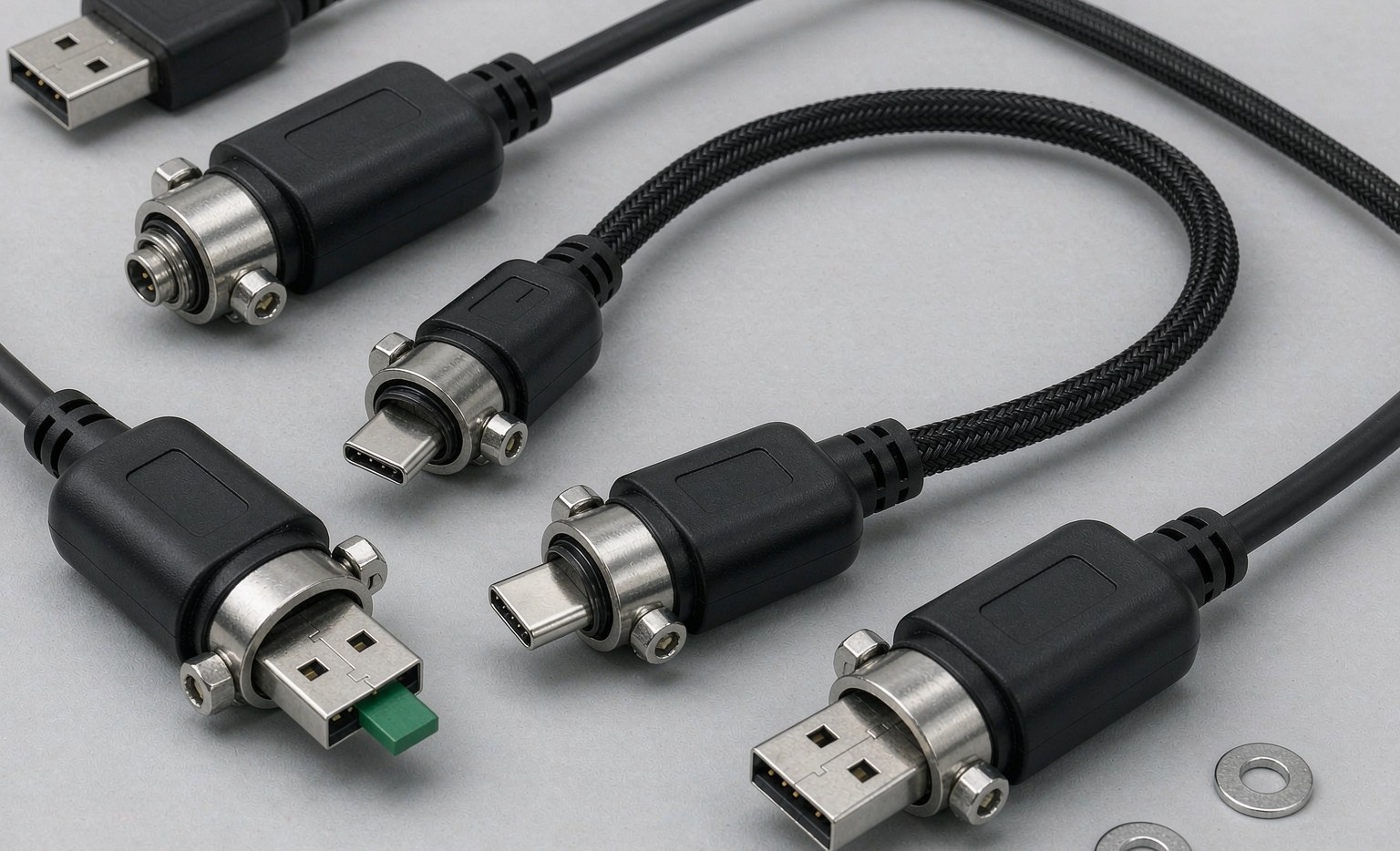
For our clients in industrial automation and automotive electronics, this is crucial. Vibrations from machinery can easily shake a loose cable free. A locking DP cable ensures a secure connection, adhering to our principle of “Quality First.” You can explore our robust solutions in our DisplayPort Cable Assembly category.
DisplayPort vs. HDMI: Which One Do You Need?
When asking “what is a DP cable,” people often really want to know: “Is it better than HDMI?” The answer depends on your application.
1. Bandwidth and Refresh Rates
DisplayPort has historically led the race in pure bandwidth. For gamers and video editors, this means DP cables often support higher refresh rates (like 144Hz or 240Hz) at 4K resolution before HDMI does. If you are setting up a high-performance workstation, DP is usually the preferred choice.
2. Multi-Stream Transport (MST)
This is a unique feature of DisplayPort. MST allows you to connect a single DP cable from your computer to a monitor, and then connect a second monitor to the first one. This “daisy-chaining” capability reduces cable clutter, making it ideal for multi-screen office setups and control rooms.
3. Compatibility
DisplayPort is designed for backward compatibility. With a simple passive adapter, a DisplayPort source can drive an HDMI, DVI, or VGA monitor. The reverse (HDMI source to DP monitor) is much more difficult and requires expensive active converters.
Understanding DisplayPort Versions
A cable may look the same on the outside, but the internal wiring and certification determine its capabilities. At Longkai Electronics, we ensure our industrial cables meet strict version standards.
DisplayPort 1.2
Released in 2010, this version supports 4K video at 60Hz. It is the most common standard for basic office monitors and older industrial equipment.
DisplayPort 1.4
This version introduced Display Stream Compression (DSC). It supports 8K resolution at 60Hz or 4K at 120Hz. It also supports HDR (High Dynamic Range) for better color depth, making it popular in medical imaging and creative design.
DisplayPort 2.0 and 2.1
The latest standards offer massive bandwidth improvements (up to 80 Gbps). They are designed for future-proofing, supporting resolutions beyond 10K and high-refresh-rate VR applications.
Types of Connectors
Depending on your device, a “DP cable” might have different ends. Here are the common form factors:
- Standard DisplayPort: The full-size connector with the locking latches. Found on desktop GPUs and monitors.
- Mini DisplayPort (Mini DP): A smaller version popularized by laptops. It offers the same performance but lacks the locking latches.
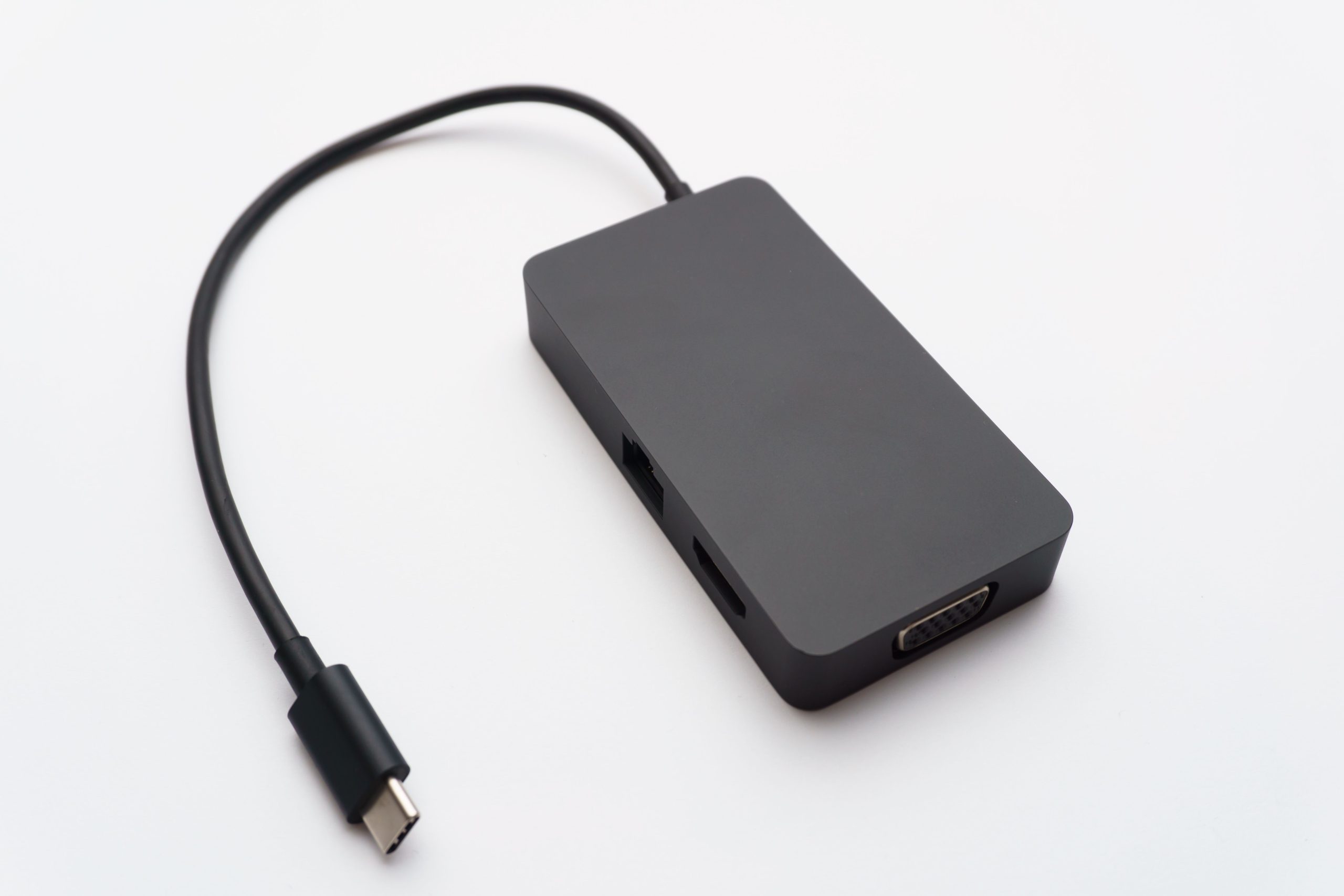
- USB-C (DP Alt Mode): Modern laptops often use the USB-C port to output video. This uses the DisplayPort protocol over a USB cable. For versatile connections, check our Type-C cable solutions.
Active vs. Passive Cables: Distance Matters
For most desktop setups (under 2 meters), a passive cable is sufficient. It transmits the signal directly from the source.
However, digital signals degrade over long distances. If you need to connect a workstation to a projector 10 meters away, a passive cable will result in a black screen or flickering. In this scenario, you need an active DP cable. These cables contain a chipset inside the connector that boosts the signal.
Longkai Electronics utilizes advanced manufacturing techniques to ensure signal integrity, whether the cable is active or passive. Our strict testing ensures compliance with CE and FCC standards.

Why Manufacturing Quality is Critical
A cheap DP cable can cause “pin 20” issues. In non-compliant cables, the 20th pin carries power back to the graphics card, which can damage your hardware. A certified, high-quality cable disconnects or properly manages this pin.
The Longkai Advantage
Why partner with Longkai Electronics for your connectivity needs?
- Decade of Experience: Established in 2012, we have deep expertise in R&D and production.
- Certified Safety: We hold ISO9001, ISO14001, CE, and FCC certifications.
- Global Reach: Our products serve clients in North America and East Asia, trusted by over 100 brands including LG and Samsung.
- Custom Solutions: Whether you need standard D-USB cables or complex waterproof connector assemblies, we offer OEM/ODM services.
Conclusion
In summary, what is a DP cable? It is the professional standard for high-bandwidth, reliable video and audio transmission. From its secure locking latches to its ability to drive multiple 4K monitors, it is the superior choice for computing and industrial applications.
However, the cable is only as good as its manufacturer. Poor shielding or incorrect wiring can lead to signal loss. To ensure your equipment runs at peak performance, choose cables backed by rigorous testing and engineering expertise.
Ready to upgrade your connectivity? Explore the professional range of cables at Longkai Electronics and experience the difference that quality manufacturing makes.