
Quick answer: A USB 3.0 cable request should identify both connector ends, device interfaces, required length, routing, construction, intended use and the evidence needed for the buyer’s application. Review a representative sample with the actual or equivalent equipment and document the cable revision. The interface name alone does not define connector gender, wiring, jacket or packaging.
1. Identify the device and connector at each end
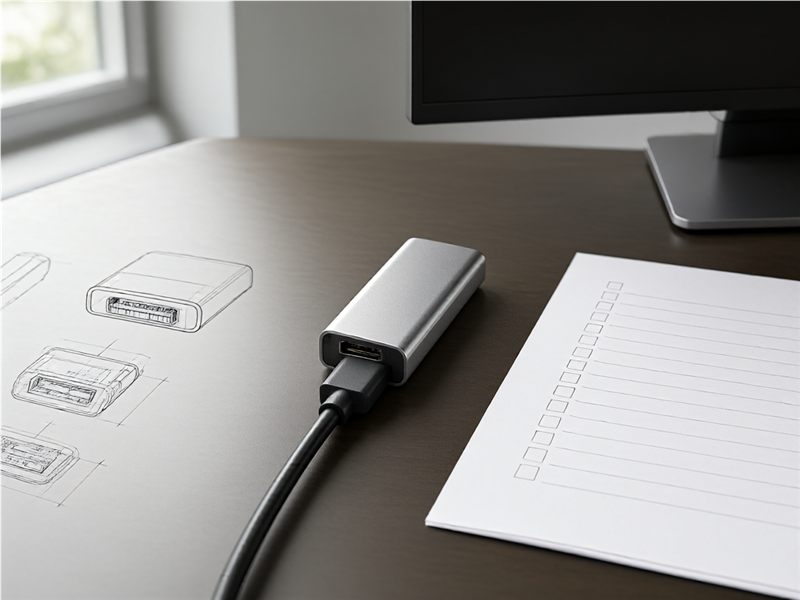
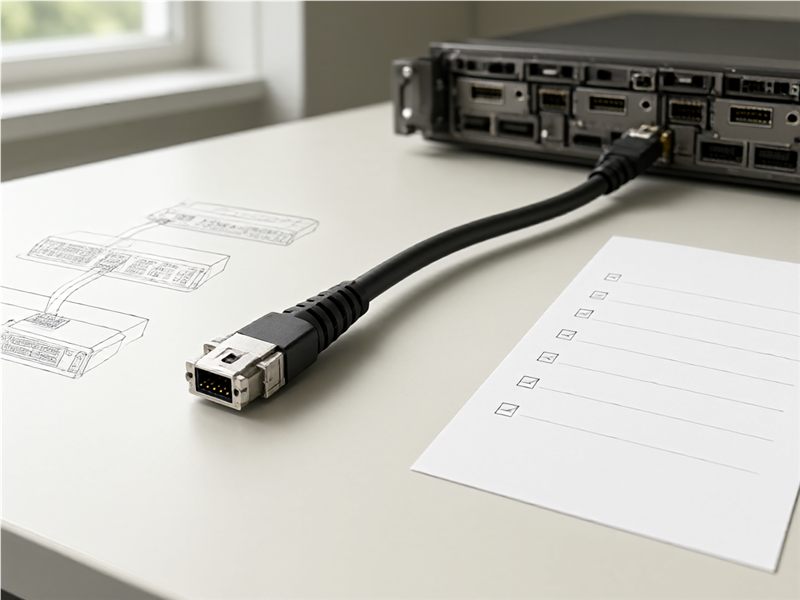
Name the equipment or port at both ends and state connector family, gender, orientation and any adapter included. Show the viewing direction used in the drawing and identify which end is host or device where that matters to the application. If the order uses a USB-A, USB-B, micro or other connector combination, write both ends explicitly. A product label such as “USB 3.0 cable” does not tell a supplier which connectors to build or which device interface the cable must mate with.
2. Define the use case and cable route
Explain which devices the cable connects and whether it will be used on a desk, inside equipment, in a cabinet or along a machine route. Show bends, panel openings, connector clearance and movement conditions identified by the system owner. State whether the cable is static or flexes during normal use. These details help the supplier understand why length, exit direction and strain relief matter. Avoid extrapolating from a bench connection when the production route includes a different enclosure or access constraint.
3. Set length measurement points and tolerance
Specify how finished length is measured, including the endpoints and whether connectors are included in the stated dimension. Identify acceptable length variation and any service loop required by the installation. Measure along the intended path rather than assuming a straight line between ports. If the cable passes through a panel or guide, include that routing in the drawing. A consistent measurement reference prevents a sample from appearing correct on a table but being too short once installed.
4. Describe construction and environment
List the construction, shielding, jacket, color, labeling and environmental details required by the equipment specification. The responsible engineer should confirm any electrical or performance requirement for the application. Avoid assuming that all cables in the same category use identical materials or are suited to every environment. Ask the supplier to list proposed substitutions or assumptions. Keeping the requirement tied to a device and route helps a buyer compare quotations without relying on an unverified headline label.
5. Review compatibility on a sample device
Connect a representative sample to the intended or equivalent equipment and check physical mating, retention, clearance and routing. Verify that end labels and connector orientation match the drawing. Record the equipment model or interface used for the check and any behavior that requires technical review. A fit check does not replace any electrical or data test required by the product owner. Keep the sample identifier and the test record together so the result applies to the exact cable build that was inspected.
6. Agree on verification evidence
Ask the buyer’s technical owner to define which electrical, continuity or application checks are appropriate and how results should be reported. The supplier should identify the assembly, revision, method and result. Do not infer transfer performance from connector appearance or a basic continuity result. If the cable is used in a system that has a formal validation plan, connect the sample to that plan. Clear evidence prevents a quotation or catalog description from being treated as proof of every application requirement.
7. Specify identification and packaging
Define cable labels, bag or carton, quantity per pack and any receiving identifier. Make sure the assembly code matches the drawing and order. If similar cable lengths or connector pairs share a shipment, separate them with clear item labels. Review whether protective caps or another packaging feature is required for the connector. A correct label helps receiving staff and technicians select the intended cable without comparing every connector by sight.
8. Maintain the approved cable revision
Keep the drawing, connector ends, measurement method, construction, sample record, test evidence and package specification in one release file. Ask the supplier to notify the buyer of changes to connectors, wiring, jacket, source, length or manufacturing process that affect the approved application. At replenishment, compare the lot identifier and test summary with the accepted version. If the equipment or route changes, reopen the review. This gives the buyer a traceable reference for repeat orders and service replacements.
For buyers comparing available product and supplier options, see Longkai USB 3.0 cable assemblies.
Questions buyers often ask
What information is needed for a USB 3.0 cable quote?
Provide both connectors, device interfaces, route, length endpoints, construction, use conditions and required test evidence.
Does a cable category name confirm device compatibility?
No. Confirm connector fit, electrical requirements and application behavior with the system owner.
How should finished length be specified?
State measurement endpoints, routing path, connector treatment and acceptable variation.
What should be retained after sample approval?
Keep the cable drawing, sample ID, test record, label and packaging revision.