Choosing the Right Interconnect Cables for Your Server Rack
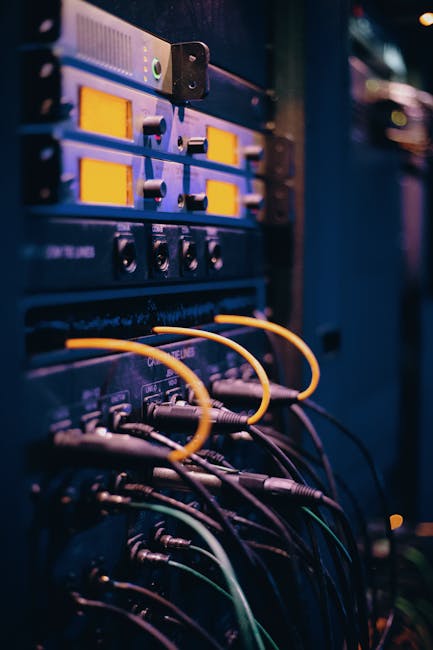
Understanding Interconnect Cables for Server Racks
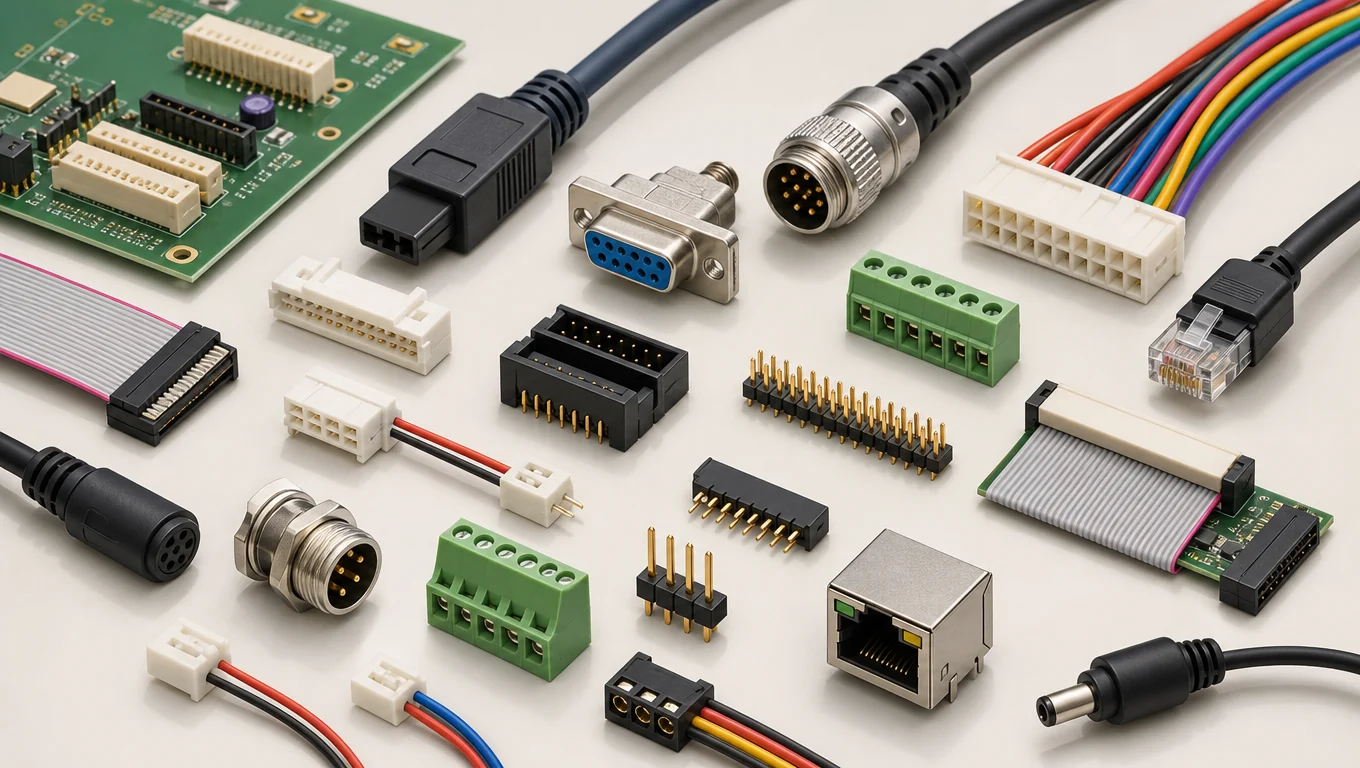
Interconnect cables play a crucial role in server rack infrastructure, enabling data transmission between devices. The right cables ensure optimal performance, reduce signal degradation, and prevent data loss. In a server rack, interconnect cables connect various devices such as servers, storage systems, and network equipment, facilitating communication and data exchange. For instance, in a data center, interconnect cables are used to connect servers to storage systems, allowing for fast data transfer and retrieval. A well-designed interconnect cabling system can help to improve the overall performance and reliability of the server rack. Soluções Confiáveis de Interconexão de Alta Velocidade para Desempenho Aprimorado
- Types of Interconnect Cables: Copper, fiber optic, and hybrid cables are available, each with its own advantages and applications. Copper cables are suitable for short-distance, high-speed data transfer, while fiber optic cables offer longer reach and higher bandwidth. Hybrid cables combine the benefits of both copper and fiber optic cables. For example, a data center might use copper cables for short-distance connections between servers and fiber optic cables for longer-distance connections to storage systems. When choosing the type of interconnect cable, consider the specific requirements of your application, including data transfer rate, cable length, and signal integrity.
- Cable Categories: Cat5e, Cat6, Cat7 e outros são utilizados para diferentes taxas de transferência de dados e aplicações. Por exemplo, os cabos Cat5e suportam até 1 Gbps de taxa de transferência de dados, enquanto os cabos Cat6 suportam até 10 Gbps. Ao escolher uma categoria de cabo, considere os requisitos específicos da sua aplicação, incluindo taxa de transferência de dados, comprimento do cabo e integridade do sinal. Também é essencial considerar a compatibilidade da categoria de cabo com seus dispositivos e equipamentos. Para obter mais informações sobre a escolha da categoria correta de cabo, consulte O que é um cabo MiniSAS? O guia definitivo para conectividade e interfaces de dados do servidor
| Categoria do Cabo | Taxa de Transferência de Dados | Aplicação |
|---|---|---|
| Cat5e | Até 1 Gbps | Rede geral |
| Cat6 | Até 10 Gbps | Rede de alta velocidade |
| Cat7 | Até 40 Gbps | Computação de alto desempenho |
| Cat8 | Até 100 Gbps | Data centers de alta densidade |
| Cat6A | Até 10 Gbps | Rede de alta velocidade com integridade de sinal melhorada |
| Cat7A | Até 100 Gbps | Computação de alto desempenho com integridade de sinal melhorada |
Ao selecionar cabos de interconexão, é essencial considerar os requisitos específicos da sua aplicação. Por exemplo, uma aplicação de computação de alto desempenho pode exigir cabos Cat7 ou Cat8, enquanto uma aplicação de rede geral pode ser adequada para cabos Cat5e ou Cat6. Também é crucial considerar o comprimento do cabo, a integridade do sinal e a construção do cabo para garantir desempenho e confiabilidade ótimos. Soluções de Cabos OCuLink de Alta Velocidade: Por que a Longkai é o Fornecedor Confiável para Conectividade Baseada em PCIe
Principais Considerações para Escolher Cabos de Interconexão
- Taxa de Transferência de Dados: Choose cables that support the required data transfer rate for your applications. Consider the specific requirements of your devices and the data transfer rate required for optimal performance. For example, if you’re using 10GbE networking equipment, you’ll need cables that support at least 10 Gbps data transfer rate. It’s also essential to consider the future-proofing of your cabling infrastructure, as data transfer rates continue to increase.
- Cable Length: Ensure the cable length is sufficient for your server rack configuration. Measure the distance between devices and choose cables that are long enough to connect them without being too long, which can cause signal degradation. It’s also essential to consider the cable management strategy to keep cables organized and secure.
- Signal Integrity: Select cables with features that maintain signal integrity, such as shielding and twisted pairs. Shielding helps to reduce electromagnetic interference (EMI), while twisted pairs help to reduce crosstalk and signal degradation. Consider the type of shielding and twisted pairs used in the cable, as well as the cable’s frequency range and attenuation.
- Cable Construction: Consider the construction of the cable, including the type of insulation, jacketing, and connectors. A well-constructed cable can help to ensure reliable performance and reduce the risk of signal degradation. Look for cables with high-quality materials and construction methods, such as stranded or solid conductors, and durable jacketing.
Melhores Práticas para Gerenciamento de Cabos Interconectados
Proper cable management is essential for maintaining a reliable and efficient server rack. Effective cable management can help to reduce signal degradation, prevent data loss, and improve airflow within the server rack. Here are some best practices for interconnect cable management:
- Cable Routing: Route cables neatly and avoid bending or pinching. Use cable management accessories such as cable ties, clips, and organizers to keep cables organized and secure. Consider using cable routing guides or cable managers to help keep cables organized and reduce clutter.
- Cable Ties: Use cable ties to secure cables and prevent damage. Cable ties can help to keep cables organized and prevent them from becoming tangled or damaged. Choose cable ties that are suitable for the type of cable you’re using and the environment in which they’ll be used.
- Labeling: Label cables to facilitate identification and troubleshooting. Labeling cables can help to quickly identify the purpose of each cable and reduce the time required for troubleshooting. Use clear and concise labeling, and consider using color-coding to differentiate between different types of cables.
- Cable Maintenance: Regularly inspect and maintain cables to ensure they remain in good condition. Check for signs of wear, damage, or degradation, and replace cables as needed. Consider implementing a regular cable maintenance schedule to ensure that cables are inspected and maintained regularly.
Advanced Interconnect Cable Solutions
For high-performance applications, consider advanced interconnect cable solutions. These cables are designed to provide high-speed, low-latency connectivity for demanding applications. Some examples of advanced interconnect cable solutions include:
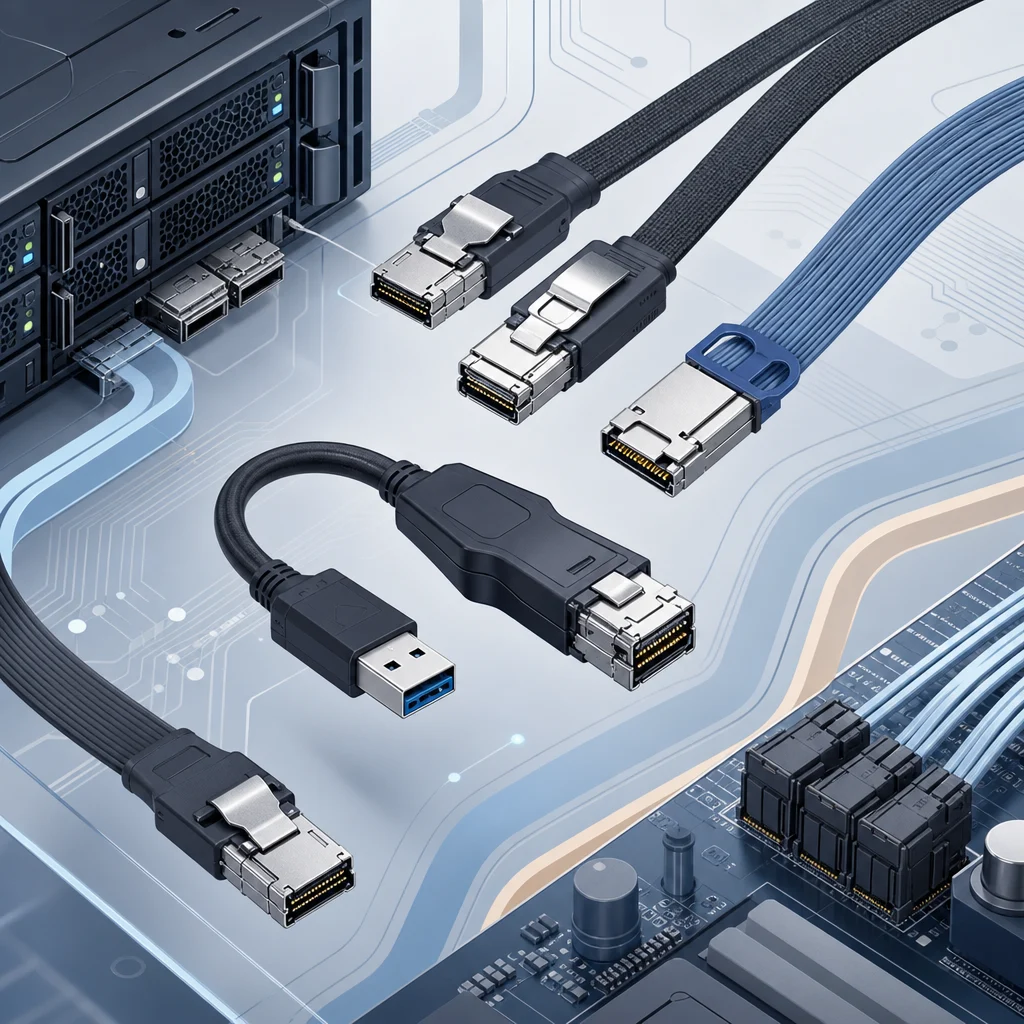
- OCuLink Cables: High-speed cables for PCIe-based connectivity. OCuLink cables provide a high-speed, low-latency interface for connecting devices such as NVMe storage systems. They’re ideal for applications that require high-speed data transfer, such as high-performance computing and data analytics.
- MiniSAS Cables: High-density cables for server data connectivity. MiniSAS cables provide a high-density interface for connecting devices such as storage systems and servers. They’re ideal for applications that require high-density connectivity, such as data centers and cloud computing.
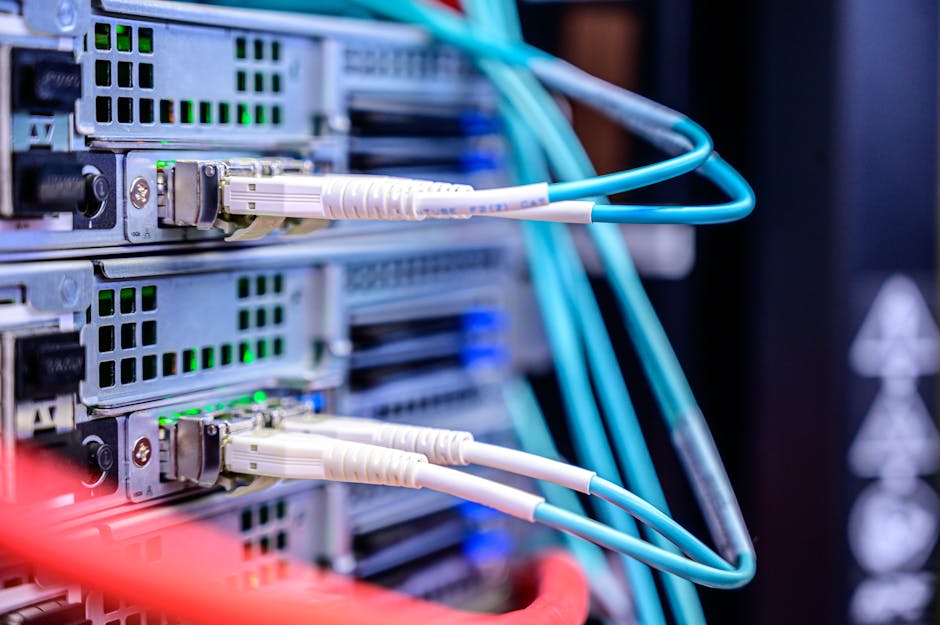
- Fiber Optic Cables: High-bandwidth cables for long-distance data transfer. Fiber optic cables offer high bandwidth and low latency, making them ideal for long-distance data transfer applications. They’re also immune to electromagnetic interference, making them suitable for use in noisy environments.
- QSFP Cables: High-speed cables for data center connectivity. QSFP cables provide a high-speed, low-latency interface for connecting devices such as switches and servers. They’re ideal for applications that require high-speed data transfer, such as data centers and cloud computing.
Perguntas Frequentes (FAQs)
- Q: What is the difference between Cat5e and Cat6 cables? A: Cat5e cables support up to 1 Gbps data transfer rate, while Cat6 cables support up to 10 Gbps. Cat6 cables also have improved signal integrity and reduced crosstalk compared to Cat5e cables.
- Q: Can I use copper cables for long-distance data transfer? A: Copper cables are suitable for short-distance data transfer. For longer distances, consider using fiber optic cables, which offer higher bandwidth and lower latency.
- Q: How do I choose the right interconnect cables for my server rack? A: Consider the specific requirements of your application, including data transfer rate, cable length, and signal integrity. Choose cables that meet these requirements and follow best practices for cable management.
- Q: What are the benefits of using advanced interconnect cable solutions? A: Advanced interconnect cable solutions provide high-speed, low-latency connectivity for demanding applications. They can help to improve performance, reduce latency, and increase reliability.
- Q: How do I ensure the reliability and integrity of my interconnect cables? A: Regularly inspect and maintain cables to ensure they remain in good condition. Check for signs of wear, damage, or degradation, and replace cables as needed.

- Steps for Selecting Interconnect Cables:
- Determine the specific requirements of your application, including data transfer rate, cable length, and signal integrity.
- Choose cables that meet these requirements, considering factors such as cable category, construction, and features.
- Follow best practices for cable management, including cable routing, labeling, and maintenance.
- Consider advanced interconnect cable solutions for high-performance applications.
- Regularly inspect and maintain cables to ensure they remain in good condition.
By following these steps and considering the specific requirements of your application, you can choose the right interconnect cables for your server rack and ensure optimal performance, reliability, and efficiency.
Case Study: Implementing Interconnect Cables in a Data Center
A data center requires a reliable and efficient interconnect cabling system to support its high-density computing infrastructure. The data center implements a combination of copper and fiber optic cables to meet its connectivity needs. Copper cables are used for short-distance connections between servers, while fiber optic cables are used for longer-distance connections to storage systems. The data center also implements advanced interconnect cable solutions, such as OCuLink and MiniSAS cables, to support its high-performance computing applications.
The data center follows best practices for cable management, including cable routing, labeling, and maintenance. The cables are routed neatly and securely, and labeled to facilitate identification and troubleshooting. The data center also implements a regular cable maintenance schedule to ensure that cables are inspected and maintained regularly.
The implementation of the interconnect cabling system results in improved performance, reliability, and efficiency for the data center. The high-speed, low-latency connectivity provided by the advanced interconnect cable solutions enables the data center to support its high-performance computing applications, while the cable management best practices ensure that the cables remain in good condition and are easily maintainable.